

Hi Pebbleplace,
The purple CA I posted came right after processing the original DNG in Capture One Pro.
I quite agree with your opinion Adobe’s CA removal. Actually, I am a long time user of Capture One Pro, which I find the best (by far) for sharpness rendition and moiré correction. This was the time I used the R9/DMR (with 7 wonderful lenses like the famous f:2,8 35-70mm). After my whole gear was stolen, I finally decided to make the jump into the S2 system, but with the 35mm and the 120mm only. I really enjoy this gear, but I feel very frustrated with Capture One who obviously refuses to process S2 DNGs whereas they process any other brand’s RAW, including some Leica’s… Jealousy ?
Hi Stuart,
I followed both your advices. It is true that the “defringe all edges” command helps quite a lot. I must say that since I feel OK with C1, I haven’t learned much in Lightroom handling. But your second advice (local selection and desaturation) solved the problem very elegantly. I wouldn’t have had the idea of using this command. So let me thank you for what you taught me.
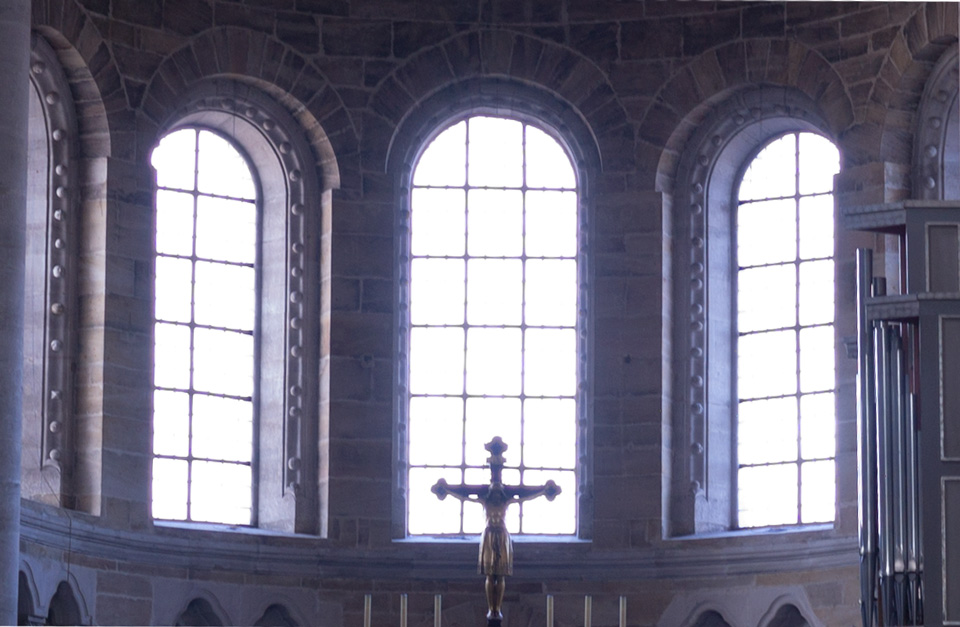
Here is the result.
Very warmly to both of you, Pebbleplace and Stuart
Gérard