-

Richard Rejino changed their profile picture 8 years ago
-

David Farkas wrote a new post 8 years ago
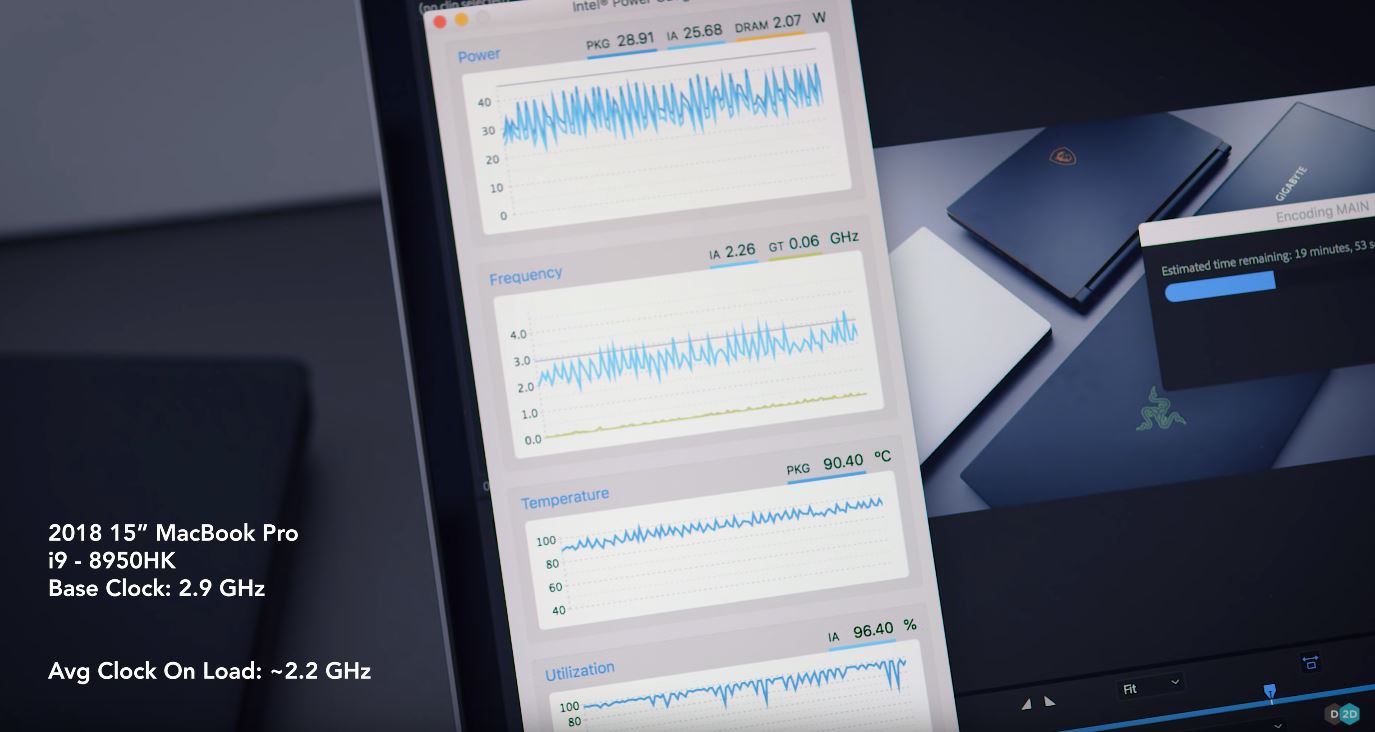
Not sure this is the info you guys wanted, but it is unfortunately what I was afraid of when looking at the specs of the new 2018 MacBook Pro 15″ refresh…
Well-respected computer reviewer Dave Lee (Dave2D) […]
-
michaelp replied to the topic Leica D-Lux 6 G-Star Raw Edition in the forum Gear For Sale 8 years ago
And sold.
-
michaelp started the topic Leica D-Lux 6 G-Star Raw Edition in the forum Gear For Sale 8 years ago
I am selling a Leica D-Lux 6 (G-Star Raw Edition) camera that I purchased on this forum several years ago (you can still see the ad below!). It's been a great travel camera and still produces excellent images and is in terrific condition. (I am just using my M9 almost exclusively now.) Comes with everything that was originally with the camera…[Read more]
-
michaelp started the topic M9 1.25x Magnifier in the forum Looking to Buy 8 years ago
Somehow last week I managed to lose the magnifier I had been using on my M9 (so that's what that little chain is for!). I'd be interested in buying one from a forum member — ideally it would still have the rubber o ring that so many of these seem to lose over time. Don't really need box, instruction manual, etc., but if they come with the…[Read more]
-

Suleyman Aydan Belen added a Photo 8 years ago
-
David Farkas wrote a new post 8 years ago
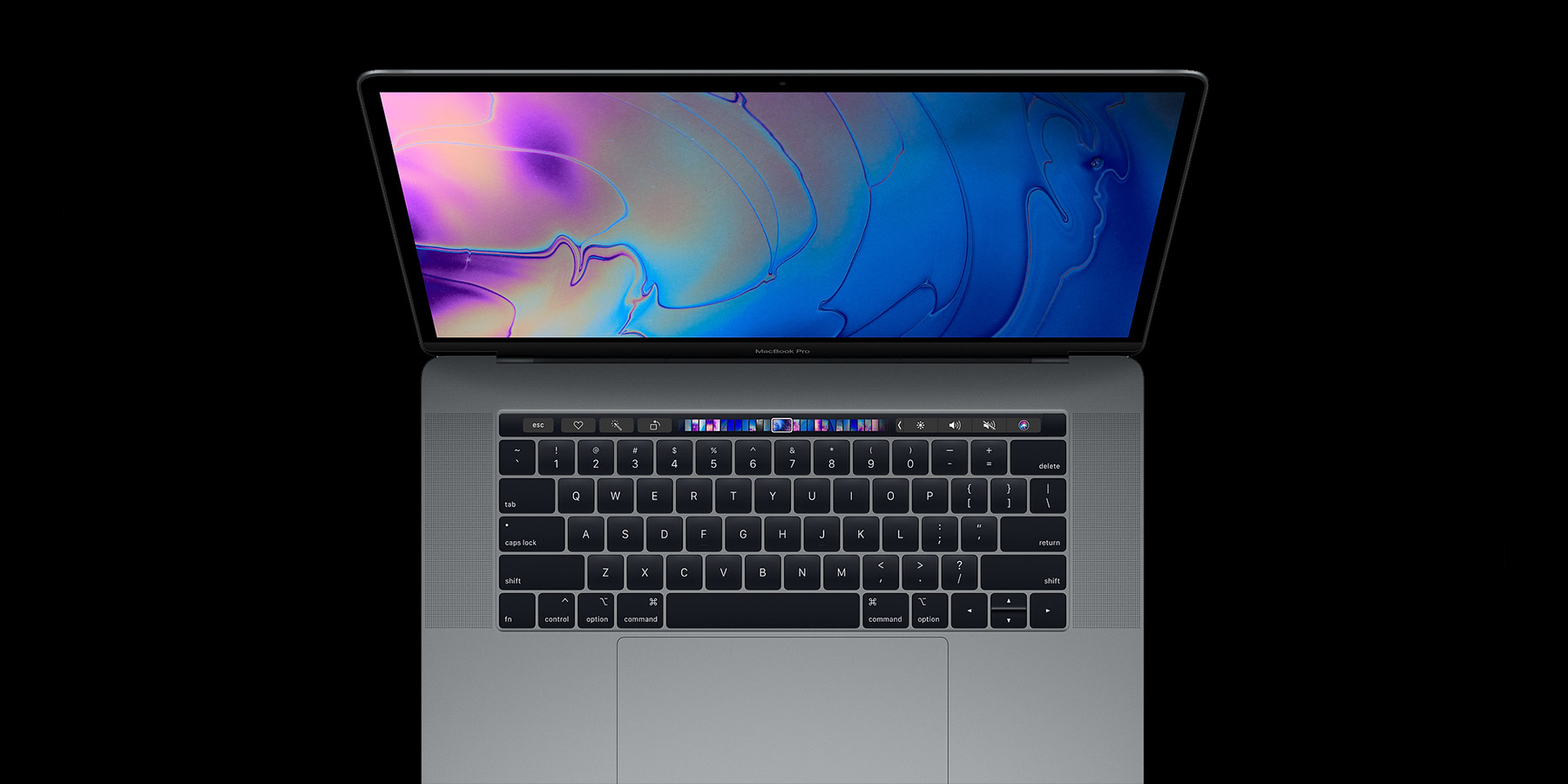
Finally. For months, Apple users have been expecting a 2018 refresh to the MacBook Pro, last updated in 2016. And today, Apple has addressed at least some of the community's desires for the 13 inch and 15 inch […]
-
David,
I really appreciate your comments on this new machine, and I look forward to your decision. I am relatively happy with my mid 2014 15” MacBook Pro, and have avoided an upgrade until 32Gig Ram was finally available. I am also looking at an upgrade to my desktop and for similar money I could rationalize an iMacPro.I know you are an agnostic on operating systems so I pay attention to your thoughts. Your comments on 4K rendering speed catch my attention.
Too bad that instead of a Leica watch, Leica doesn’t make a computer.
-
Jack,
I have a feeling that we won't have to wait too long for in-depth benchmarking tests on the new MBP 2018. Besides the raw numbers, I will still need to go to the Apple Store to see for myself if the slightly tweaked keyboard is any better a typing experience.
As far as a desktop goes, I think the only way to go these days is to just build your own. A quality i7-8700K 6-core build with a 30% overclock (5GHz) can be had for $2,100, even with a beefy GTX 1070Ti graphics card (faster than both the Vega 56 standard and Vega 64 top of the line option on iMac Pro). Then pick up an LG 43″ 4K monitor with 100% sRBG gamut and super accurate color for $700. Yes, 43 inches. Yes, $700.
So, for roughly half the price of the iMac Pro, you get a solid imaging workstation that chews through photos and video. Here's a quick config I threw together: https://pcpartpicker.com/list/qpwwq4. You're not limited to a 27″ screen, and you can upgrade the SSD, add additional internal storage, upgrade the video card (or add a second in SLI), even change out the CPU. Half the price, with up to 50% better performance in Adobe apps. I know a lot of people like the 27″ screen, but as someone who uses a 34″ ultra-wide LG everyday, 27″ is tiny. And I'm seriously eyeing the 43″ 4K LG to gain even more screen real estate. For serious content creation, more is almost always better.
And honestly, if you didn't need a monster video editing machine, scaling back the graphics could save you a few hundred, to well under $2K. I just wanted to give an apples to apples comparison (pardon the pun). Realistically, with a $5-6K budget, you could get a tricked out Razer Blade 15 laptop (32GB RAM / 2TB SSD) for $3,500 and a desktop for $2,000-2,500. Or, just plug the 43″ monitor into the laptop and call it a day, for $4,200. All that being said…. I'm still pulling for the MacBook Pro to surprise me when reviews come out this week.
-
I use the new iMac PRO for lightroom/PS and it is wonderful.
Albert
-
-
Good article David. I ordered mine with the 4TB SSD today. Will report vack
-
Looking forward to your experience, Mark!
-
David-
I am on the fence as well. Still using my 2015 Mac pro in the field but am perplexed as to why they dropped the SD card reader???-
Albert,
Apple dropped the SD card reader for the same reason as why they omitted full-size USB-A or HDMI ports, and why the keyboard has such short travel – thinness. Thinness at all costs. And, if you check out my update from today, you'll see that there seems to be a very tangible performance penalty as well.
-
-
-
-
The new 6-core Windows laptops render video as fast (or faster) than most desktops. The Gigabyte Aero 15x, Razer Blade 15, MSI GS65, and Dell XPS 15 all are able to cool the new processors and are only 1-3mm thicker than the MacBook Pro. They weigh between 4 and 4.5 lbs. Other larger gaming laptops, like the Aurus X9 are even able to run overclocked i7 and i9 processors around 5GHz and still stay under 80 deg C. This computer is no lightweight at 7 lbs and 0.9 inches thick, but certainly no where near the bulk of previous generations of gaming laptops.
-

Exciting news for Apple enthusiasts! The update to the MacBook Pro with 8th gen processors is a game-changer. With these new processors, we can expect even better performance and efficiency from our MacBooks.
First, I started using this MacBook for my work at the https://hrforecast.com/ company. The company purchased these MacBooks for all its employees half a year after these MacBooks went on sale.
-
-
jacktdom's profile was updated 8 years ago
-

Luis Castañeda posted an update 8 years ago
4th of July Fireworks
Leica m (Typ 240) Summilux-M f/1,7 1/45 sec ISO 1250 -
Luis Castañeda posted an update 8 years ago
4th of July Fireworks.
Leica M (Typ 240) Summilux-M 50mm f/2,8 1/180sec ISO 1250 -
Suleyman Aydan Belen added a Photo 8 years ago
-
Suleyman Aydan Belen added a Photo 8 years ago
-
Suleyman Aydan Belen added a Photo 8 years ago
-

Josh Lehrer wrote a new post 8 years ago
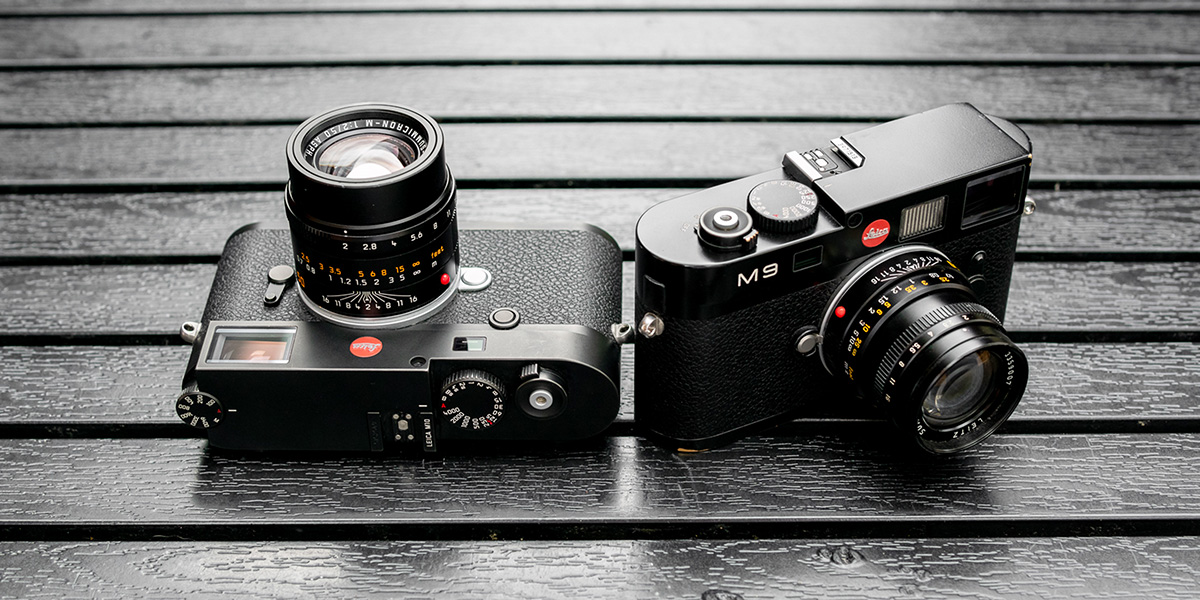
At last! Leica has added the M10 to their CCD corrosion upgrade program. We have been patiently waiting for a while, and now owners of CCD cameras affected by the corrosion issue have the option to upgrade to […]
-
Arnold, from what I understand the corrosion issue will affect all, or nearly all, full-frame-CCD-based M cameras. The timing with which corrosion happens seems to be somewhat random, same with the severity of it. I have noticed that the less a camera is used, the more likely it is to suffer from corrosion. Leica can replace the CCD if you so desire. This is done under warranty if the camera is less than five years old, but there is a charge (determined by Leica and it does vary sometimes) if the camera is older than 5 years. Depending on the severity of the corrosion and your own plans, you do have a few options to either upgrade, exchange the sensor or simply continue shooting as-is.
-
-
David Farkas wrote a new post 8 years ago
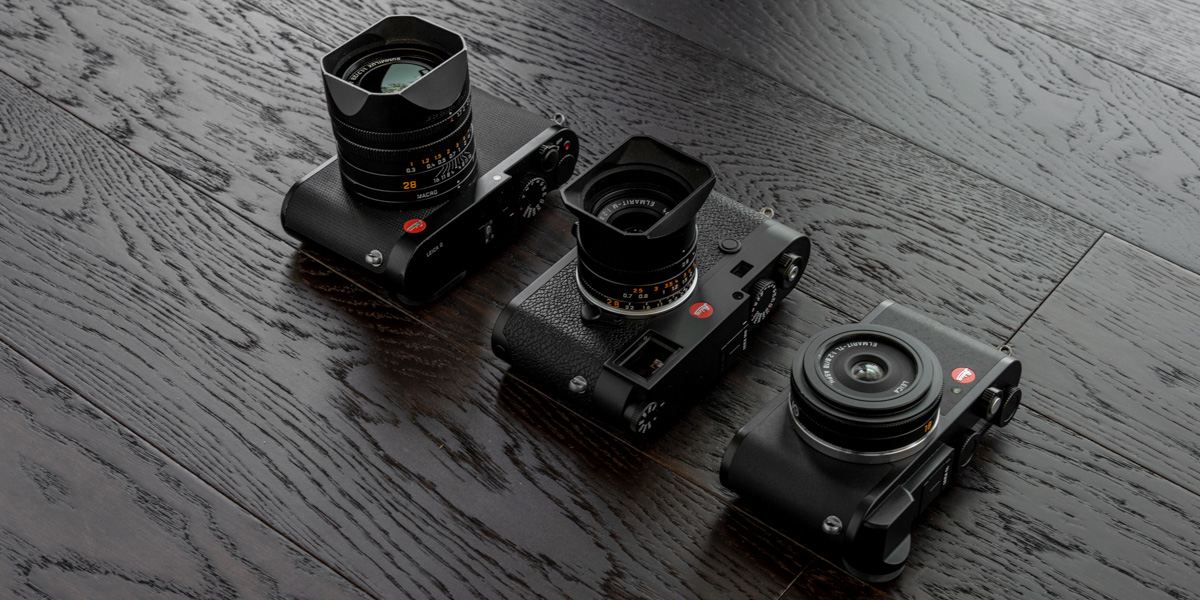
Ordinarily, Leica rolls out firmware updates one camera, or at least one camera system, at a time. But for this round, multiple product teams coordinated their efforts, resulting in five cameras getting firmware […]
-
David Farkas wrote a new post 8 years ago
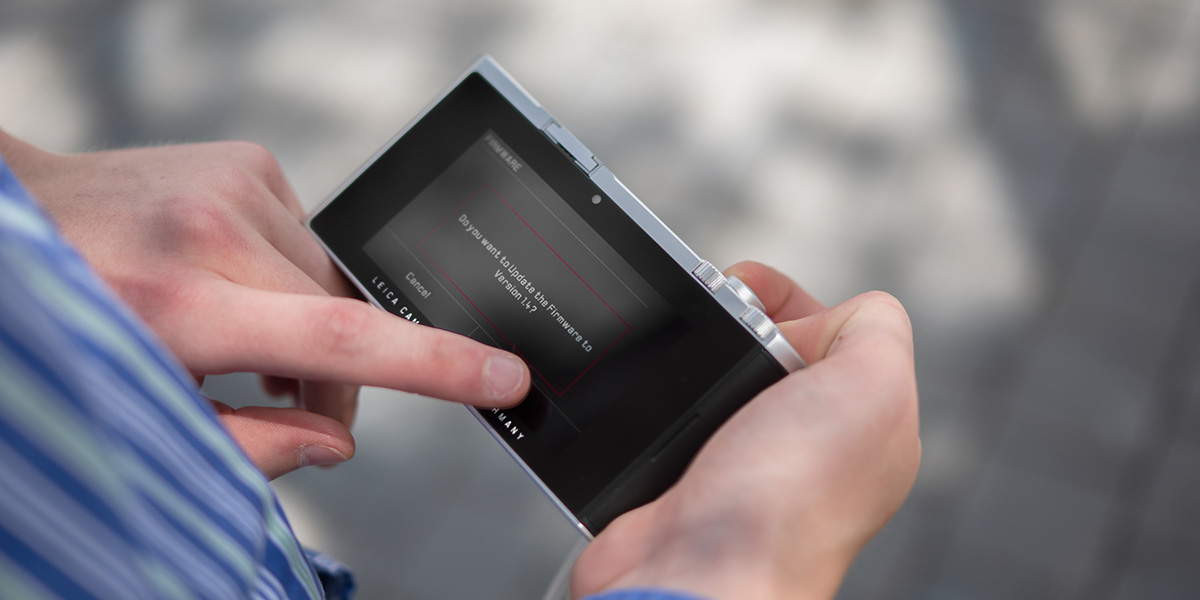
Today, Leica has released updated firmware for the Leica TL2. This update adds a ton of additional functionality to the TL2, including additional customization options, focus peaking, additional video capability, […]
-
David Farkas wrote a new post 8 years, 1 month ago
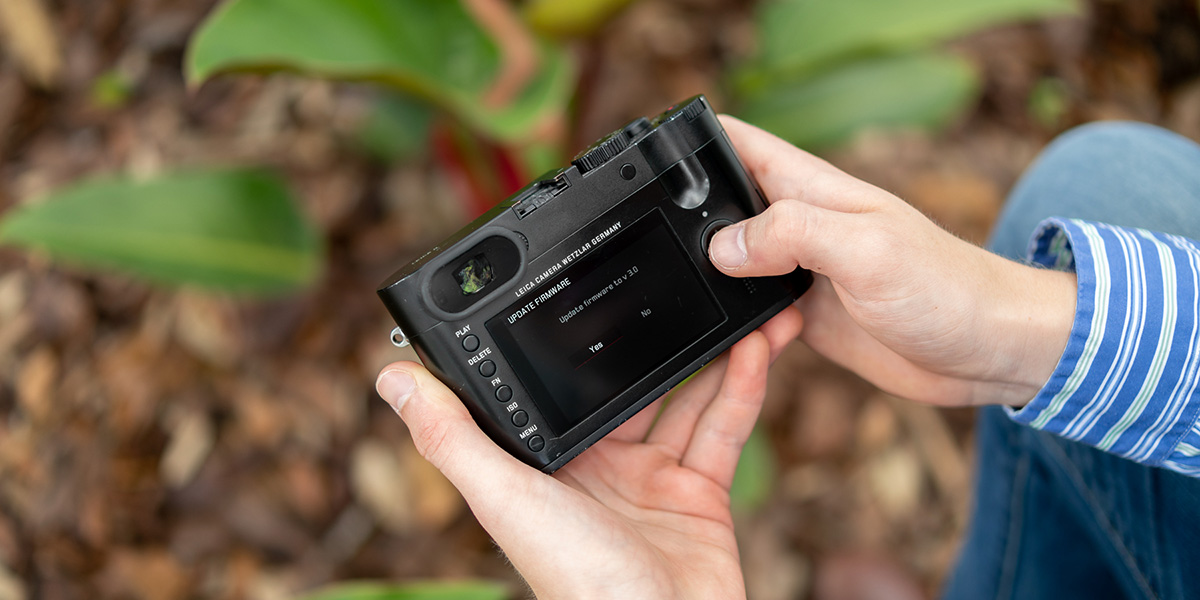
Today, Leica has issued a firmware update for the Leica Q. This update offers an extensive list of improvements and additions, including a revision of the menu layout, a new power saving mode, additional custom […]
-
Richard, I cannot seem to duplicate the issue on the Q I have here with firmware 3.0 installed. If I press and hold the FN button then select Exp. Comp as the function I want, the button stays that way unless I reset the camera to factory default, or select “Default Profile” from the User Profile menu (which is basically the same as resetting the camera). Feel free to give us a call this week and we are happy to help at 305-921-4433 or email me at josh@leicastoremiami.com
-
I just bought the Q-P and was having a hard time trying to connect the wifi-app in the phone/leica and you saved my life with this detailed update info! THANK YOU! It just needed the newest firmware! Thanks thanks!
-
-
David Farkas wrote a new post 8 years, 1 month ago
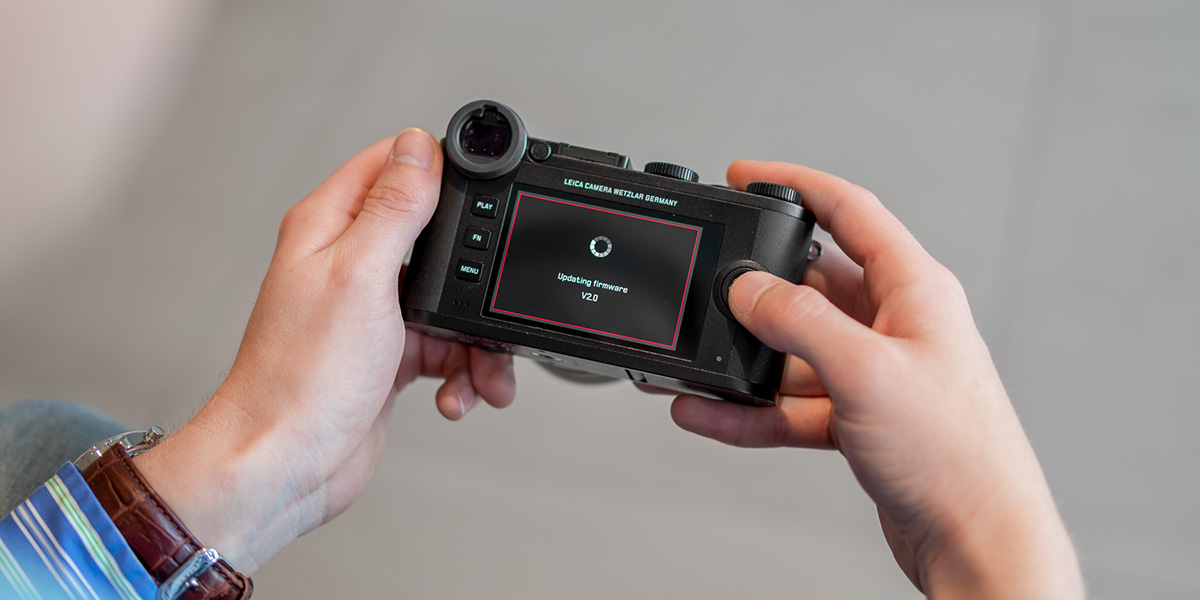
Today, Leica released new firmware for the latest camera in the lineup, the Leica CL. Compared to some of the other firmware updates for other Leica cameras released today, the CL update is fairly minimal. There […]
-
David Farkas wrote a new post 8 years, 1 month ago
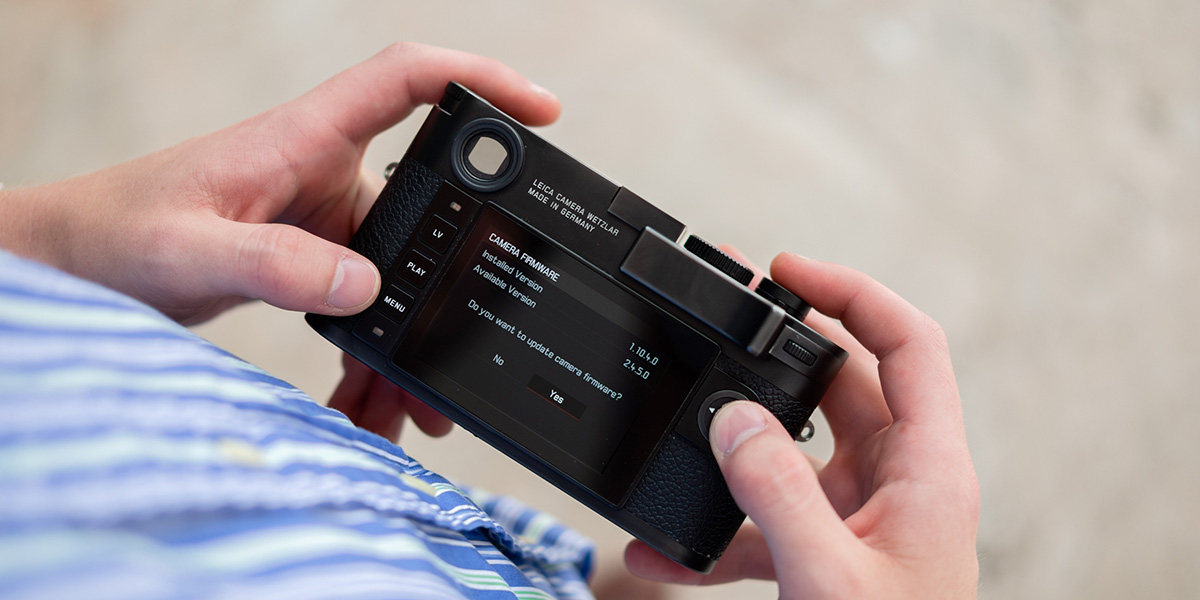
Today, Leica has issued a firmware update for the Leica M10. This update offers some user interface improvements, doubles the maximum long exposure time, adds a new continuous drive mode, and offers a few more […]
-
looks like the link to the firmware update is not working ?
-
Thanks for spotting that. Fixed.
-
Bit of an embarrassing situation: I have both M10 and M10R, and I just realised in the previous round of upgrade I applied, I applied carelessly the M10R update to both. So now my M10 was on 20.20.47.37, and has been running that way, but while it lets me upgrade to the new 30.22.11.52 and still runs (!) it would not take the proper M10 distribution 3.22.11.52 (maybe because 30>3?). Any suggestion welcomed
-
-
-
-
David Farkas wrote a new post 8 years, 1 month ago
On Friday evening, everyone made their way back to the large black tent, the Leica Marquee, for the Celebration of Photography event. There were numerous rumors that Leica would be making product announcements at […]

- Load More












David,
I appreciate your comment:
This is just not cool.
Apple has replied that the throttling was a firmware fault and it has been corrected ?