-

Josh Lehrer replied to the topic Favorite Accessories for the M9 in the forum M9 15 years ago
I think other essential accessories for me include the Leica viewfinder magnifiers. My eyesight is far from perfect, even with glasses, so having a bit of extra magnification in the viewfinder has proven to be very helpful. Even with wider angle lenses, I might use the 1.4x and an external viewfinder. A very useful gadget I always keep in my camera bag.
-

Doug replied to the topic Favorite Accessories for the M9 in the forum M9 15 years ago
I have the “Thumby” on my M9.
-
Gage Caudell replied to the topic Favorite Accessories for the M9 in the forum M9 15 years ago
All I use is the “Thumbs Up”. Agree with other post, no need for any other accessories.
-

David Farkas replied to the topic What's your favorite 50mm M lens? in the forum M Lenses 15 years ago
ka7197, welcome to Red Dot Forum and thanks for posting.
The omission of the 50 Summarit was a simple oversight on my part when setting up the poll. I've fixed it and added the option.
The Summarit is certainly no slouch of a lens. As I tell people who are new to Leica, there are no bad Leica lenses. In the world of Canon or Nikon, a…[Read more]
-
Stuart Richardson replied to the topic Question on S2 V-mount adapters in the forum Alternative Lenses 15 years ago
Thanks David — yes, the 350mm is one reason I am interested. I am sure the Leica will be the most solid, but the Metabones is interesting to me because I have one of their Leica M to m4/3rds adapter, and it fit perfectly and was very well made. Given the price, I might give it a shot and if it does not work well, I can return it and just get the…[Read more]
-
ka7197 replied to the topic What's your favorite 50mm M lens? in the forum M Lenses 15 years ago
I am always astounded (in a negative way) how people pretend the Summarit-M line of lenses just didn't exist. With the limited choice of options, the poll above (or the result thereof) will be pointless and distorted.
Currently I have two 50 mm M lenses; the Summilux-M 50 mm 1:1.4 Asph and the Summarit-M 50 mm 1:2.5. If I was limited to one…[Read more]
-
David Farkas replied to the topic Question on S2 V-mount adapters in the forum Alternative Lenses 15 years ago
Stuart Richardson;408 wrote: Now that Leica is offering their own V mount lens adapters, has anyone had a chance to compare them to the Metabones and Kim adapters? While I am sure the Leica has the most precision, I am curious to know how the others compare. Just by looking, the metabones seems to be of good quality, and it is Japanese, which…
-
Stuart Richardson replied to the topic Leica-S Adapters for third party lenses now official in the forum Alternative Lenses 15 years ago
The premium is 550 dollars over the Metabones adapter! I would not call it that small!
I posted a thread about this though…I am curious if anyone has used the other adapters, and if so, how they compare. -
Stuart Richardson replied to the topic Favorite Accessories for the M9 in the forum M9 15 years ago
The only thing I regularly use is a built-in grip case from Luigi at Leicatime…I originally bought it with the M8 a few years ago. Beyond that, I just use a RRS plate with the grip for when I am doing a lot of tripod work. I don't really think the M9 needs many accessories, to be honest! That's the beauty of the camera…it really works…[Read more]
-

Jack MacD replied to the topic Leica S 120mm … The Bee's Knees in the forum Images to Share 15 years ago
I like both.
That's always been a plus to extra resolution. You can create so many photographs from one scene.I recently sold from my website what I had posted as a panorama shot, and off my website, which allows for custom cropping, the buyer cbose to crop it to a rectangle and it still had enough resolution for them to order it as a…[Read more]
-
Doug replied to the topic Leica S 120mm … The Bee's Knees in the forum Images to Share 15 years ago
Yes, the full pic somehow reminds me of “Toy Story”… 🙂
-
David K replied to the topic Leica S 120mm … The Bee's Knees in the forum Images to Share 15 years ago
The crop is impressive but I really like the uncropped photo. Really a nice shot.
-
Kurt Kamka replied to the topic Leica S 120mm … The Bee's Knees in the forum Images to Share 15 years ago
Hi Jack,
You are certainly correct that it's a crop. Here's the original. 1-1 is too close for bees in my book anyway. 😉
Kurt

-
PeterA replied to the topic Where are the film shooters? in the forum Film M Cameras 15 years ago
I shoot two or three rolls through an M and an XPan every few months to keep the cameras in good working order.
-
Josh Lehrer replied to the topic Maximizing High ISO Performance on the Leica S2 in the forum S2 15 years ago
Mark, thank you for the feedback. What I wanted to demonstrated was the objective ISO performance of the S2 with a proper exposure. The performance would be the same in low light, since exposure in this scenario is linear. Of course underexposure situations in order to squeeze some extra exposure out of the sensor would be a different situation…[Read more]
-
Mark Gowin replied to the topic Leica S 120mm … The Bee's Knees in the forum Images to Share 15 years ago
Very impressive Kurt (especially handheld). I like the composition as well.
-
Mark Gowin replied to the topic Maximizing High ISO Performance on the Leica S2 in the forum S2 15 years ago
Thank you for the article Josh. I appreciate the effort and the sample images look very good. However, they were all taken in fat light where the only reason to increase ISO is to get even higher shutter speeds. I am anxious to see how well method this works in poor light where you are increasing ISO just to get near hand holdable shutter speeds.…[Read more]
-
Jack MacD replied to the topic Suggestions for feature additions in future S2 firmware updates in the forum S2 15 years ago
Let's see if they do the other suggestions as fast as they did the bracketing suggestion. That was turn around in less than five days? Gee David, what a powerful forum.:)
-
Leica Store wrote a new post 15 years ago
Traditionally, medium format photography involves sturdy tripods, long shutter speeds, and low ISO settings. I imagine that many Leica S2 owners have never even tried to shoot above the camera’s base ISO setting of 160. In reality, the S2’s versatile ISO capabilities open up new possibilities for hand-held medium format shooting. With an ISO range of Pull 80 all the way to 1250, the S2 inches far closer to the coveted hand-held usability of 35mm DSLR cameras than medium format ever has in the past, while still maintaining the full 37.5 megapixel resolution of the CCD sensor.
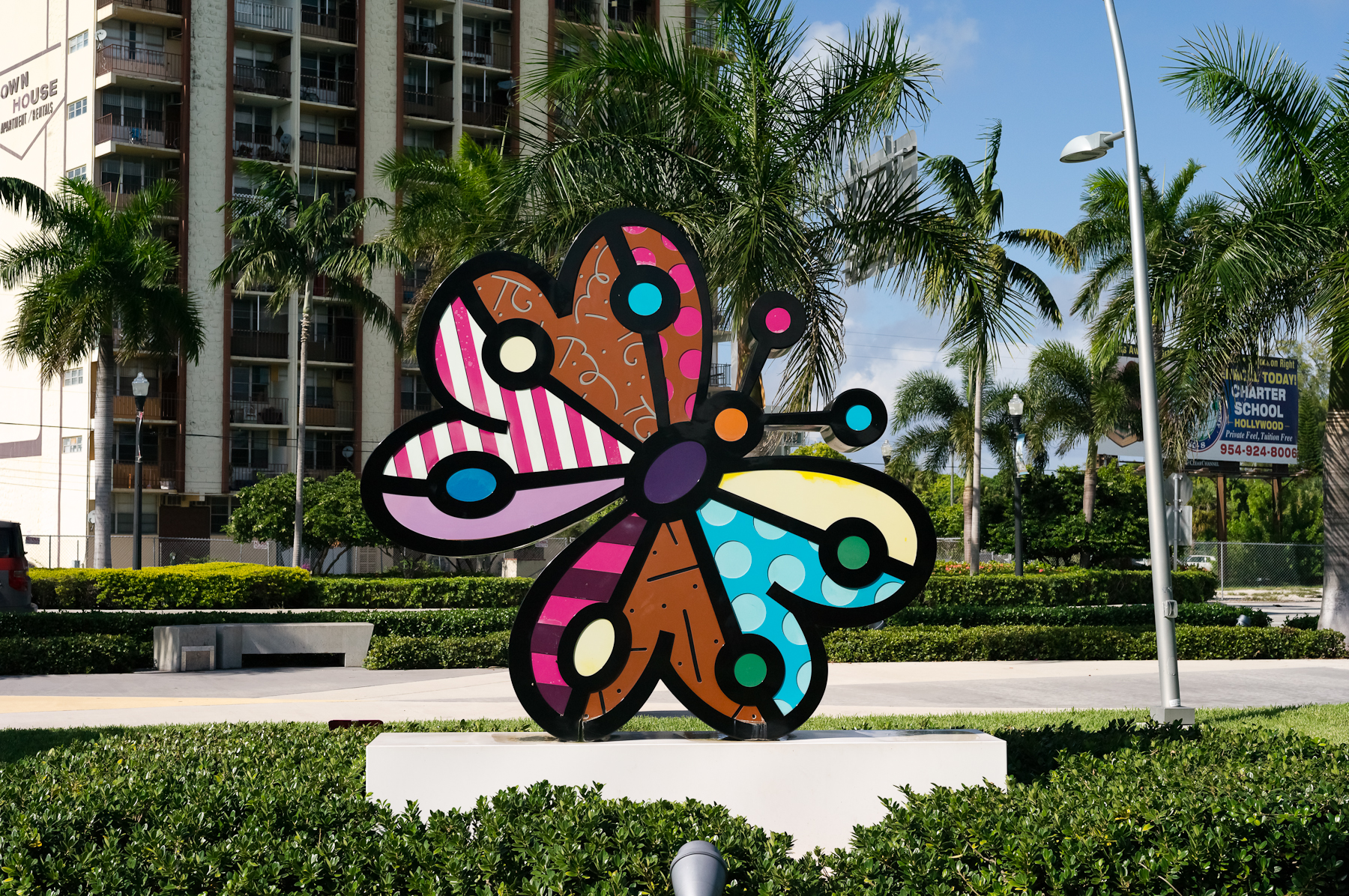
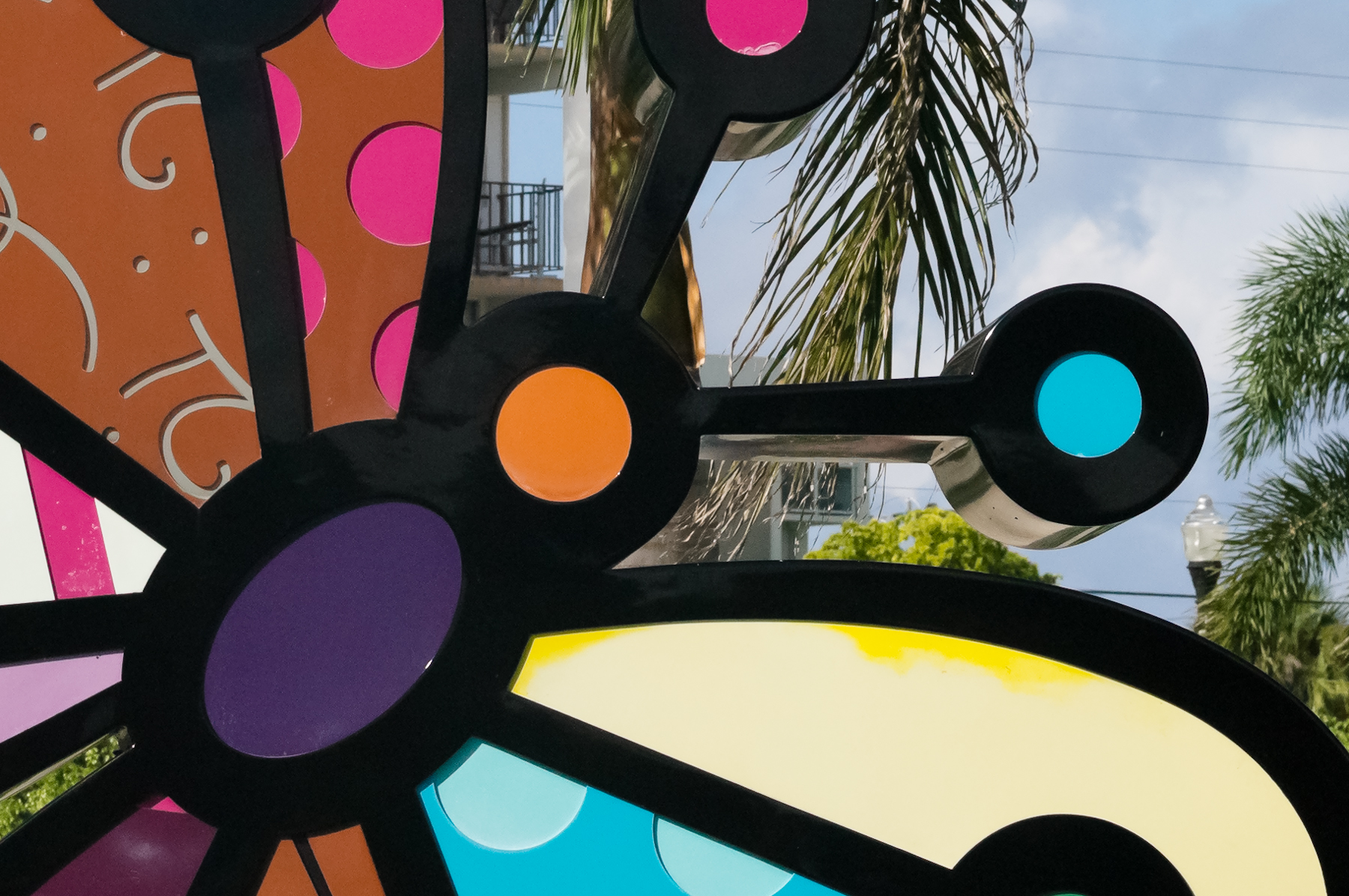
At its base setting of ISO160, the S2 exhibits an excellent balance of noise, sharpness, and shadow detail. This image was shot with the Leica S2 and 180mm lens, ISO160, f/11 at 1/180 of a second. The purple area in the center of the statue serves as an excellent area to gauge noise in this image (the faded yellow area is from the statue's exposure to the hot Florida sun).
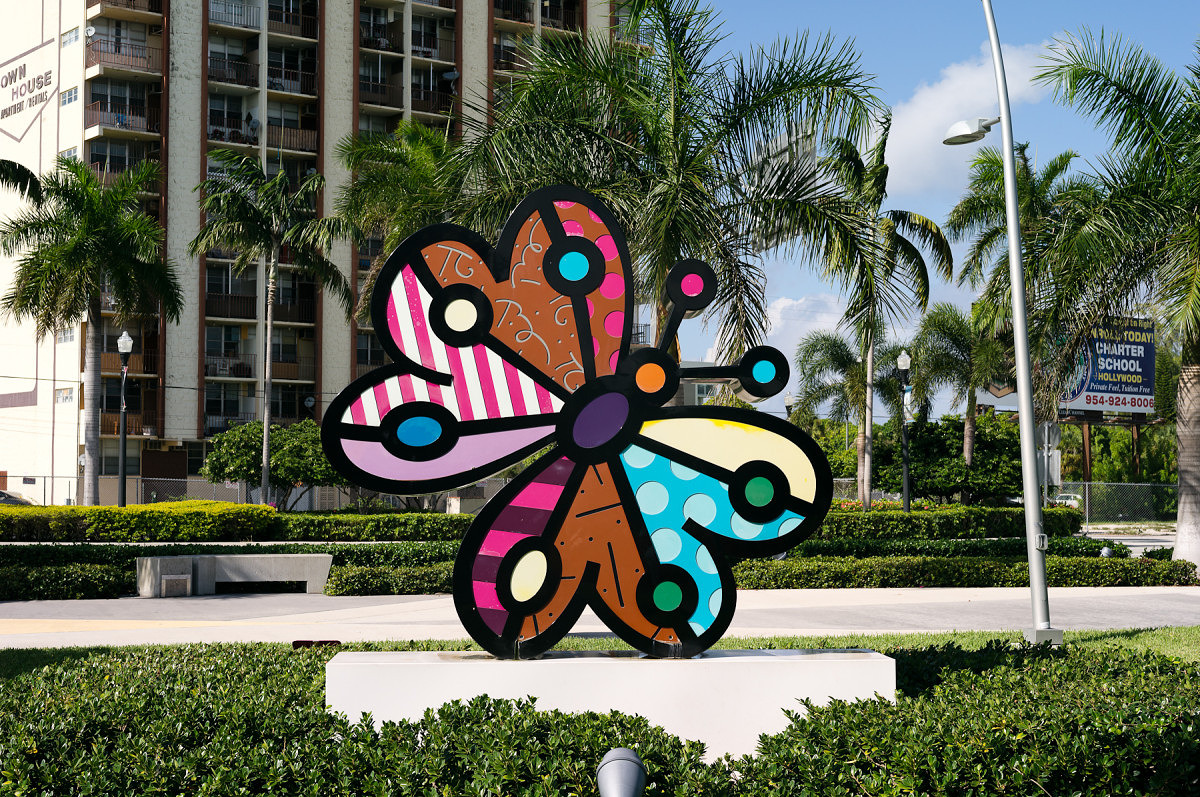
1/180th @ f/11, ISO160 (click for larger view)

1/180th @ f/11, ISO160 – 100% crop (click for larger view)
Applied to this image is a Lightroom preset with a combination of settings that maximize detail. You can download this ISO160 S2 preset here (right click and save to download preset).
Bumping up the ISO to 320 shows a negligible increase in noise while still retaining the fine detail in this image. I adjusted my exposure by exactly 1 stop, my new settings are ISO320, f/11 at 1/350 of a second. You can use the same ISO160 preset on this ISO320 image, but for images with large areas of single tone such as skies or man-made objects, I tend to use a preset with a small amount of luminance noise reduction and a bit less sharpening, which you can find here (right click and save to download preset).
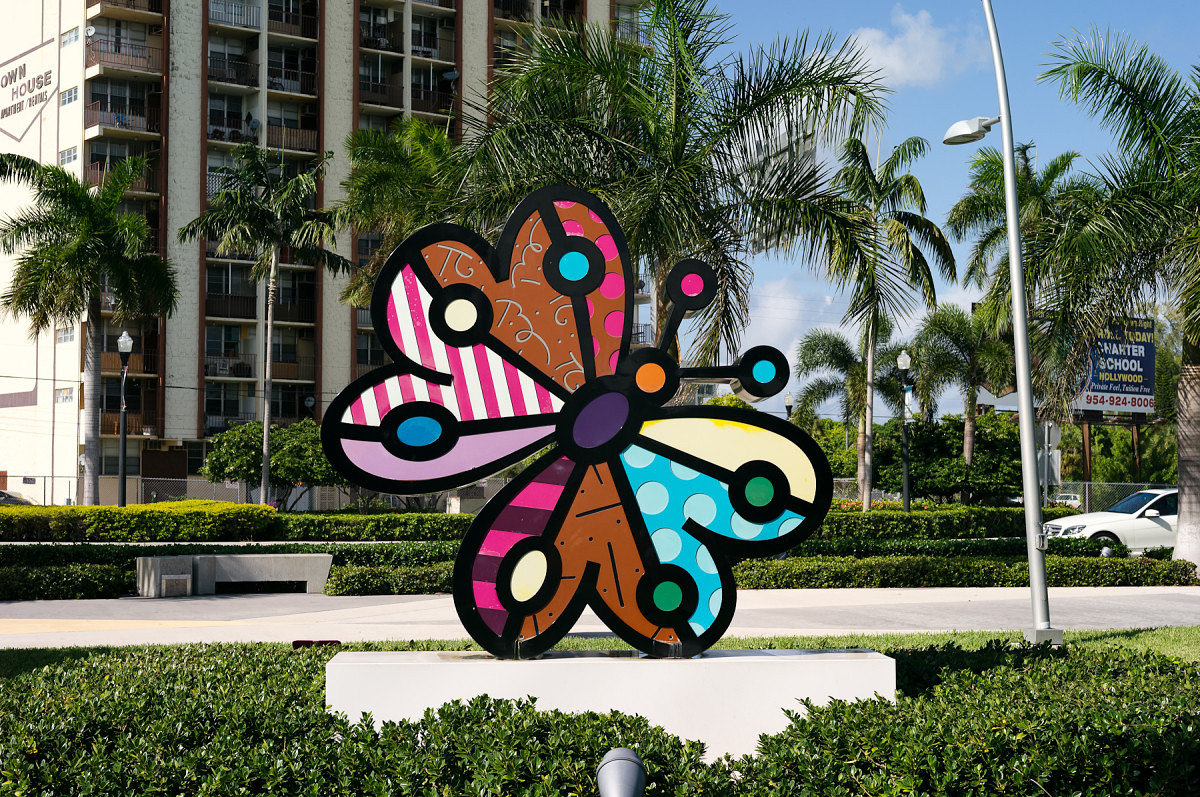
1/350th @ f/11, ISO320 (click for larger view)

1/350th @ f/11, ISO320 – 100% crop (click for larger view)
When shooting the S2 hand held, even outdoors, I am almost always at ISO320. This way I can keep my shutter speed up but also extract as much detail out of every scene.
Raising the ISO yet again to 640 requires a slight change in technique if I want to minimize the encroaching noise. Increasing my shutter speed again by 1 stop, the settings for this image are ISO640, f/11, 1/750 of a second. You can see that there is a reduction in fine detail, but noise is still well under control. Using ISO640 requires a different Lightroom preset, which you can find here (right click and save to download preset). This preset reduces the amount of sharpening and adds a small amount of luminance and color noise reduction.
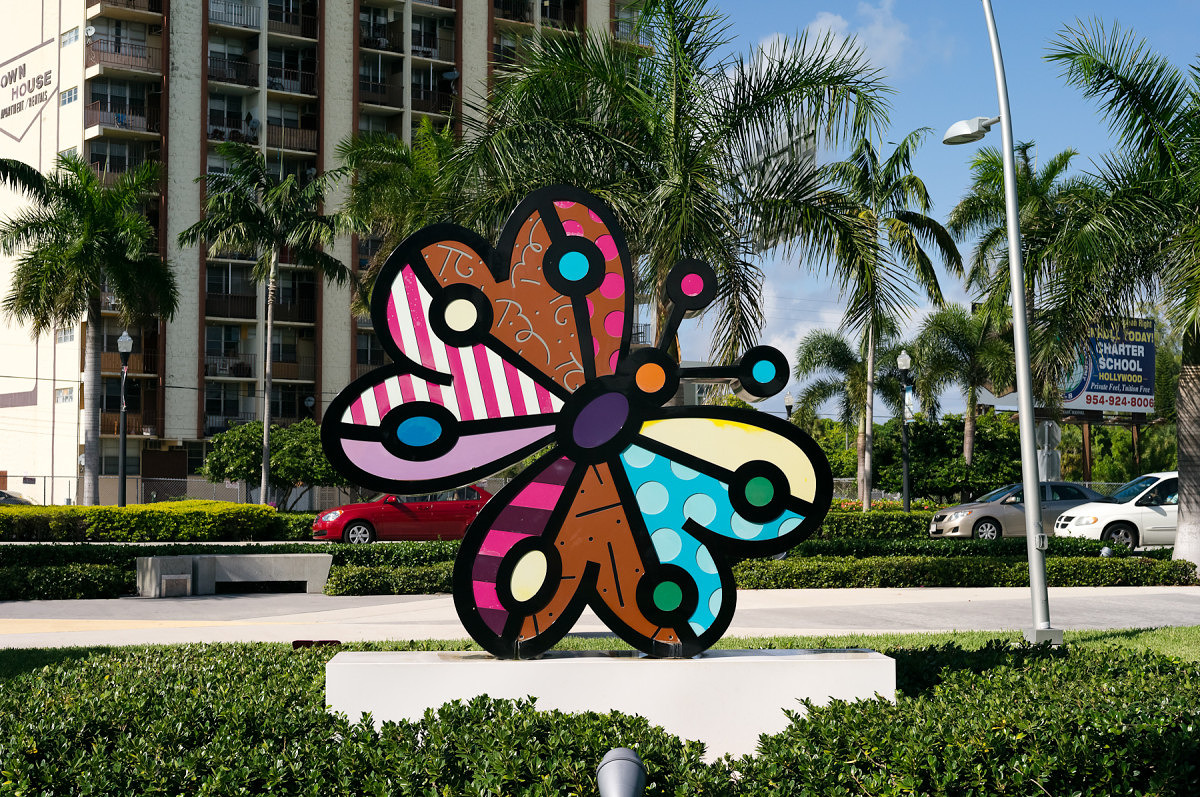
1/750th @ f/11, ISO640 (click for larger view)

1/750th @ f/11, ISO640 – 100% crop (click for larger view)
Still not impressed? Now I will increase the ISO to the S2’s highest setting, ISO1250. Again I will bump up my shutter speed one stop, so my new settings are ISO1250, f/11, 1/1500 of a second. This is where noise will be most obvious, and fine detail will degrade further.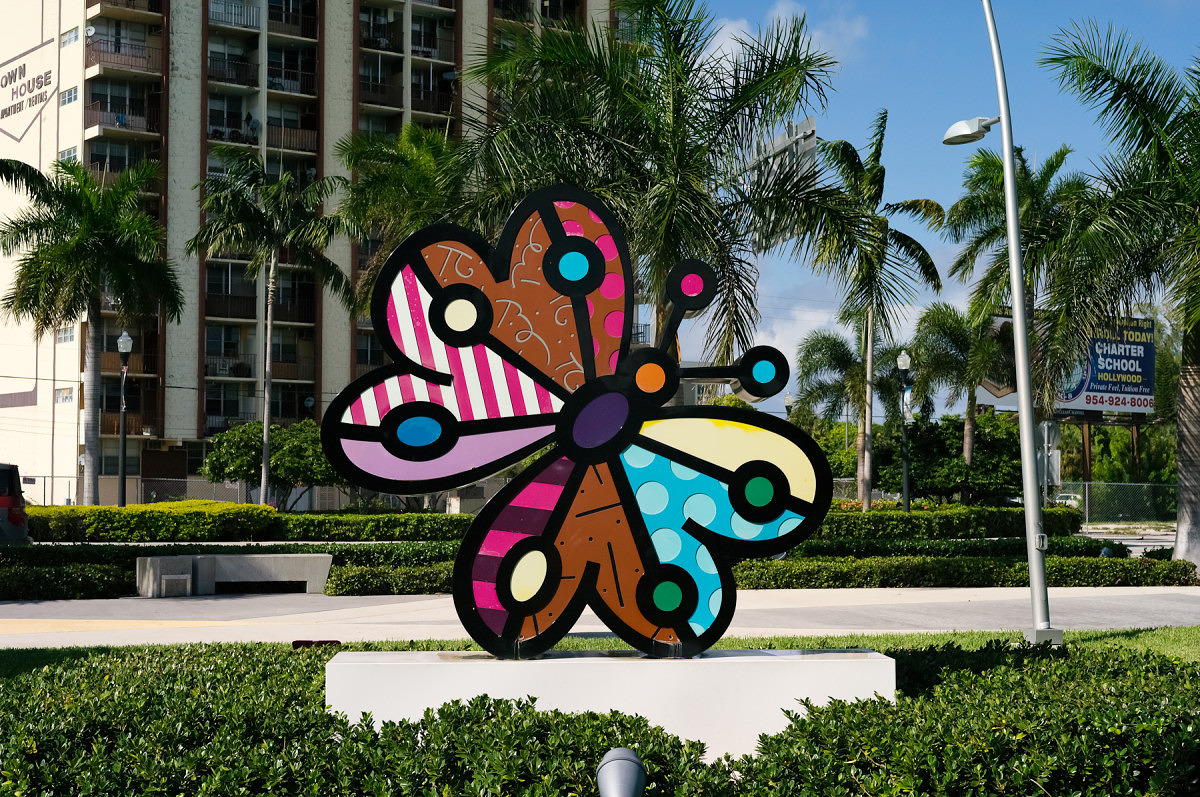
1/1500th @ f/11, ISO1250 (click for larger view)

1/1500th @ f/11, ISO1250 – 100% crop (click for larger view)
You might ask why bother shooting at ISO1250? With a bit of technique you can actually extract considerably more quality from the S2 at ISO1250. The secret is a bit of overexposure. By slowing my shutter speed down just 1/2 of a stop to 1/1000 of a second at ISO1250, the improvement in overall image quality is significant. Not only does noise decrease dramatically for such an incremental change, the overall color is dramatically improved. Essentially you are shooting at ISO800. With the right preset, found here (right click and save to download preset)you will be surprised at how well the S2 performs at the absolute limit, previously territory reserved only for 35mm digital SLR cameras.
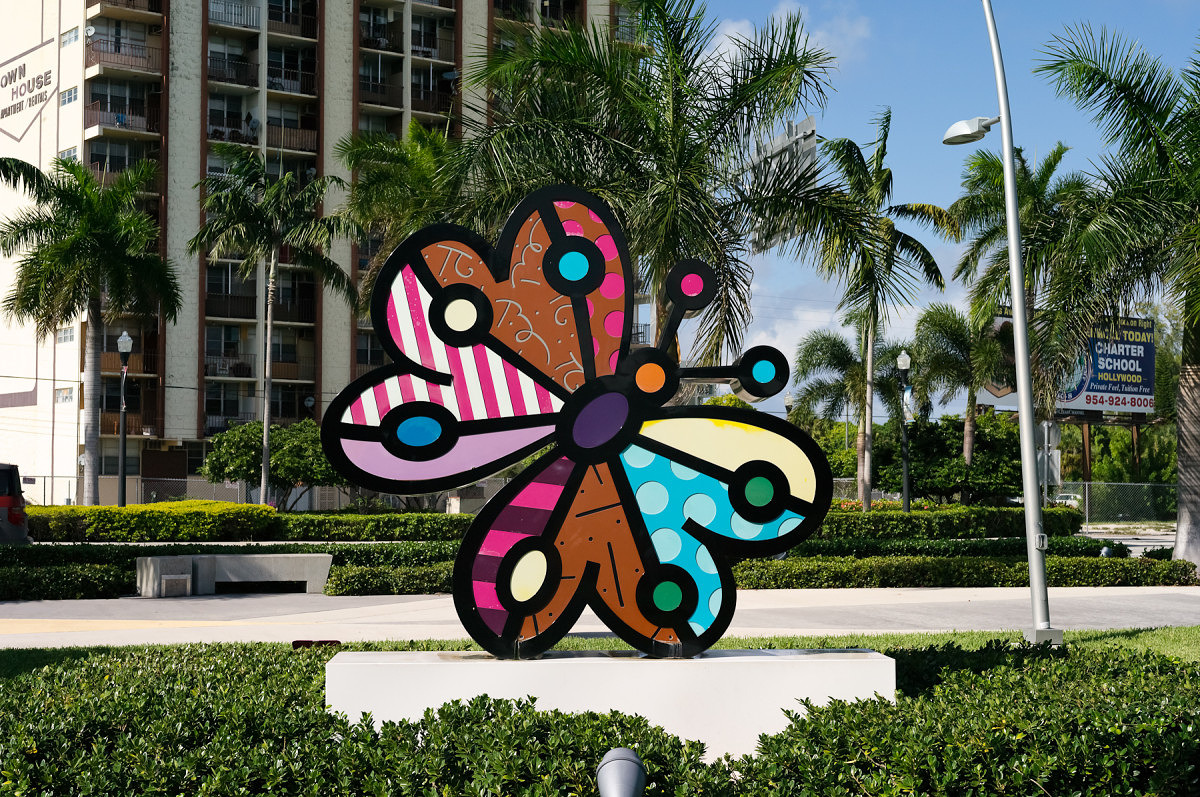
1/1000th @ f/11, ISO1250 (click for larger view)
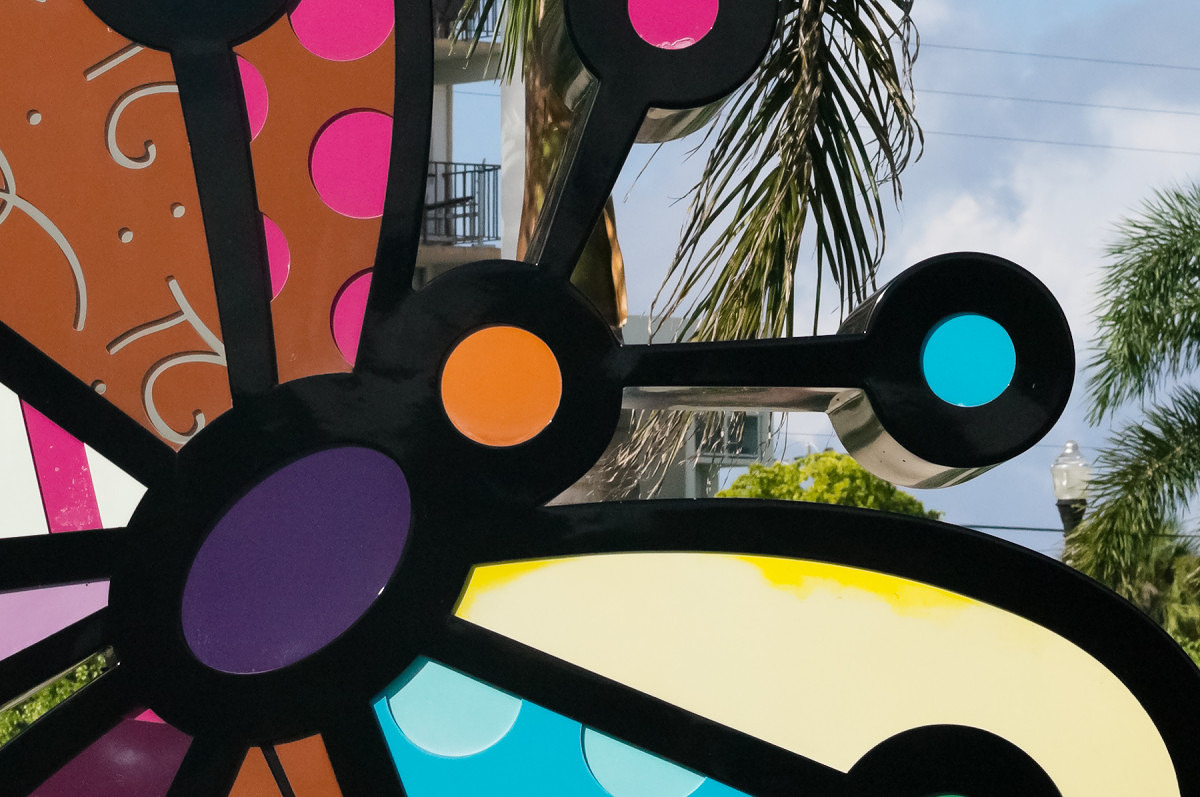
1/1000th @ f/11, ISO1250 – 100% crop (click for larger view)
I can recall a meeting with a professional photographer and his first assistant where they requested to see some high ISO images from the S2. Showing them the ISO1250 shot overexposed by 1/2, they insisted on seeing the metadata of the image to PROVE that it was really shot at ISO1250, since they could not believe such performance could come out of a medium format CCD.
The next time you work with the Leica S2, I would definitely suggest trying some shots at all of the S2’s ISO settings. Be aware that the preview on the S2’s rear LCD screen will exhibit more noise due to the rendered JPEG preview than the actual file with contain. If you are regularly shooting with an S2, keep in mind a few important factors:
- There is little difference between ISO160 and ISO320, so when shooting hand held in normal lighting conditions, it’s always a good idea to shoot at ISO320 to keep shutter speeds up
- The right Adobe Lightroom preset can make all the difference
- At higher ISO settings, a slight overexposure of 1/2 a stop can dramatically reduce noise
- While it might be tempting to always shoot at the lowest ISO you can, remember a bit of noise in your image can be corrected, but a blurry image from a slow shutter speed cannot.
You can download a ZIP file with all four Lightroom presets here:
Leica_S2_Lightroom_3_4_1_Presets.zip
You can also download the DNG files of the images used in this article here:
S2_ISO160.dng
S2_ISO320.dng
S2_ISO640.dng
S2_ISO1250_overexp.dng (Overexposed 1/2 Stop)
S2_ISO1250.dng
I've started a discussion thread in the forum for any feedback, questions or suggestions: -
Josh Lehrer replied to the topic New Firmware available in the forum S2 15 years ago
Pete, thanks for posting this. We have updated one of our S2 bodies with the new firmware and posted some screenshots and thoughts about this update here:
http://www.reddotforum.com/content.php/164-Leica-S2-Firmware-Update-Version-1.0.1.8-Now-Available
- Load More