-
Leica Store wrote a new post 13 years, 10 months ago
Yesterday was all about the new M. Today, it was all about the S. I’ve been a huge fan of the S system since it was announced at Photokina four years ago. After all, I was standing right there when the S2 was unveiled and was also one of the very first to put it through its paces the following summer in 2009. I’ve personally shot with the S2 as my main system for the last two and a half years. So, you might expect that I was very keen to see what my good friends at Leica had done to improve on such an outstanding camera. The S2 was designed from the ground-up, specifically for high-end digital capture. This wasn’t a hodgepodge effort to bring an analog system into the digital age so the S2 hasn’t really been a camera that many felt needed updating or replacing. I felt the same way. The S2 offers incredible image quality in a relatively small rugged and weather sealed body, with an amazing viewfinder, unbelievably long battery life, accurate AF, and allows use of some of the best lenses ever made. So what could be improved? I suppose this was a question that Leica thought about long and hard, because while each change in and of itself isn’t monumental, the sum of these small tweaks adds up to a noticeable overall improvement.

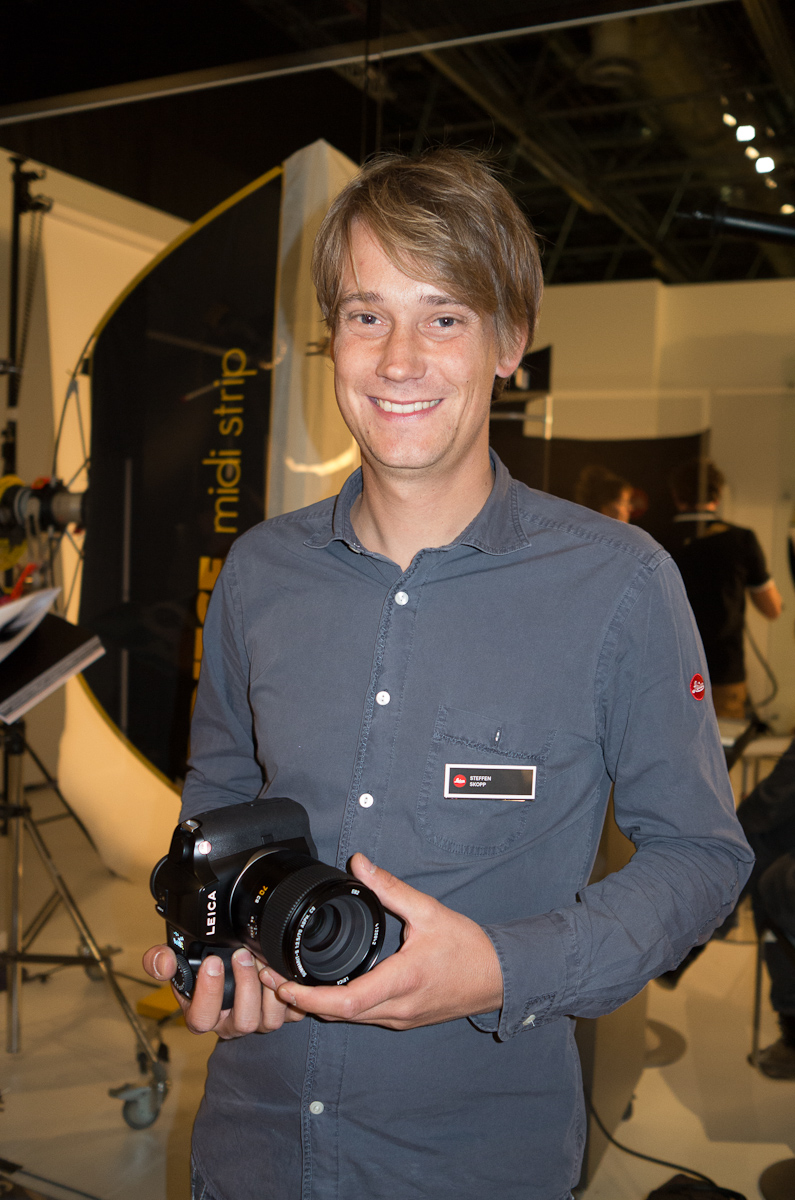
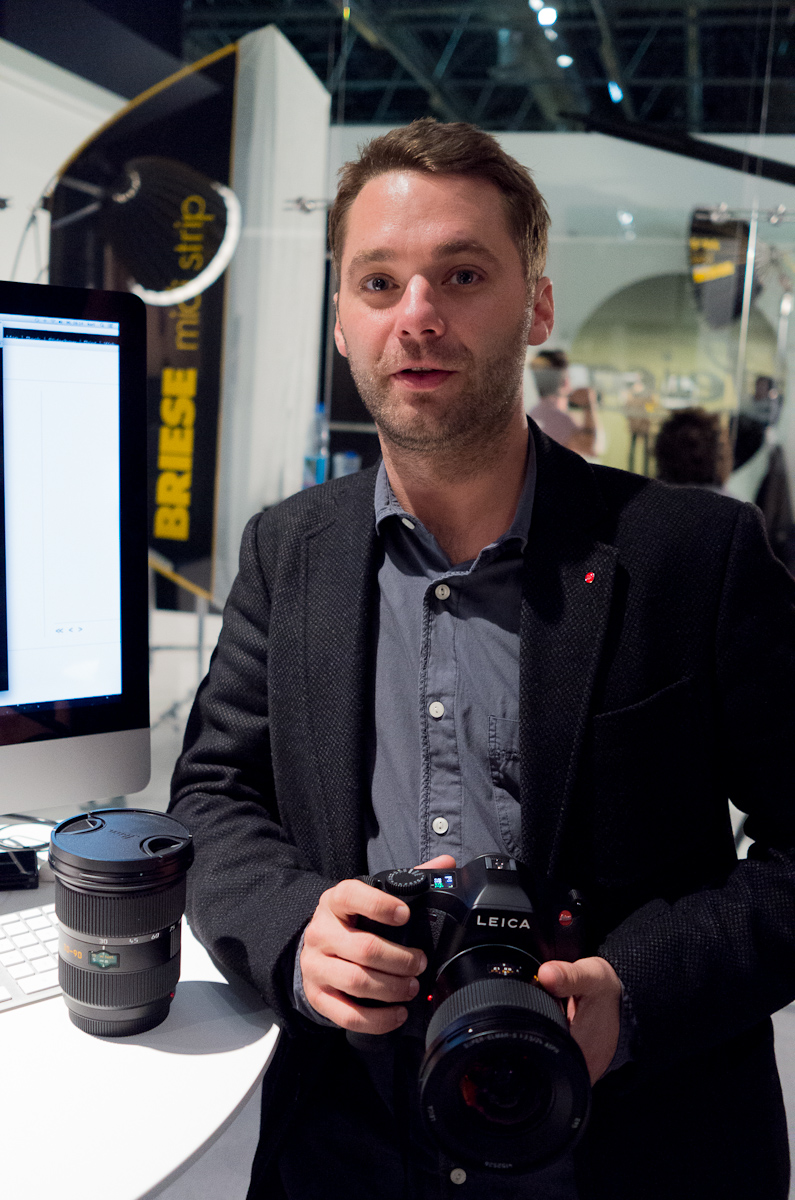
After arriving at the Leica booth for some other meetings, I headed into the back room next to the S Studio for some quality time with the new Leica S. Kelsey Fain, S-System Specialist from Leica USA, was nice enough to get me started. We were joined by Steffen Skopp and Toni Felsner, both technical product managers for the S System. Knowing what a big proponent of the S2 I am, they were excited to show me all the new features. I’m sure after keeping all of these enhancements under wraps, all while getting customer questions and suggestions, couldn’t have been easy. It must feel great to finally tell everyone about the cool new stuff they have been working on in secret.
Steffen Skopp

Toni Felsner
Let’s start with the physical changes in the new S from the S2. Most notable is, of course, the same amazing 3” 920,000 pixel LCD with Gorilla Glass used in the new M. Bright, crisp and extremely color neutral, this might be the best LCD I’ve seen on a camera. It is a true 8-bit per channel display capable of displaying the full sRGB color gamut. The extra screen real estate enables some changes in the interface as well as providing reliable feedback to the user.

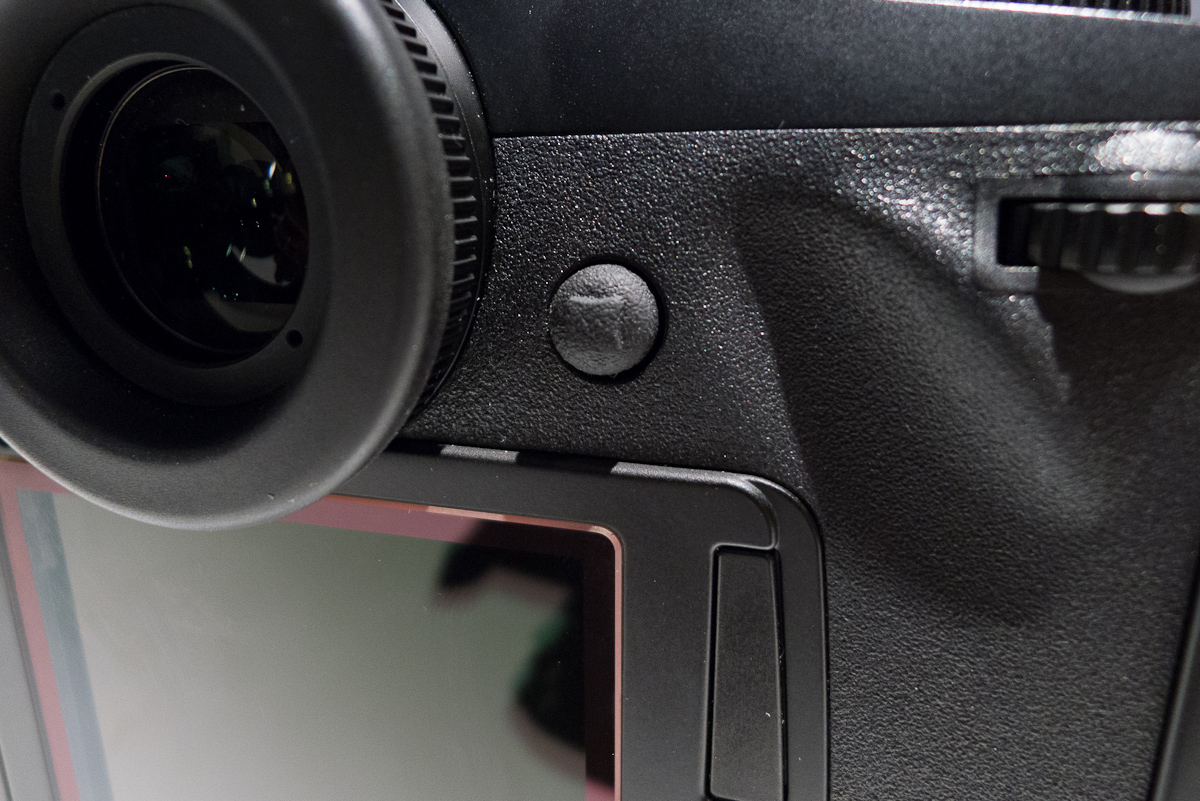
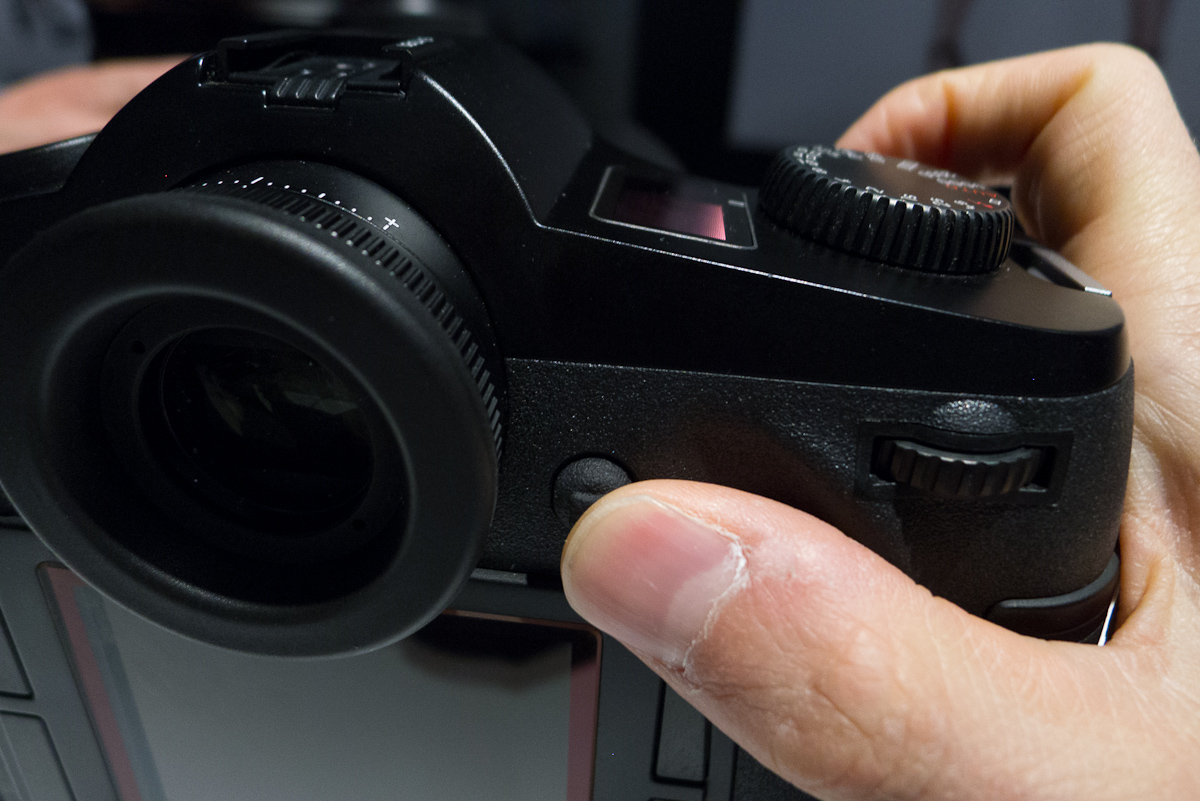
Another big change is something physically small, but functionally huge- the new joystick control which takes the place of the rear thumb button. Yes, it can still be used as a AF activation button in MF mode (my preferred setup), but it can now also do so much more. You can now navigate through menus with either the joystick or the clickable thumb wheel. In zoom playback, you can move around the image in any direction. I will admit that when Kelsey challenged me to “figure out how the new playback works,” I instinctively tired to navigate with the thumb wheel, just as I do on my S2. A minute later I had a private conversation with my brain and fought muscle memory. Then, I was fine and using the new interface like a champ. For those new to the S system, they will pick it up right away. S2 owners, be warned. Change is sometimes difficult to overcome, but in this case, it’s well worth it for the speed and convenience the new joystick offers.
Joystick control

Joystick control
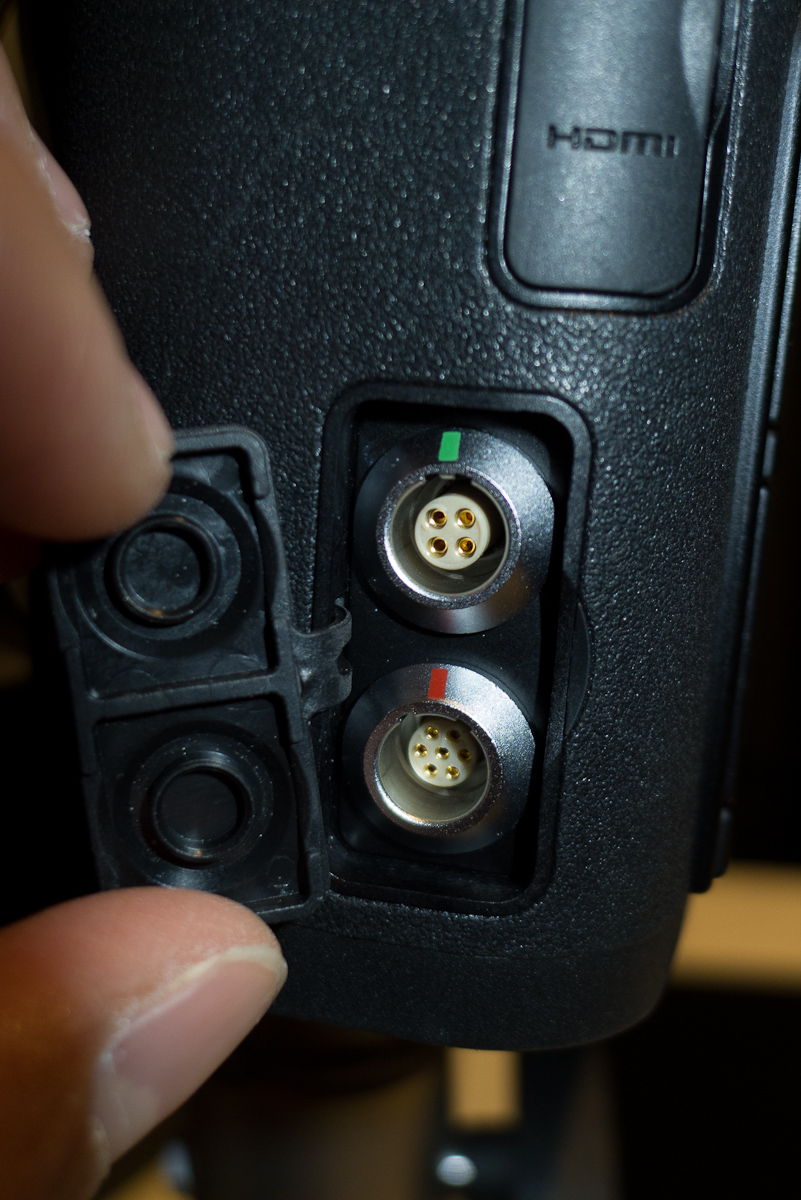
A small change, but one worth noting is that the remote release LEMO connector is different. This has been changed to allow a locking sync cord as Leica received comments that the standard PC connector would fall out mid-shoot.

New LEMO connector (bottom one)
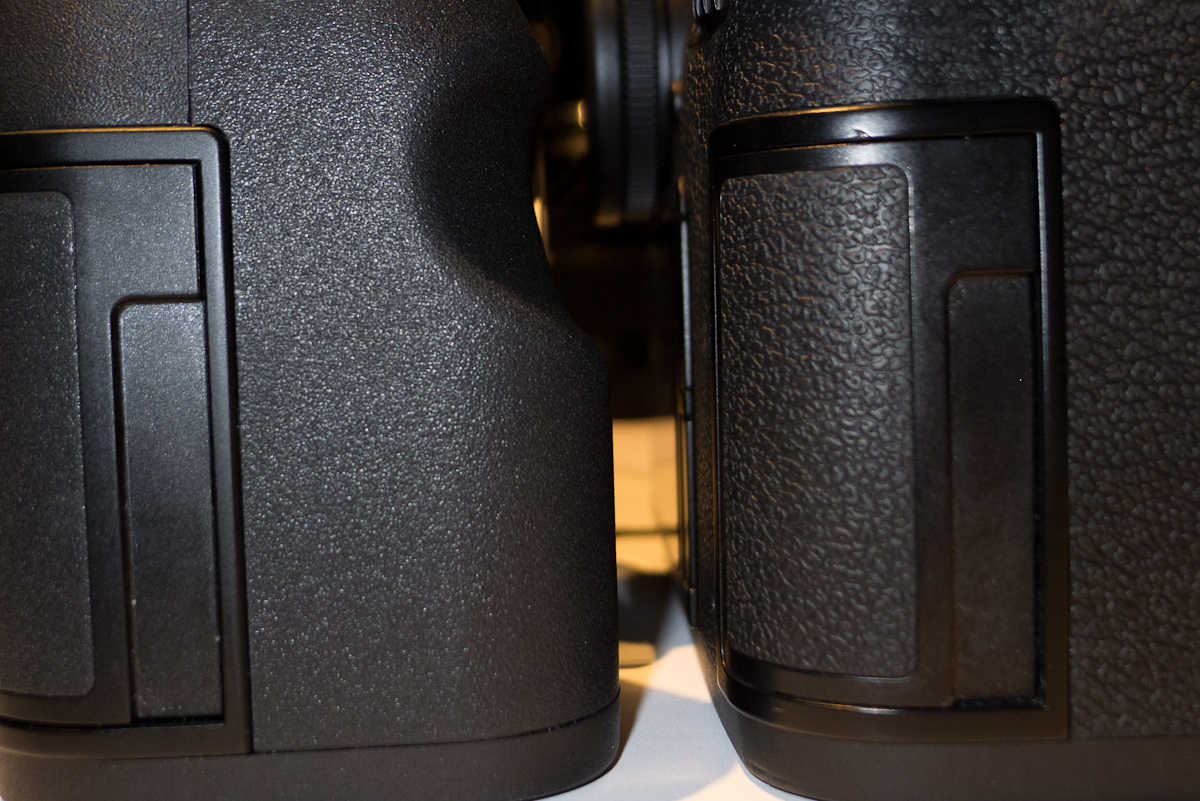
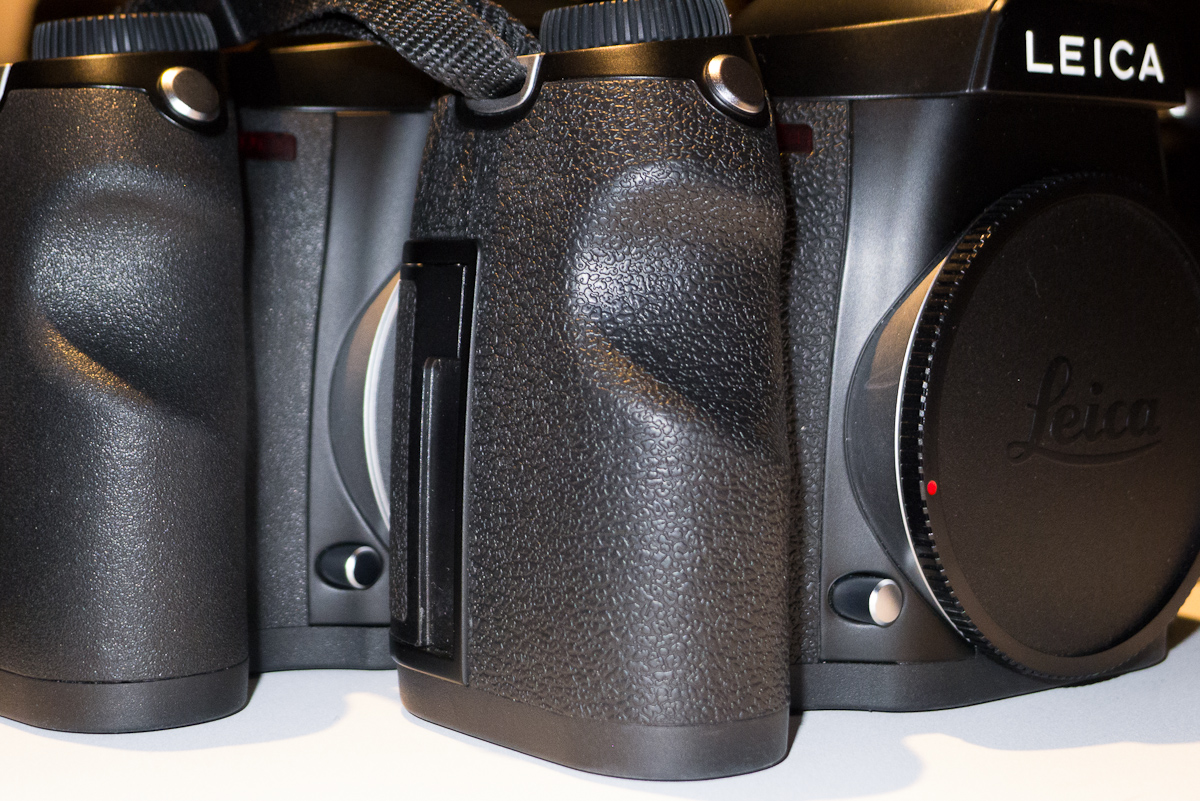
There are also cosmetic changes to the body. The rubberized leatherette cladding is changed to a more finely textured material which feels nice and grippy. Toni assured me that it is less slippery under wet conditions, which I think will be a welcome change. The new multifunction grip features a matching cladding.

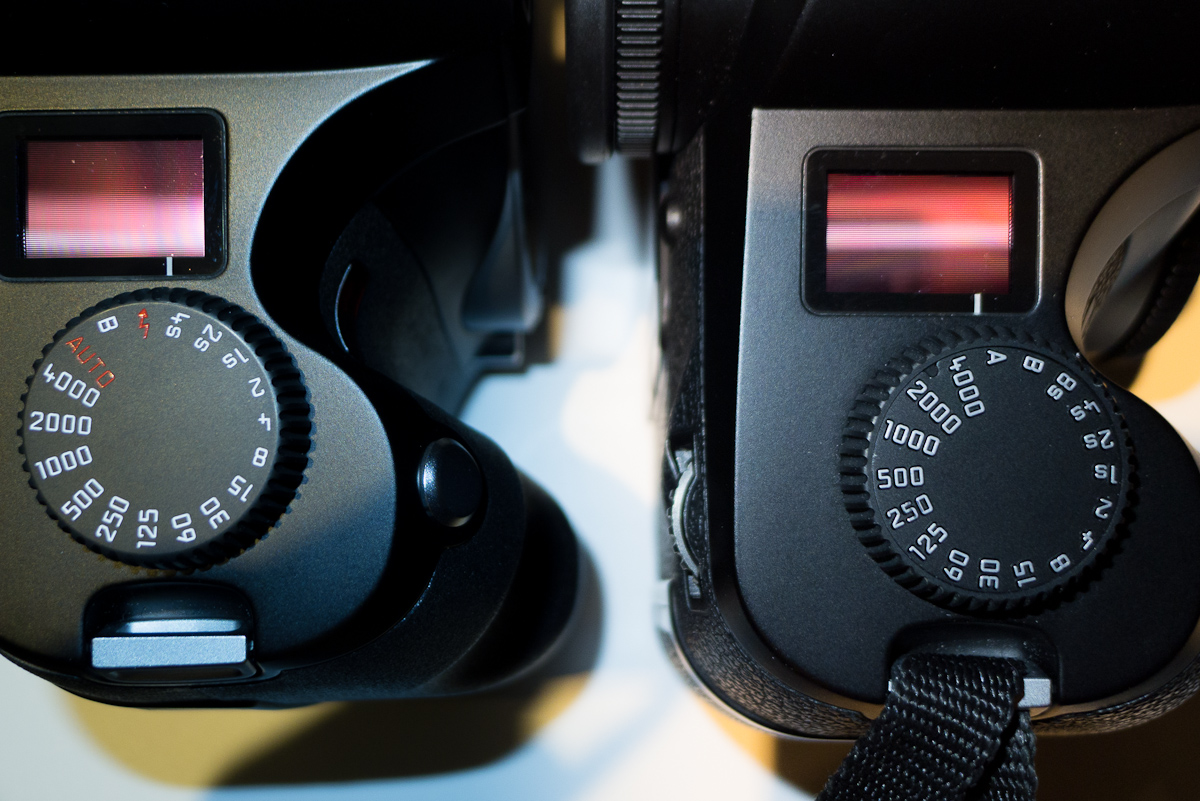
Leica S on left and S2 on right

Leica S on left and S2 on right
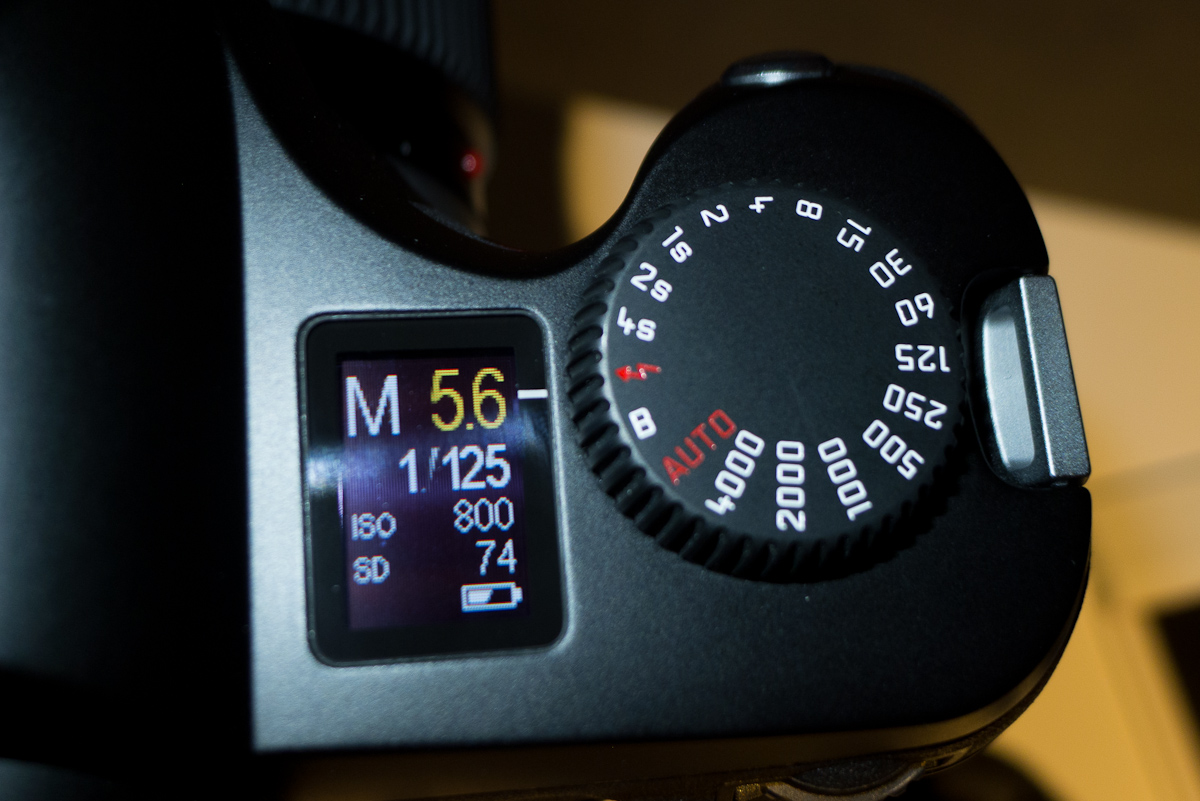
The shutter speed dial has been redesigned and now features a new setting for flash with a lightning bolt symbol between 4s and B. The most common technical “problem” that Leica was presented with by studio photographers was that the flash wasn’t firing. I can attest that we received a similar number of questions when renting out our S2 kit for professional photo shoots. Ten times out of ten, the reason the flash wasn’t firing was that the photographer or tech was trying to shoot at 1/250th and the S2’s max focal plane sync speed is 1/125th. As a fail-safe, the flash will not be triggered past the X sync. Now, with the inclusion of a little red lightning bolt, all that can be avoided, shoots can go smoothly and nobody has to be in a panic with clients or art directors wondering what is going on. With a non-CS lens mounted, the flash setting corresponds to 1/125th and with a CS lens mounted it will default to 1/1000th.
And, while they were at it, the A position on the dial of the S2 has been replaced with a red AUTO. Another seemingly simple and obvious thing, but some confused A to stand for Aperture not Auto. Both of these changes will go a long way towards user success. The dial itself has also been reworked. Totally smooth on top, the dial is now machined from a solid piece of brass and the markings are etched and painted just like the M shutter speed dial. While there isn’t anything technically wrong with the S2 dial, the new one is nicer and just feels like better quality.

New, engraved brass shutter speed dial

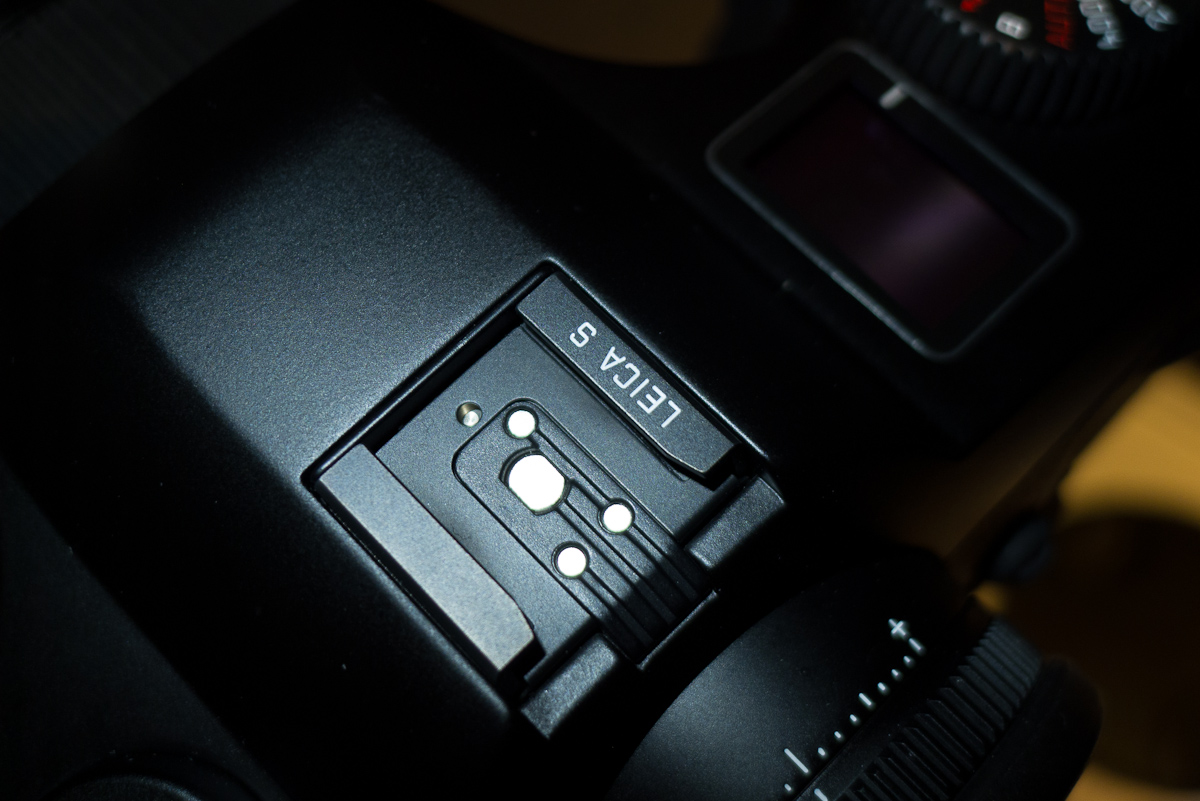
Leica S, left and S2, rightThe hot shoe is now finished in black metal, instead of contrasting silver chrome. This is simply cosmetic, but does look nice. On the functional side, the requisite pre-flash on the SF58 is supposedly much quicker, allowing more instantaneous TTL flash shooting.

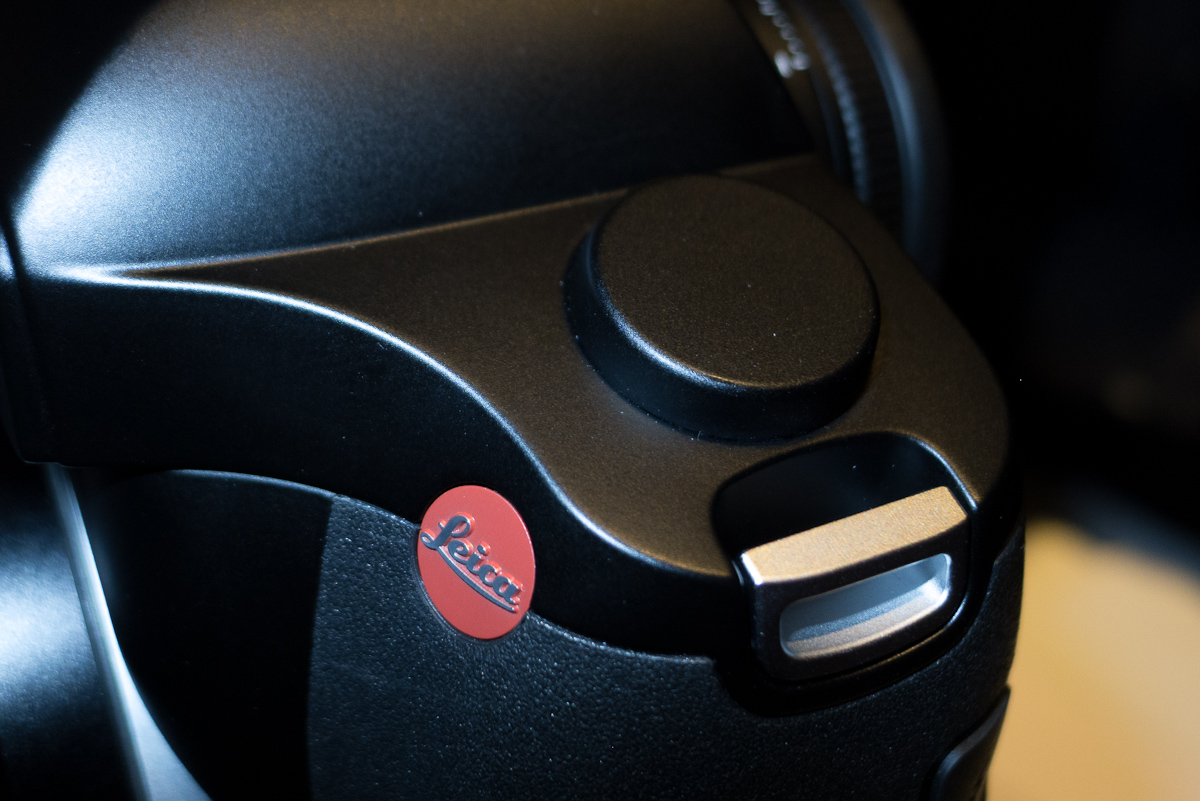
The last visible change is the dial-looking bump on the left side top plate for the GPS. Attempts were made to have the GPS receiver sit flush with the top plate, but the metal plate proved to be a problem. This round bump is made of a very durable technical polymer and certainly doesn’t feel like it’s going anywhere. I personally prefer the cleaner look of the S2 top plate, but the value of a built-in GPS overrides my style considerations. You could always get some model airplane enamel and paint on some P, S, A, M, SCN 1, SCN 2,etc markings to fit in with the Canon and Nikon DSLRs. Then again, maybe not.
GPS receiver
That’s about it for physical changes. Now, let’s dive a little deeper into the feature additions and enhancements.
A big one is auto focus performance. The Leica S uses a brand new AF sensor which is more sensitive and more accurate than the one in the S2. Also, the AF algorithm takes into account white balance to achieve better low light and artificial light performance. In my brief usage in the back area, the AF didn't hunt and locked on precisely. Perhaps it was my imagination, but the AF also seemed to lock on more quickly.
As I mentioned in yesterday’s Leica M article, both the M and the S utilize the same Maestro ASIC image processor and share the same firmware kernel. Besides this, both systems are very close in terms operational concept. They both have thumb wheels and multi-direction controls (d-pad on M, joystick on S). And, they both use the same resolution LCD. This allows feature modules to be shared across platforms. This is most definitely a very good thing. So, with all that being said, some of the features mentioned here might be a little repetitive due to them being implemented on the M as well.
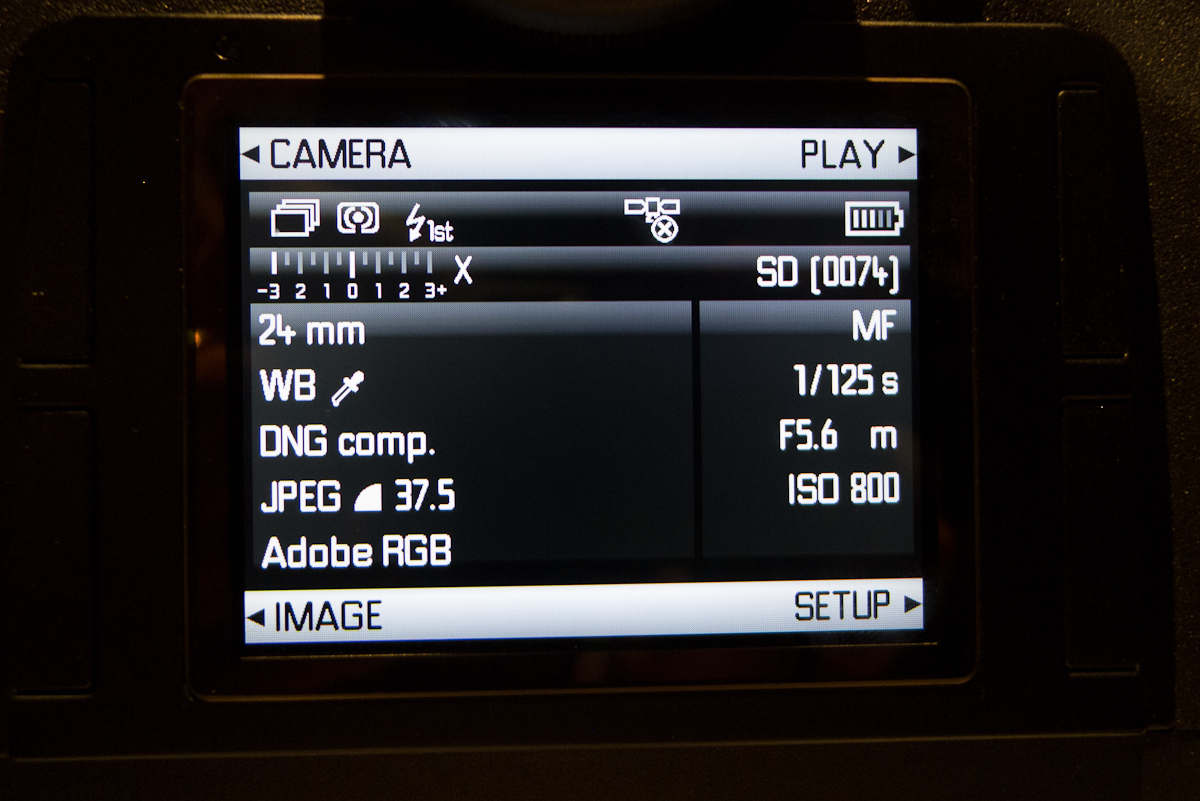
The info display has been completely revamped. Gone is the checkerboard with colored labels. The S features a very clean and modern monochromatic scheme with the same font that is on the S lens barrels. Subtle gradients provide line separation. At a glance, though, we can see all pertinent info, including battery life and memory card info, both of which are lacking on the rear LCD of the S2. The quadrant jump buttons are still there for easy access to different settings without having to scroll through the entire list.

New info display
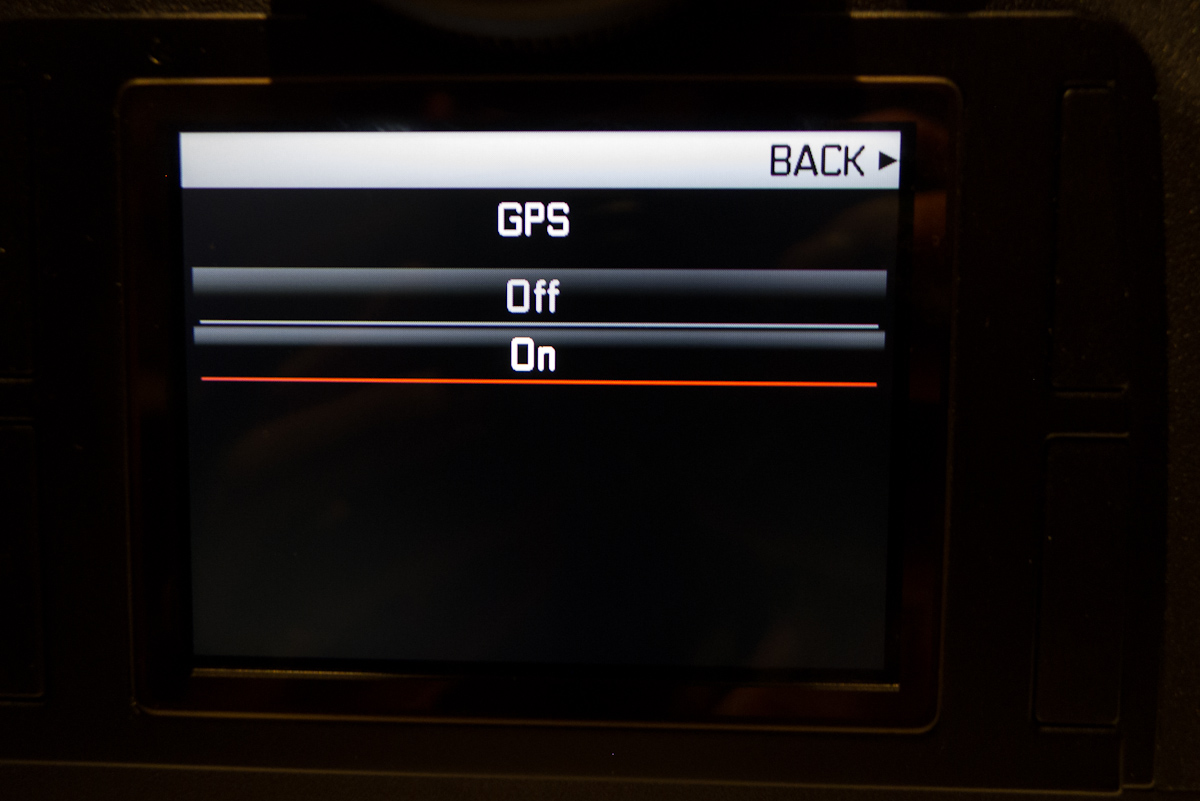
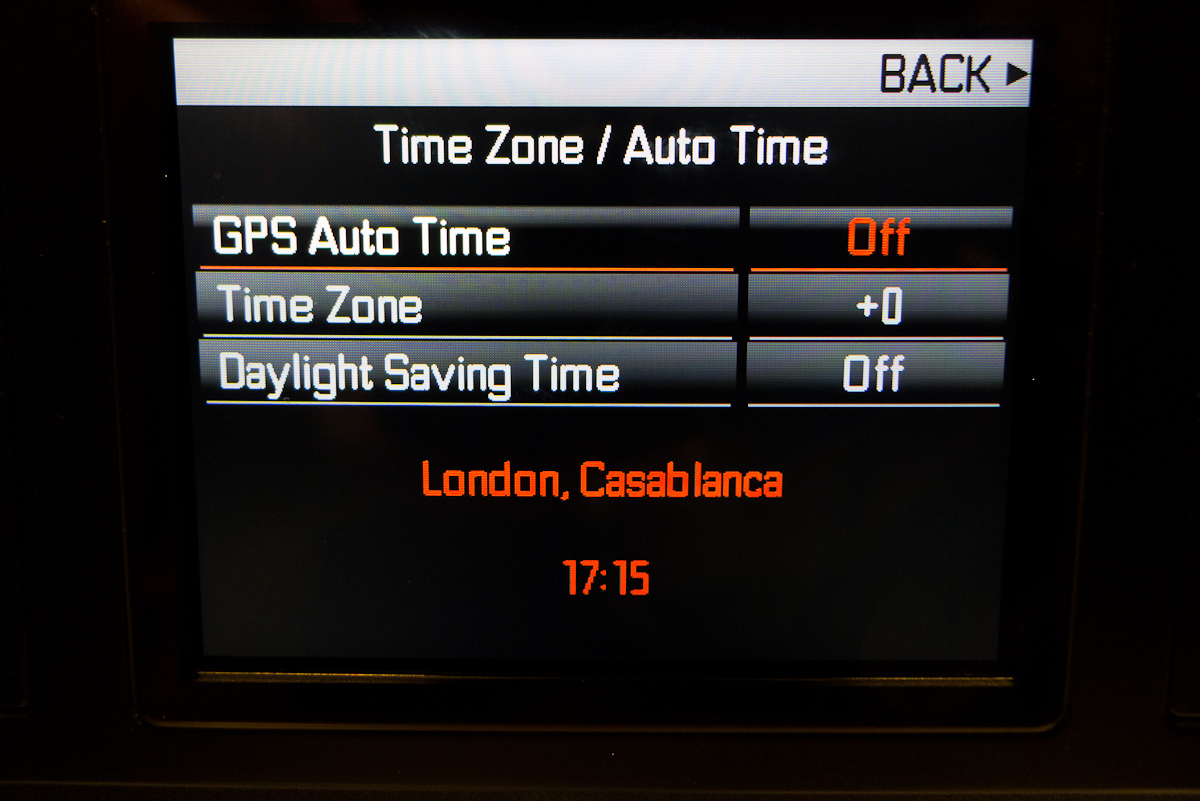
The GPS is obviously new and so are the corresponding menu items. The GPS itself has a very simple On or Off setting, but a little less obvious and much cooler are the Time controls. Here, you can set the S to automatically update the time zone and correct time, direct from satellite. Gone is forgetting to change the time when traveling across time zones and being stuck with the wrong time/date stamp on the files. The GPS doesn’t have to be connected at all times. It will remember the last acquired signal until it can access the satellite signal again.


Auto time zone via GPS
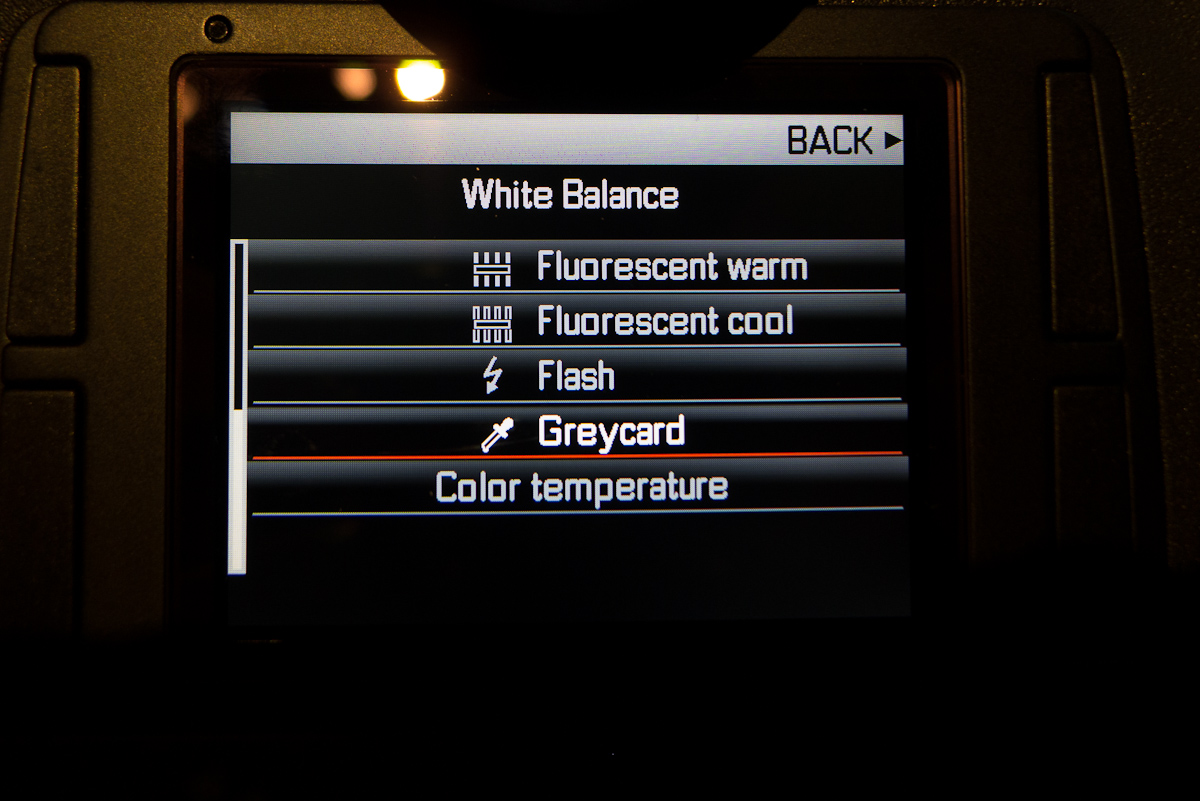
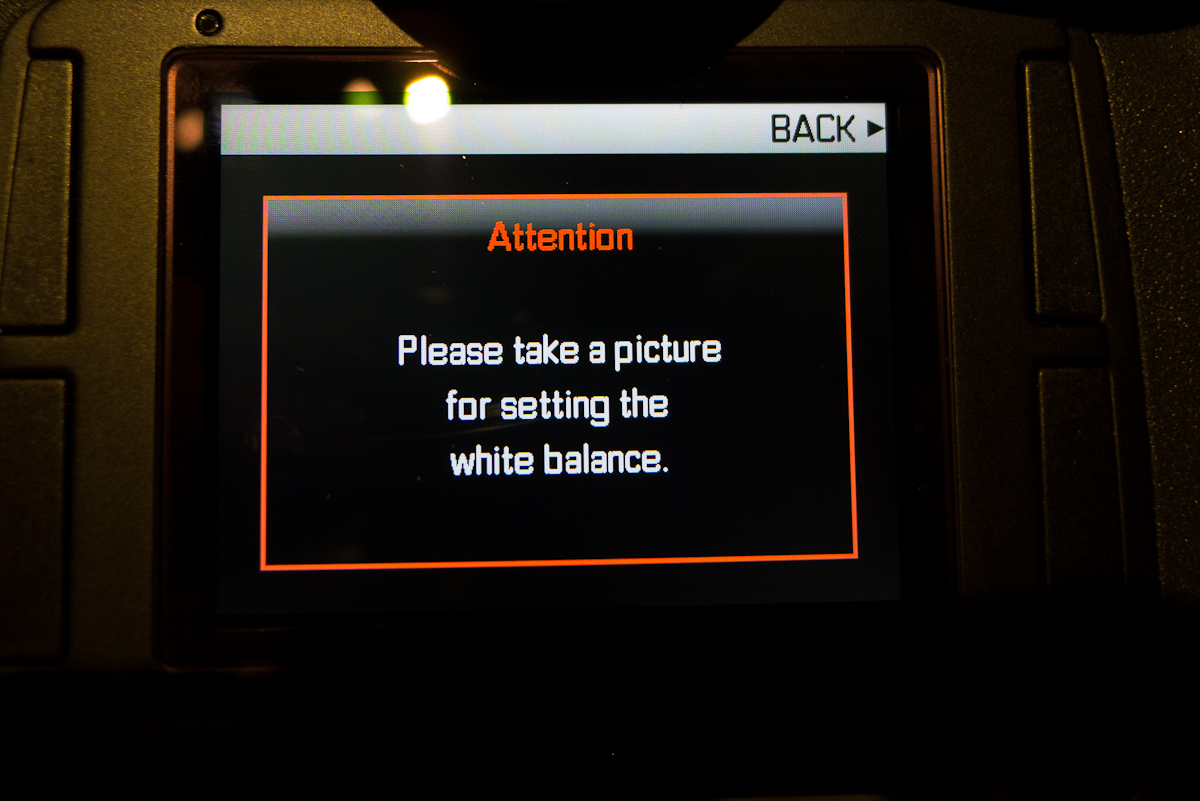
The new custom white balance procedure, called Greycard, is really sweet. First, select Greycard in the White Balance menu, then the camera instructs you to take an image. On the S2, you have to fill the center box with your gray card. With the S, just take a shot with some neutral in it.


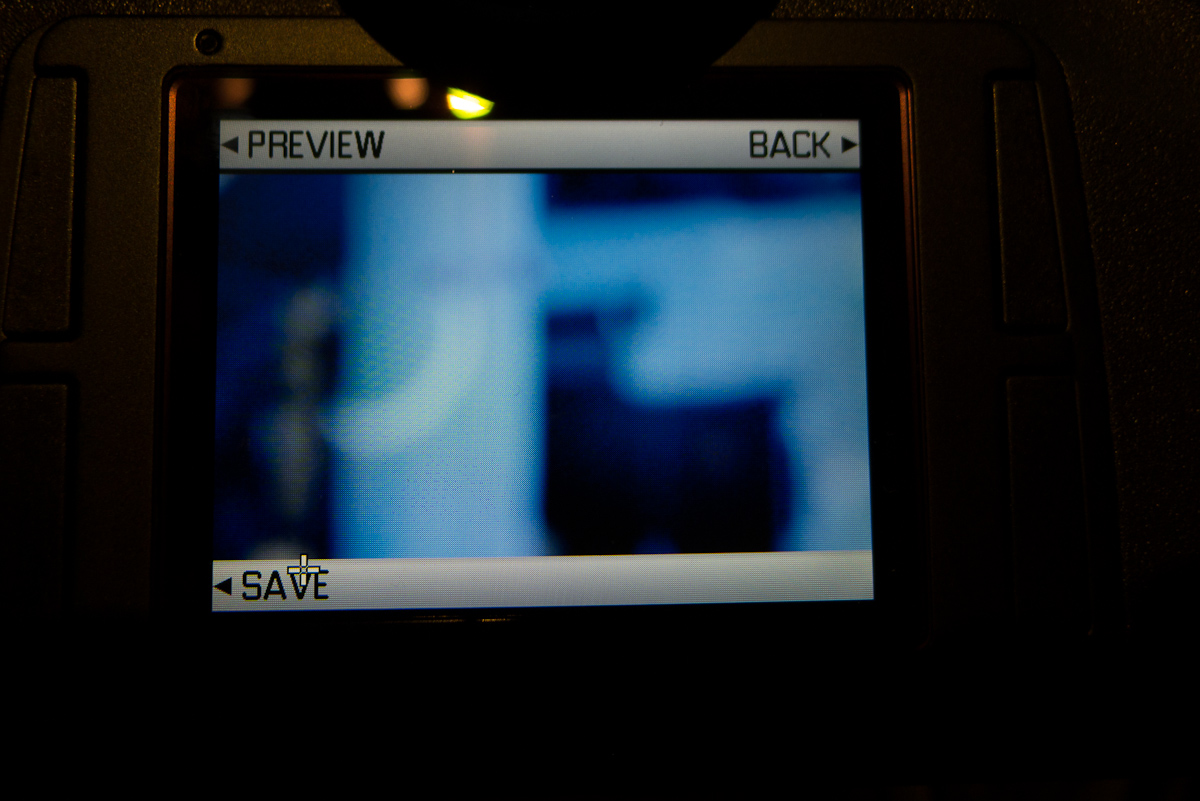
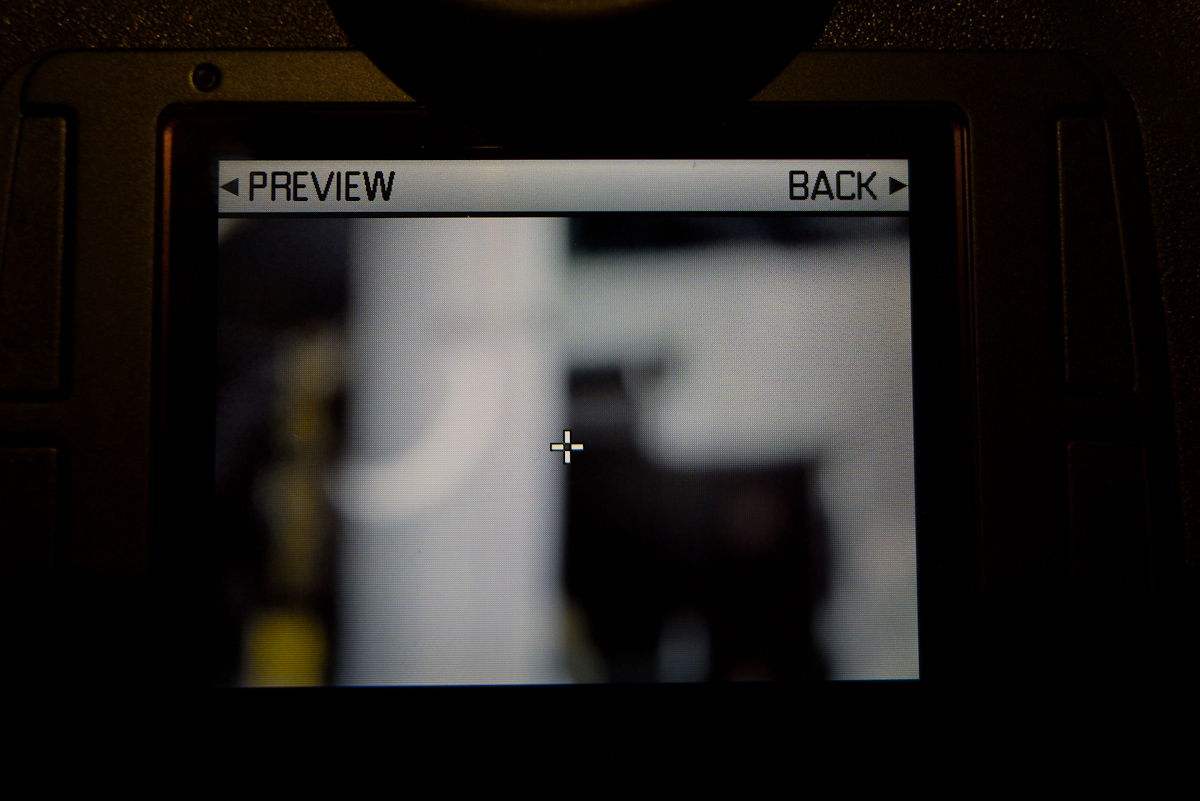
Using the joystick control, move the crosshairs anywhere in the image and depress the button (or press the upper left button) to preview the white balance at the selected point. Move the crosshairs and try as many different points as you like. When you’re satisfied with the color balance, hit the bottom left button to save the white balance. Wow. This is really intuitive and useful. If you are using a gray card like a ColorChecker or SpyderChecker, it no longer has to be held up right in front of the lens, but can now be anywhere in frame. If you don’t have a gray card handy, you can just pick a neutral in your shot.

Previewing the white balance before saving shows that this one is not ideal

Neutral WBEven though the sensor in the S is the same as the one used in the S2, all the supporting electronics have been completely redesigned. This allowed Leica to create a usable ISO range of 100-1600, with no more Pull setting necessary. The base ISO is no longer 160, rather 100, so the whole stop increments are “normal” ISO steps. I would still like to see half stops for more flexibility, but can live with this approach if the noise levels have been improved from where they are on the S2. From what I’m hearing and looking at a few shots in LR on Leica’s studio iMac, I think the ISO improvement will be a tangible one. We’ll have to wait and see what the final product delivers as noise optimization is still being tweaked up until release.

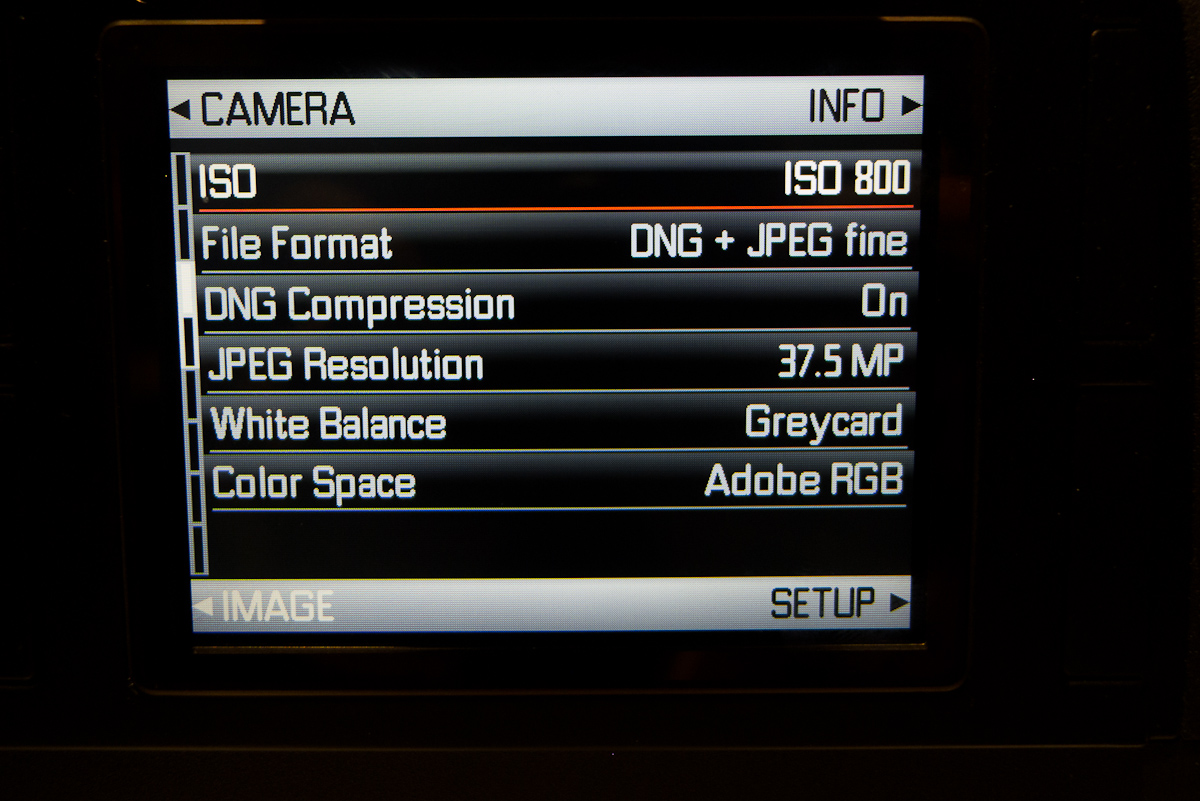
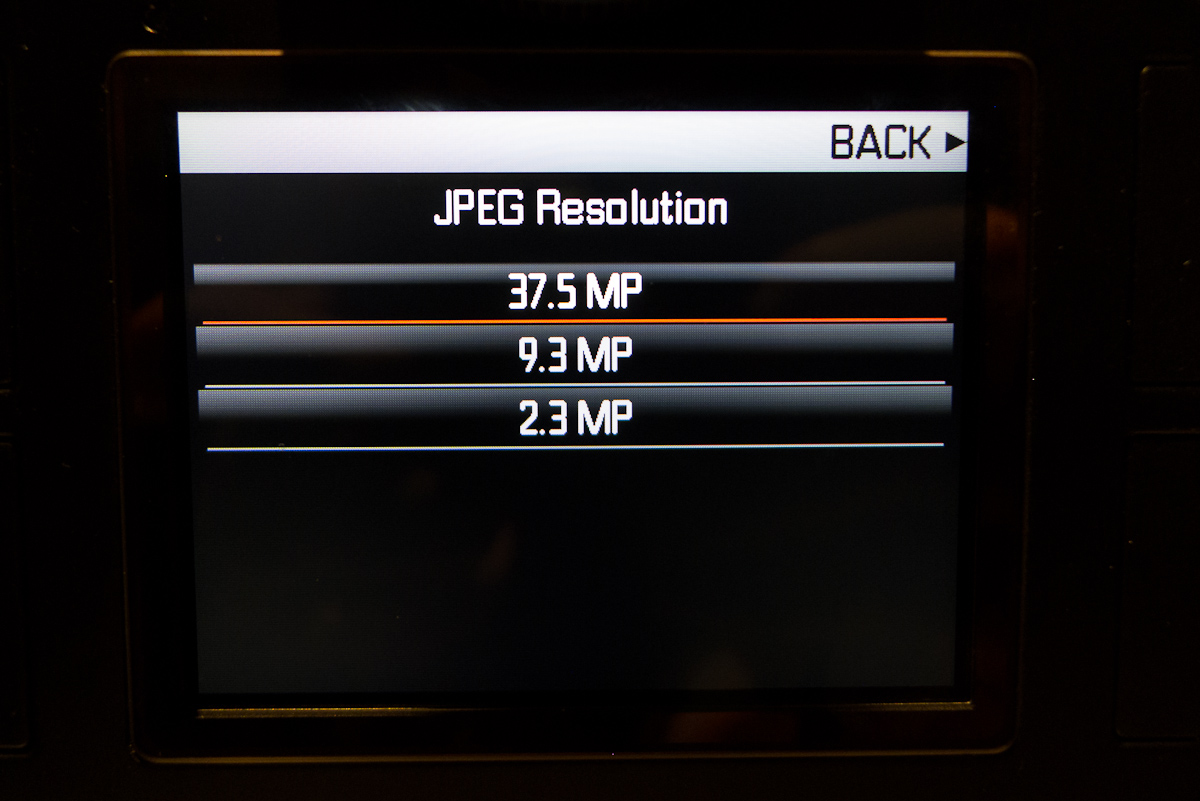
A very hand feature is the ability to select lower resolution JPGs while still capturing full DNGs. This will prove especially useful in the field or in the studio to send smaller JPGs over WiFi to an iPad for instant evaluation while the high res shots get stored to CF card. My guess is that 2.3MP will be too small for proper display on a Retina display iPad, but 9.3MP should be just right and allow for a little bit zooming as well.
Selectable JPG resolution
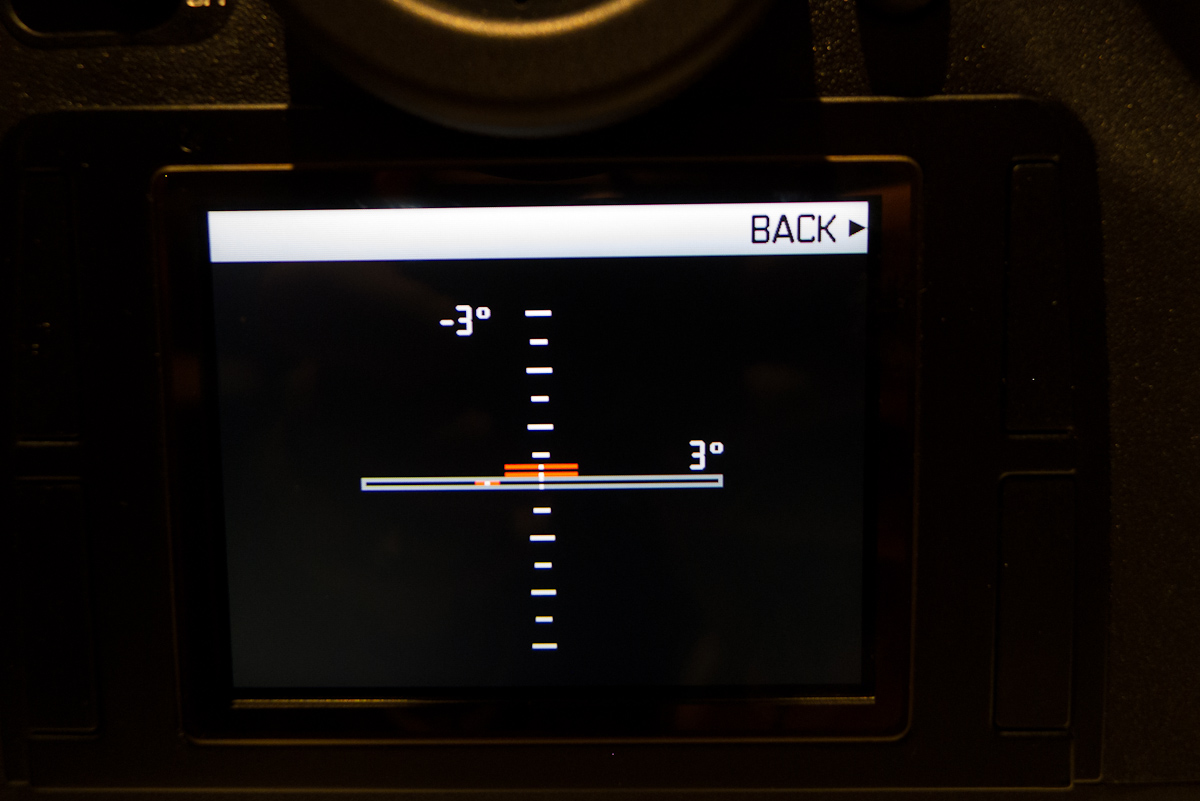
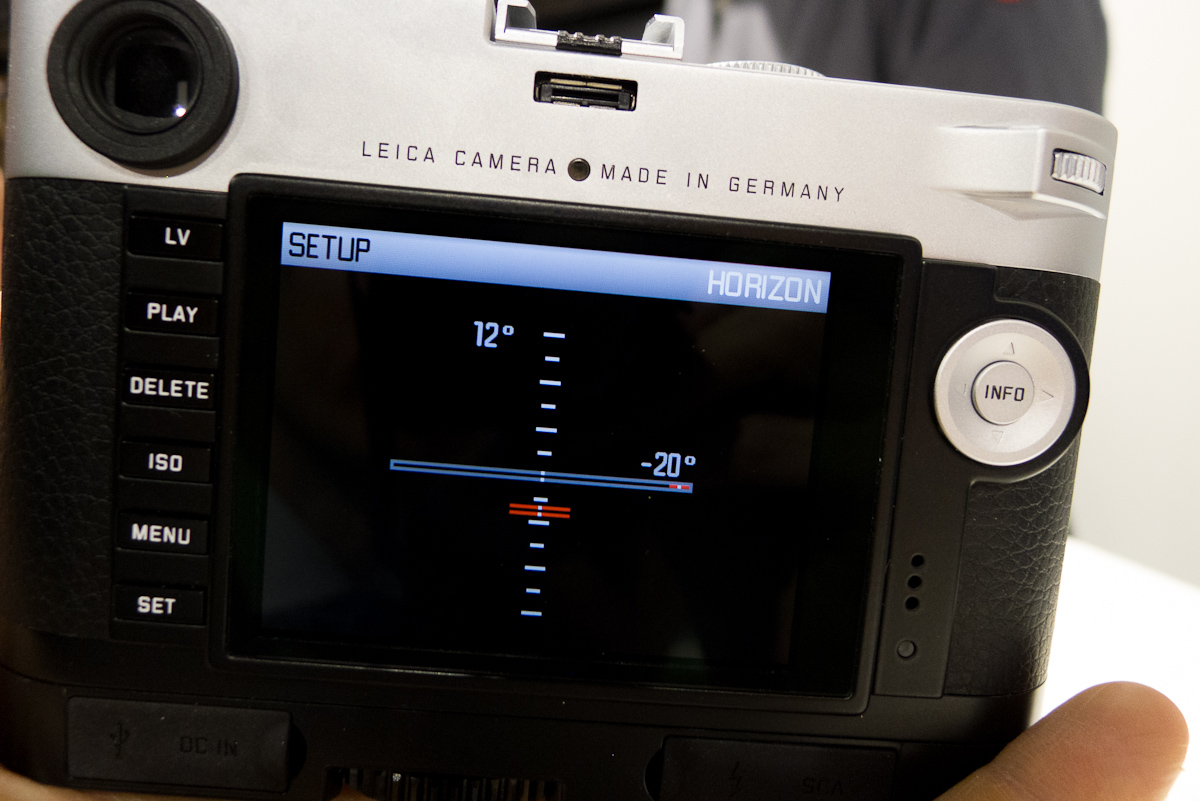
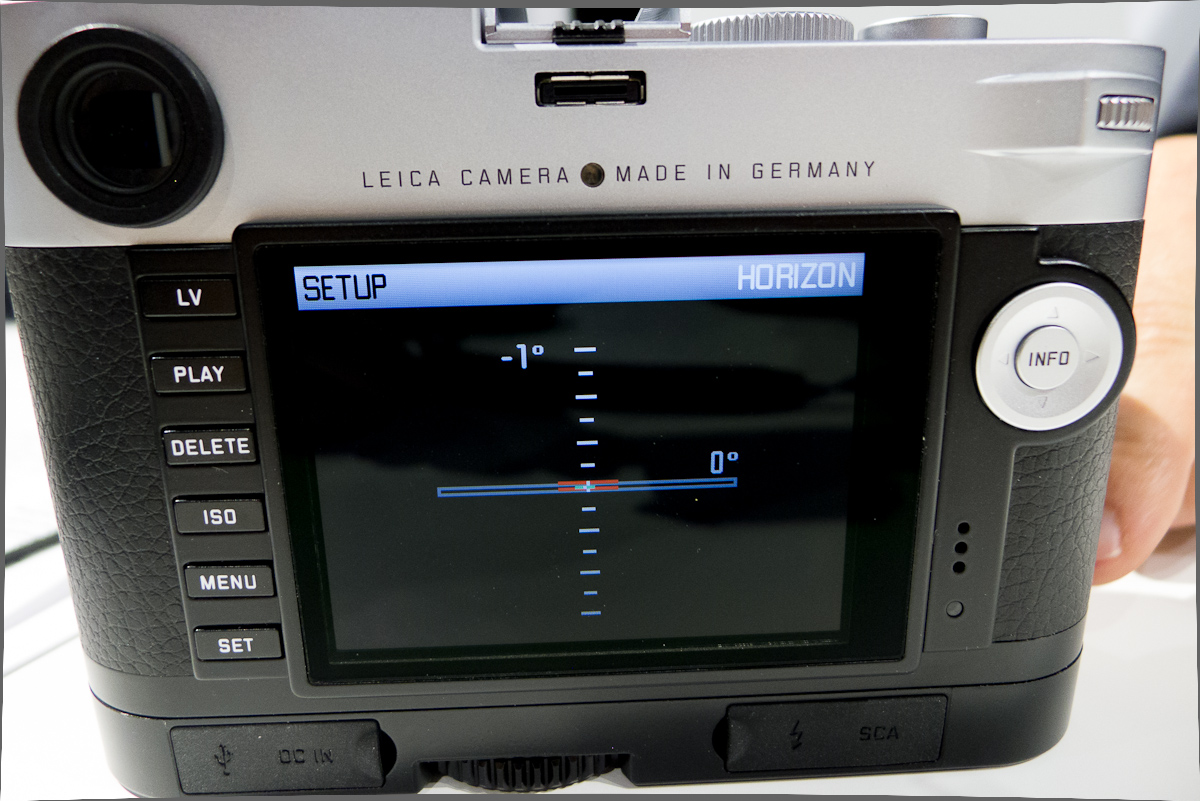
A feature I highlighted on the M is the new virtual horizon. The implementation is identical to the M, with visual and numeric indicators for pitch and roll. This horizon is also in the viewfinder display at all times.

Virtual horizon
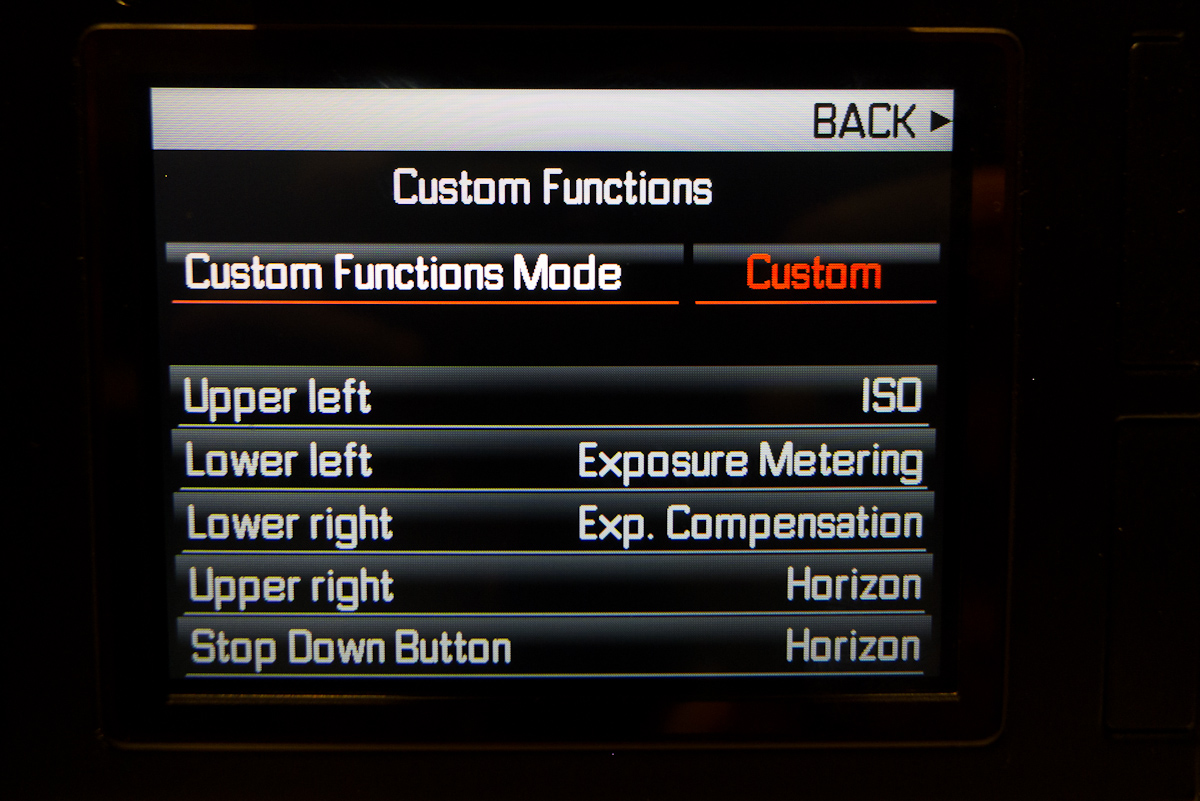
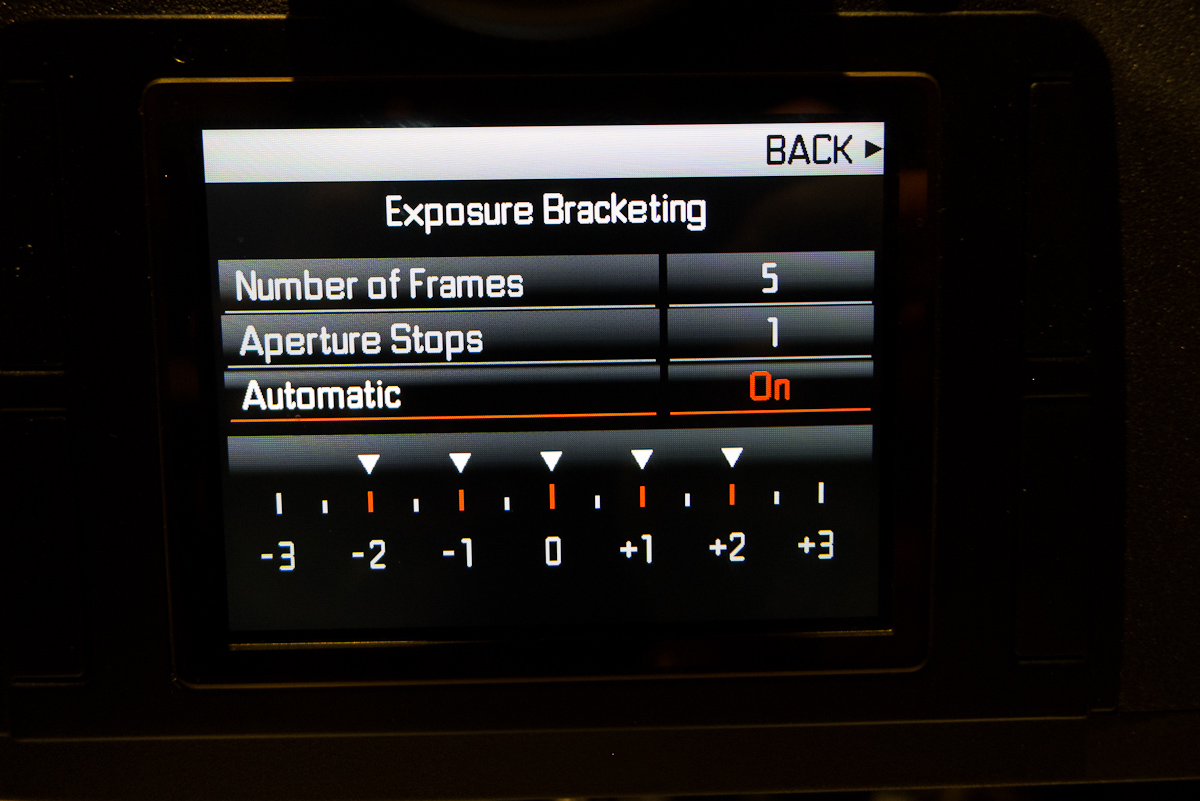
While the custom functions have always been on the S2, addition screen real estate makes the using the setup a little easier. Same goes for auto bracketing, which no longer requires you to confirm every option with the thumb wheel. Just use the joystick to navigate to the field you want to change and press to confirm.


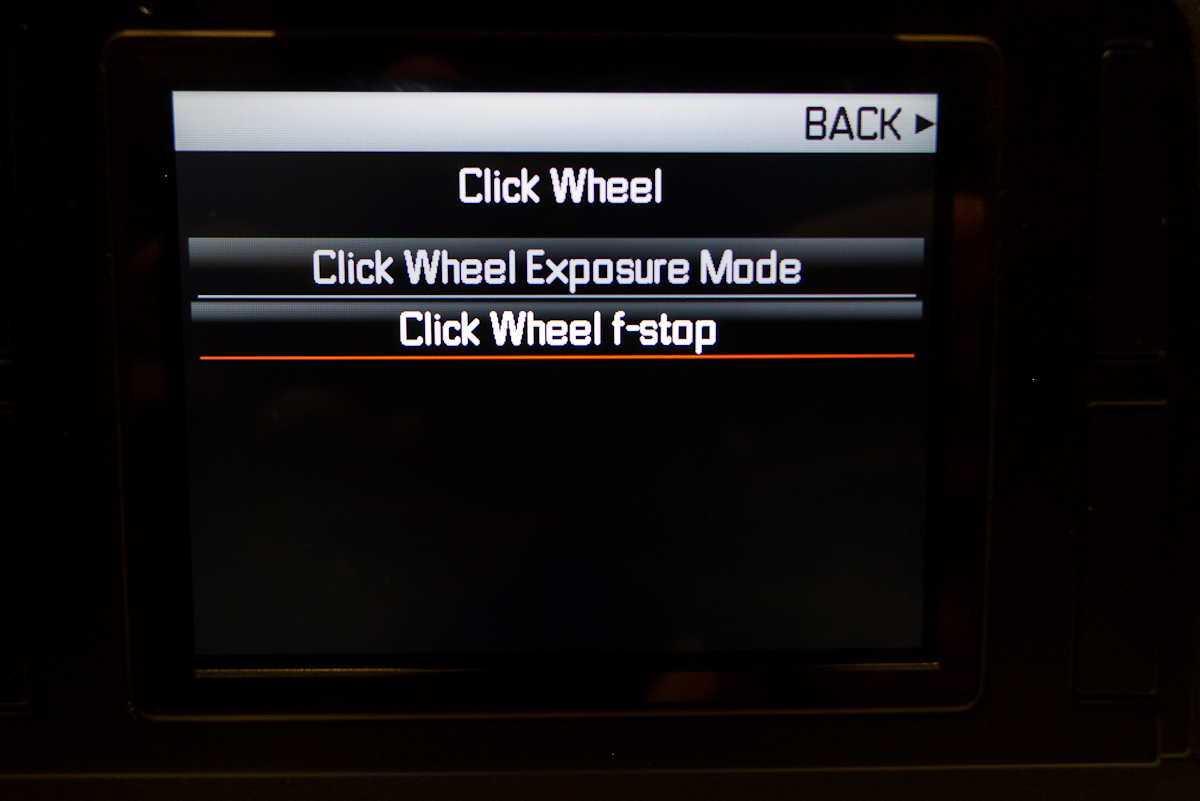
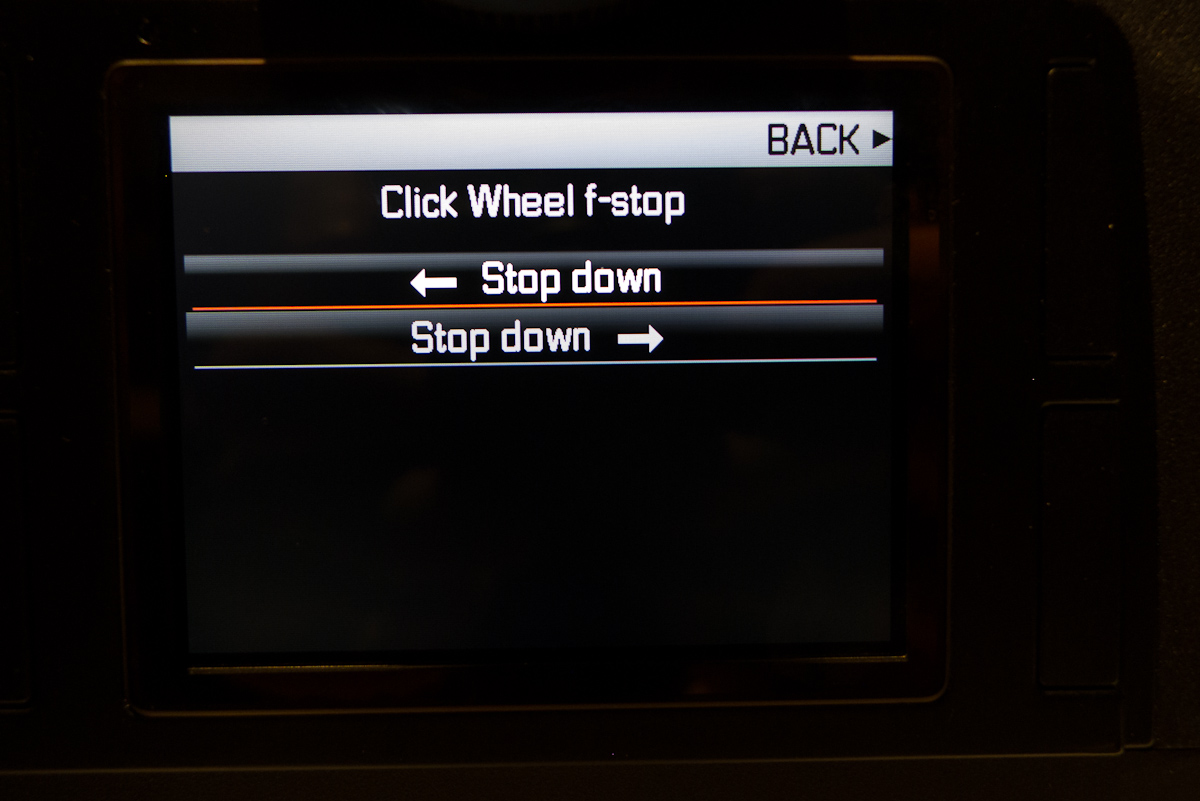
One of the most requested firmware changes is now offered standard on the S. The thumb wheel can now be configured to operate in either direction for setting aperture, with handy-dandy arrows for visual reference. The option is under the Click Wheel menu in Setup.


Easy enough
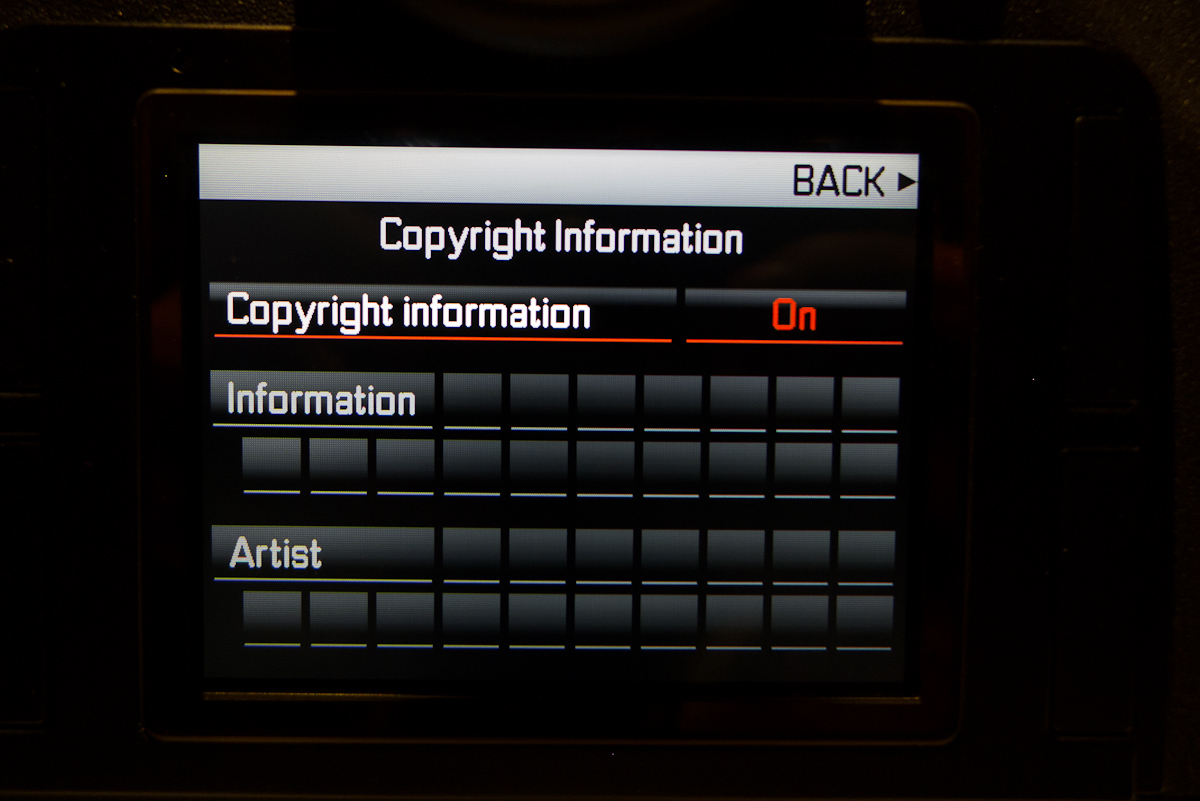
Just as with the M, copyright info can be set to record into the meta data. Useful for many professional applications to be sure, but scrolling through the entire alphabet with the joystick is a bit tedious. I suppose if you set it once, it won’t be such a big deal.

As has been reported in the technical specs, the RAM has been upped to 2GB, which allows the S2 to have a burst depth of 30-32 compressed DNGs. This puts the maximum shots per minute to around 60, which is pretty decent, especially for tethering. And while the S is still sticking with USB 2.0 instead of 3.0, Steffen assured me that the connection isn’t the bottleneck in the process. The readout of the data from the sensor actually takes longer than the file transfer over USB. Then, of course, there is Adobe, who still has plenty of opportunity to increase performance on the computer side. There is also a new Leica Image Shuttle software, but I didn’t get a demo of it.The viewfinder display has been reworked as well. The frame coverage is now 98% due to some tweaking of the masking which is a nice change. I’m sure many would like 100% coverage, but if you’ve ever looked through an S viewfinder, it is already better than just about anything out there in terms of size, brightness and clarity. Honestly, I’d rather take a big, beautiful S finder with 98% coverage than a tunnel-like DSLR finder with 100% coverage. But, hey, that’s just me.
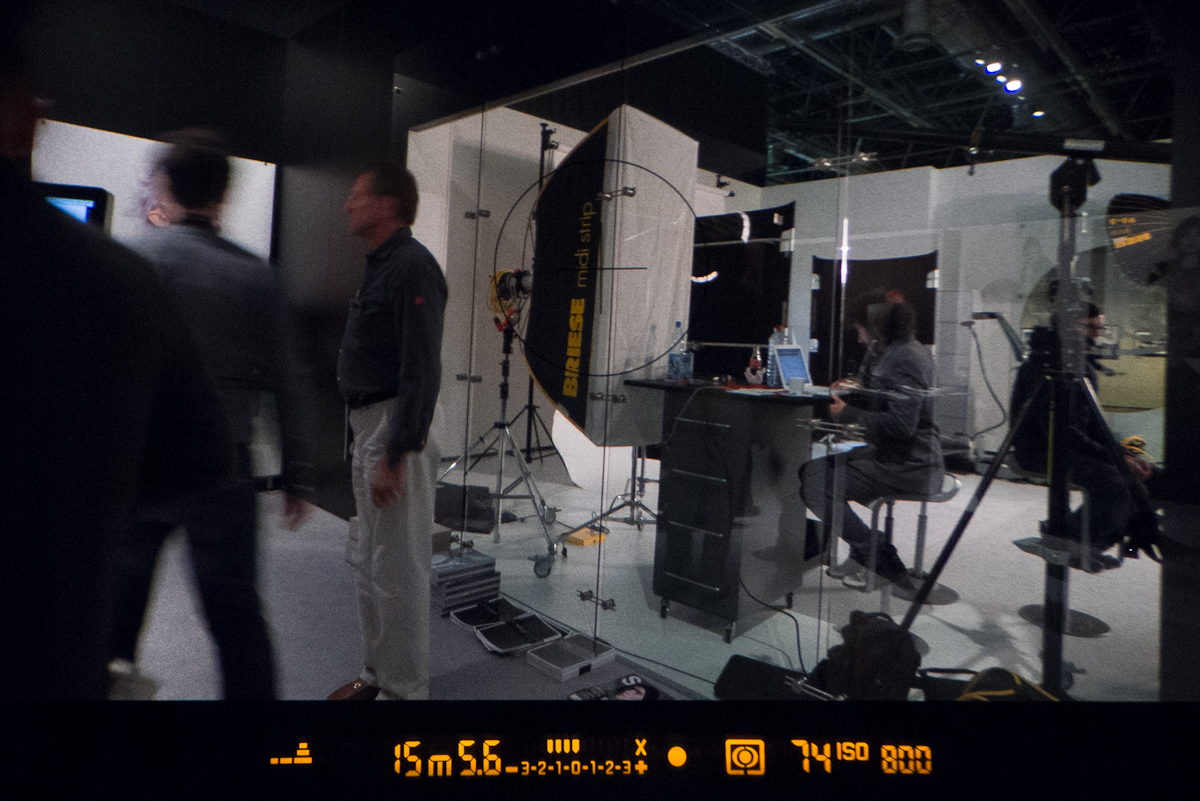
The lower LED viewfinder display now shows quite a bit of information at a glance. Going from left to right, I’ll explain each item. The strange looking collection of shapes at far left is the virtual horizon. In the case of my image here, the camera is pointing down and tilting heavily to the left. When you have one single horizontal line, you are level in both directions. Next is the shutter speed, followed by the shooting mode and aperture. In the center is a +/- 3 stop metering scale which also shows exposure compensation. The X on the far left of this scale shows that the camera is within its flash sync ability. Yes, there were a lot of issues with users setting the wrong shutter speed for use with flash. The small dot is focus confirmation, which is flanked by two arrows (which you can’t see because the camera is in focus). The nested box icon is the metering mode. The next number is a shot counter, which when shooting shows the remaining buffer depth. And last, but certainly not least is now ISO in the viewfinder. Yay! This has been a very common request from users. The LED display itself is also much brighter, which should allow for easier use in extremely bright outdoor conditions.

Lots of detail found in the viewfinder now
Lastly, the playback procedure has been designed anew. There is now a zoom to 100% feature in playback, which can be activated by long pressing the thumb wheel. Once zoomed in to 100% you can scroll through images with the wheel to evaluate focus.

The press to zoom 1:1 feature
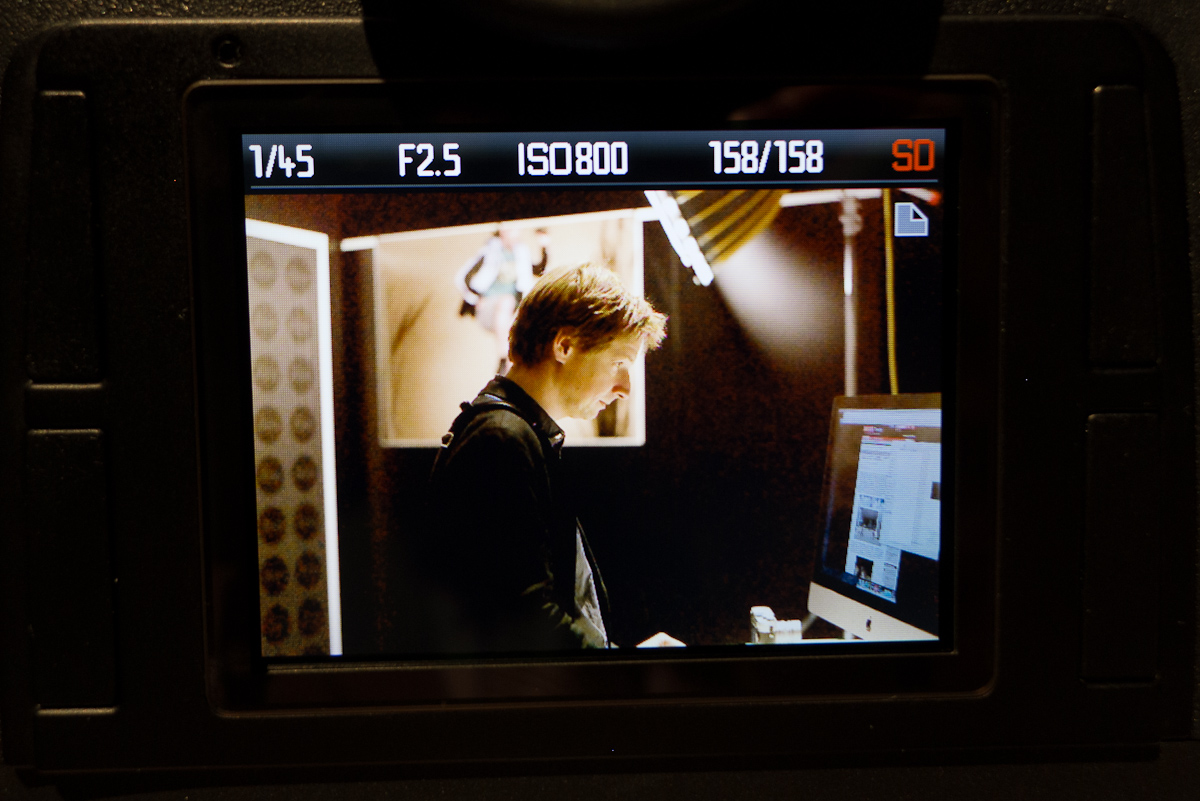
The scroll wheel plays two functions: moving between images and zooming. These can be toggled by a short press of the wheel. When reviewing on the screen, you change display modes by depressing the joystick. The main view just displays the image in full, with basic exposure and frame info above the image. You’ll notice that there is now a page icon in the upper right corner of the image. This indicates that the thumb wheel will move between images.

Standard playback with paging enabled
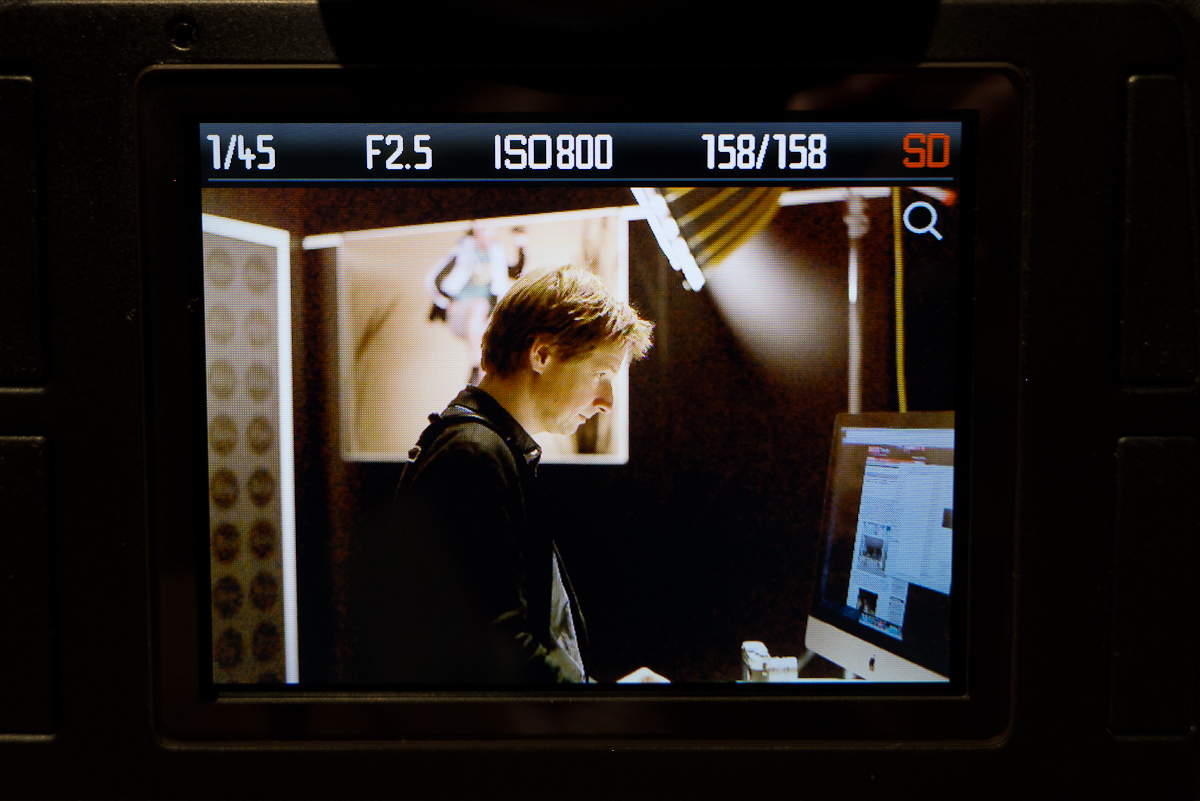
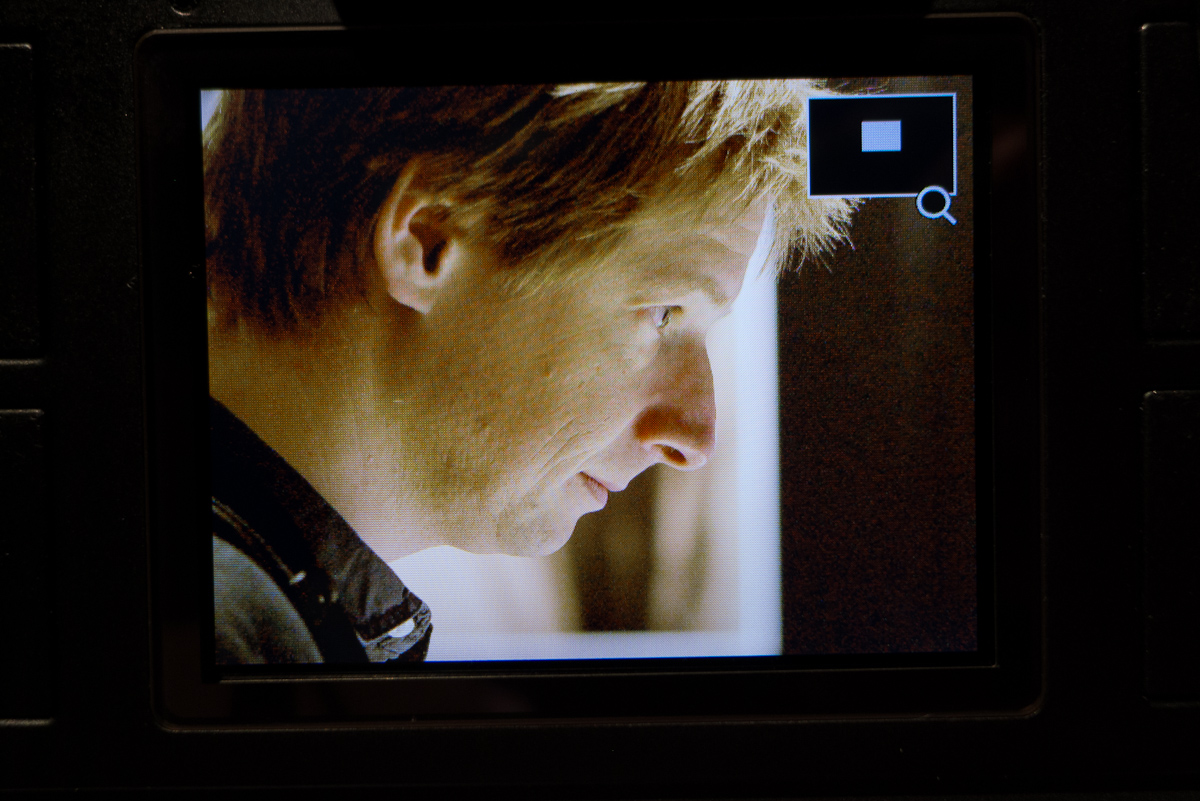
Press the dial in and the icon switches to a magnifying glass, indicating the zoom function. Turn the thumbwheel to zoom in. When zoomed in, the joystick always acts as a direction pad, moving around the image in any direction.

Standard playback with zoom enabled

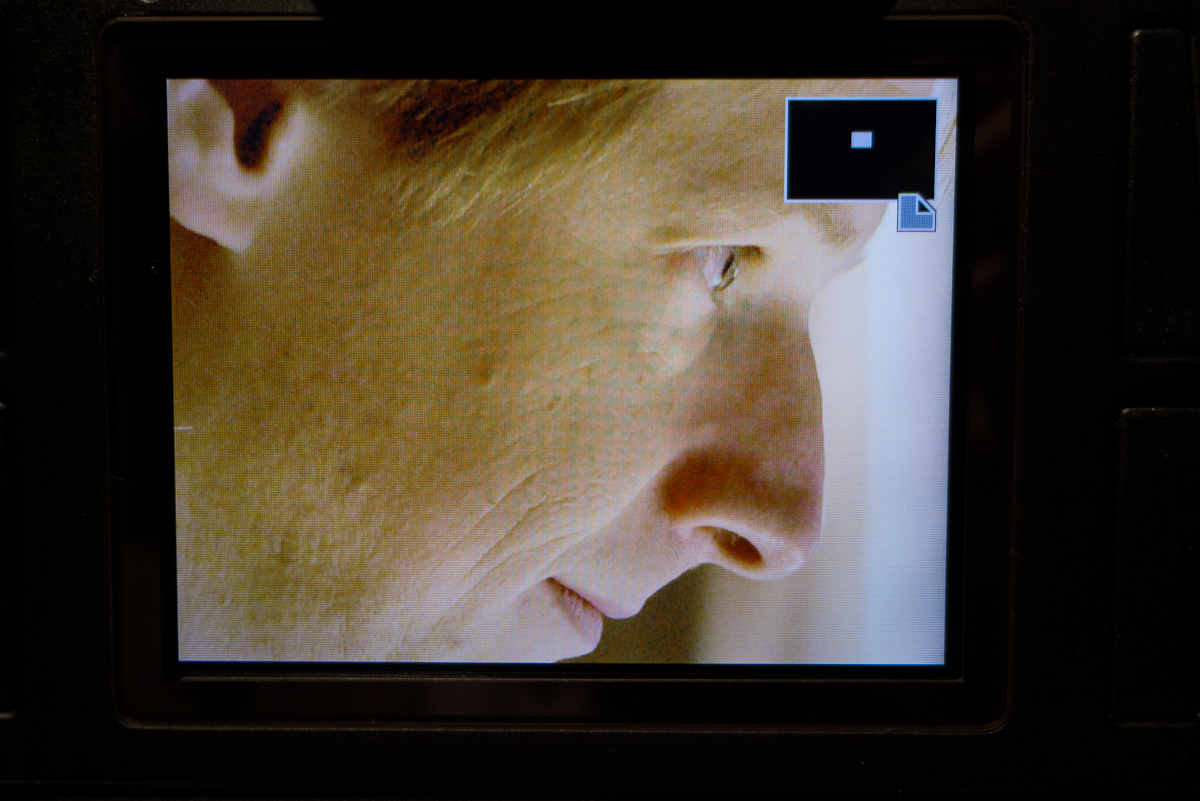
Zoom view with navigation aid
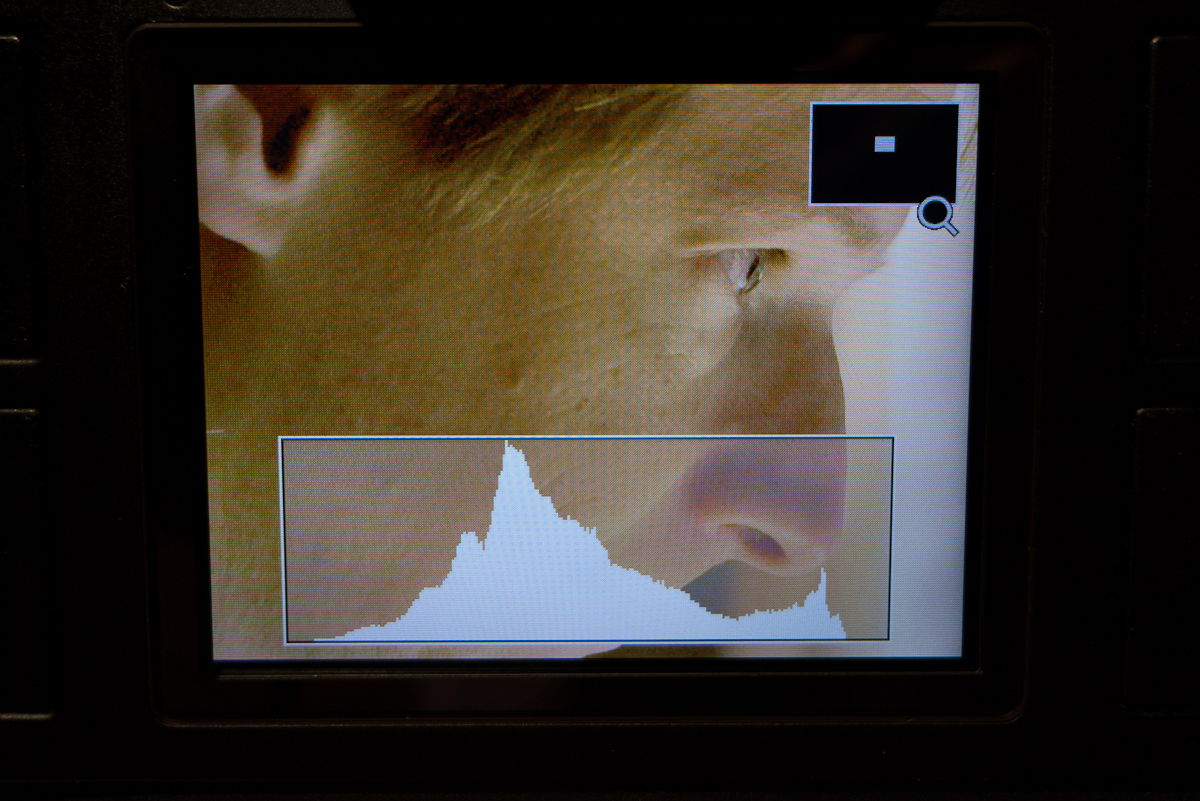
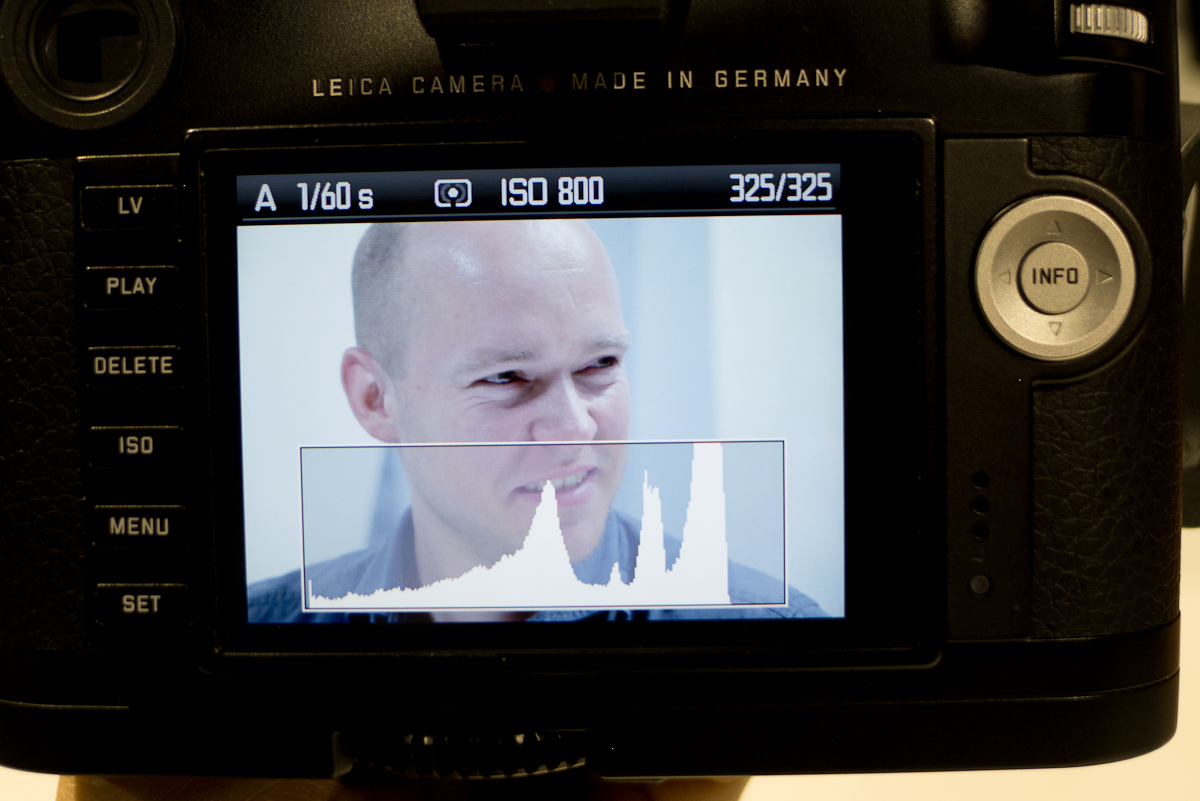
An overlaid histogram is now viewable at any magnification, which is excellent, as it shows a histogram of just what it is in view on screen. This becomes a very useful spot histogram without being relegated to the Info display.

Zoom view with overlaid histogram
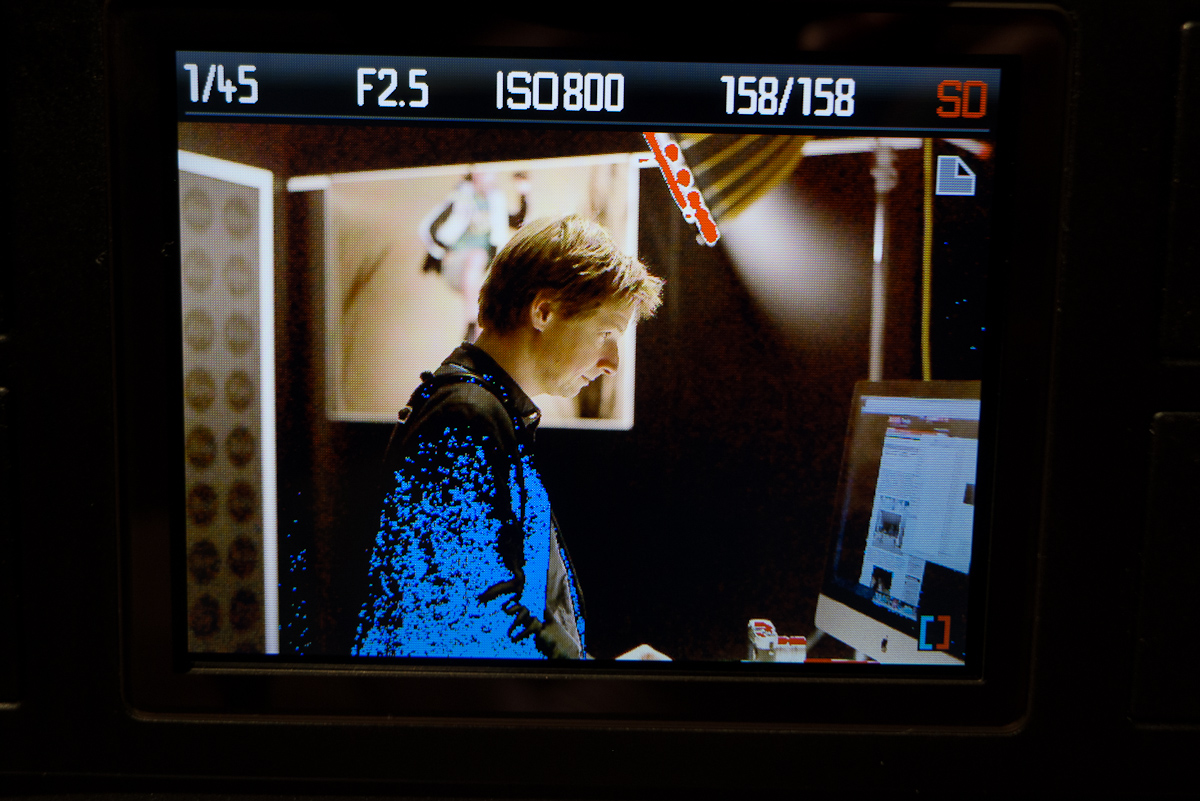
There is also a highlight/shadow waring view, indicated by a blue and red box in the lower right hand corner. Again, magnification is maintained when viewing, and just as on the S2, the clipping definition is definable in the menu.

Shadow/Highlight warnings view (these flash on and off)
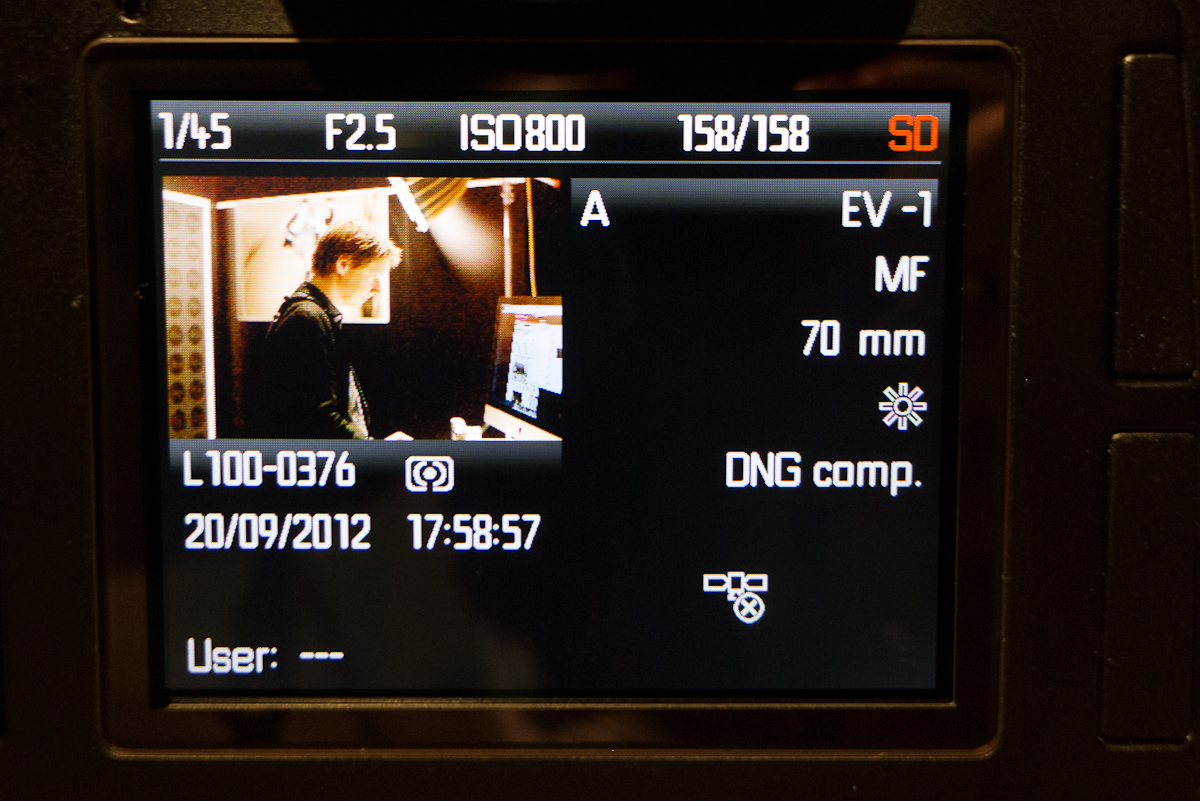
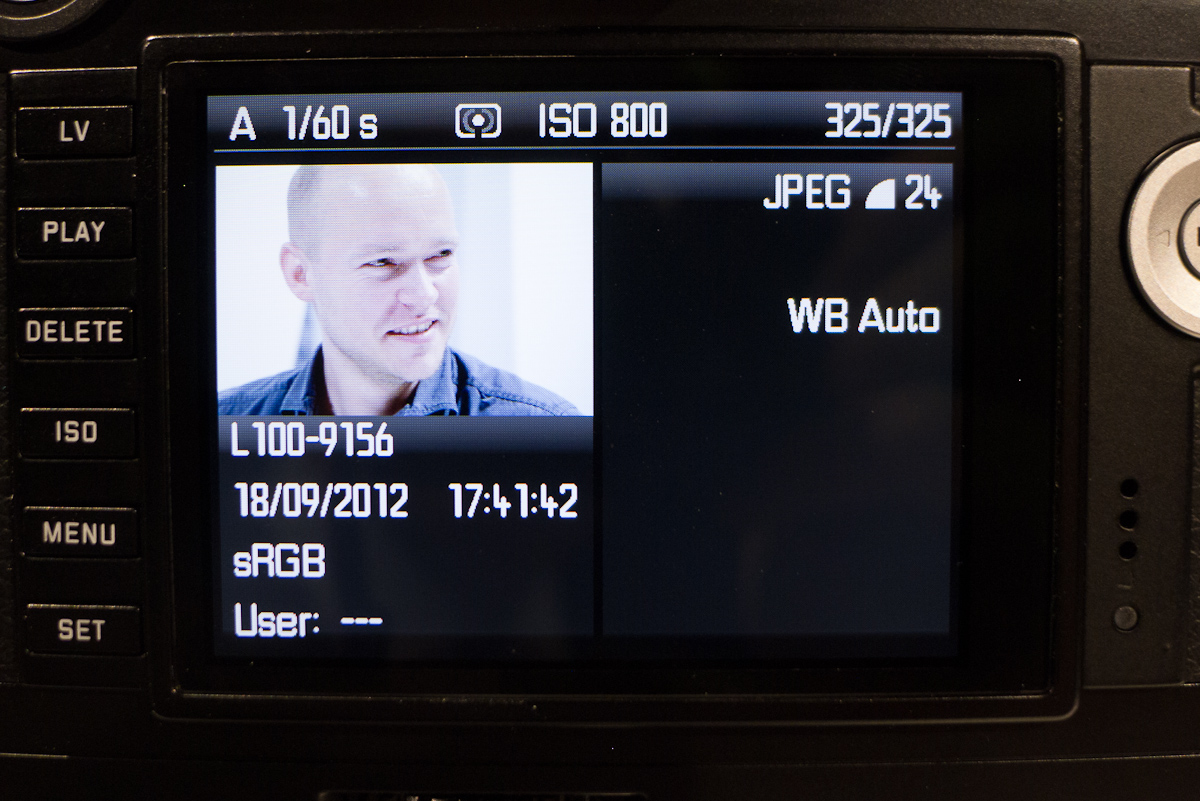
The Info display no longer has a histogram on it at all. The data presented here is very clean and easy to read, but the image is still zoomable and maintains zoom level when cycling through review mode screens. The zoom level is also maintained when scrolling through subsequent images. Toni explained the concept as two circles intersecting perpendicularly. Both cycle indefinitely and are independent of each other. One circle is the sequence of images that can be advanced through. The other circle is the different review mode screens.

Playback info view
All in all, the new Leica S improvements really do add up to a more polished, modern camera system. I'm very pleased with the work that Leica has done to both address customer concerns and requests and introduce their own features. For a little fun, I brought up the Q&A session I did with Toni and Stephan Schulz at Photoplus last year to see which items have been checked off the list, and it was quite a few. They've done a nice job, but as users, we need to keep the the line of communication open – Leica wants to hear from us for future suggestions to further improve the Leica S.
I also had a chance to work with the new S lenses….. but that will have to wait for part 2, later today.
Update: Part 2 is now online!
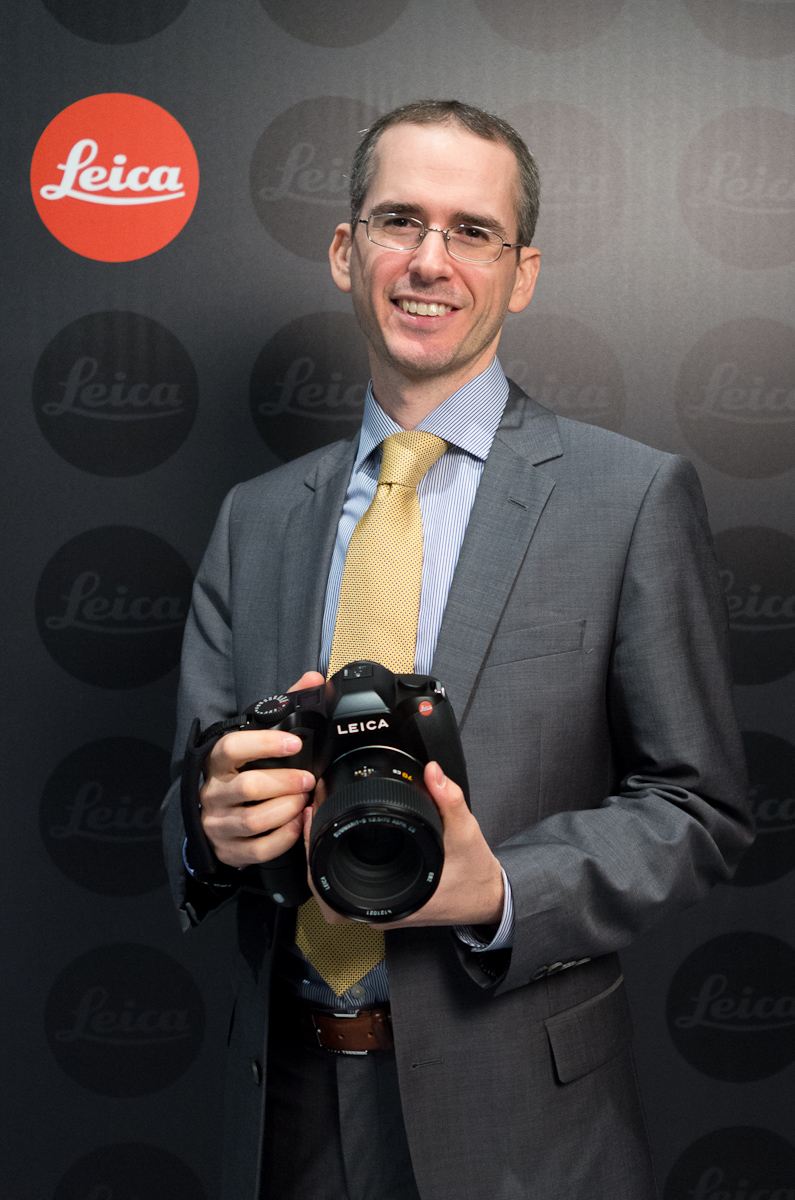
Me with the new Leica S
The new Leica S will cost $21,995 and should be available starting in December of this year. You can pre-order it here from Leica Store Miami. -

Jonathan Slack replied to the topic R lenses for Leica M in the forum Leica M (Typ 240) 13 years, 10 months ago
Hi There David
I hope you're surviving all this work!21-35 (although I'm not holding my breath about the corners)
28-90 (Oh Yes!)
80-200 f4
60 macro elmarit
180 APO f2.8I've been using these on various mirrorless cameras, and I'm just panting to have a go with them on the M.
all the best
-
PebblePlace replied to the topic And here we go. The NEW S2! in the forum Leica S (Typ 006) 13 years, 10 months ago
Well, the S2 still has some known bugs (which have been noted on these boards), and that was really what I was getting at. And then there some easy adds, such as –
* Allowing us to control which direction the wheel turns for inc / dec
* Setting auto ISO to 1/2x focal length rather than just 1/focal length
* Enter lens focal length for…[Read more] -
rmviet replied to the topic Comprehensive report on new Leica M from Photokina 2012 in the forum Leica M (Typ 240) 13 years, 10 months ago
HI, David,
best report on the Leica M so far.
Why did they keep that big red dot on the front of the camera, the M9-P is soo elegant without it?… I regret the absence of the illuminating frame which ix part of the smart design of all Ms so far.
And they did not mind keeping the thickness of previous digital Ms. The MP and M7 are so much…[Read more] -

David Farkas replied to the topic And here we go. The NEW S2! in the forum Leica S (Typ 006) 13 years, 10 months ago
Mark Gowin;3186 wrote: The new S has a lot of hardware changes (e.g., new sensor board, new AF module) as well as changes in control (joystick) and menus so I don't know how much firmware love us S2 guys will be seeing. I believe still room to improve the S2 via a firmware update. Maybe the guys at Leica will have some time for S2 firmware now…
-
Mark Gowin replied to the topic And here we go. The NEW S2! in the forum Leica S (Typ 006) 13 years, 10 months ago
The new S has a lot of hardware changes (e.g., new sensor board, new AF module) as well as changes in control (joystick) and menus so I don't know how much firmware love us S2 guys will be seeing. I believe still room to improve the S2 via a firmware update. Maybe the guys at Leica will have some time for S2 firmware now that the new S has been introduced.
-
Roger replied to the topic Are you pleased with the new Leica M specification? in the forum Leica M (Typ 240) 13 years, 10 months ago
Jono
I know you have been happy with the 180 on the smaller OMD. I will not know until I try it . My expectation is that the 135APO M will finally have a method that works with the M . The 180 not sure yet . I did not get comfortable with the 135 on the NEX 7 .
Al
I know that 180 3.4 APO well ..it was my bread and butter lens…[Read more]
-
PebblePlace replied to the topic And here we go. The NEW S2! in the forum Leica S (Typ 006) 13 years, 10 months ago
David – Has Leica expanded upon what the Leica S2 firmware update will be?
-
Bob Moore replied to the topic Leica Announces the new Leica S in the forum Leica S (Typ 006) 13 years, 10 months ago
Roger;3179 wrote: Does the new S have a new sensor (of the same size CCD) ? I don t remember it being called a low noise CCD ?
Probably a couple of new $50 ASICS to handle the NR….
Bob
-
Roger replied to the topic Leica Announces the new Leica S in the forum Leica S (Typ 006) 13 years, 10 months ago
Does the new S have a new sensor (of the same size CCD) ? I don t remember it being called a low noise CCD ?
-
Jonathan Slack replied to the topic Are you pleased with the new Leica M specification? in the forum Leica M (Typ 240) 13 years, 10 months ago
Hi Roger
I've been using my 180 APO elmarit on an Olympus OMD body with much success. Handling is fine, I'm sure it'll be fantastic on the M with the handgrip. Different from an SLR, but different can be good as well as bad.all the best
-
Jonathan Slack replied to the topic Comprehensive report on new Leica M from Photokina 2012 in the forum Leica M (Typ 240) 13 years, 10 months ago
Hi There David
Excellent report – I learned lots from it.
One point is that the official dimensions are making the M 5mm thicker than the M9 – this is creating quite a lot of grumpiness on the net. My impression is that this is mostly due to the thumb grip, might be worth comparing the real width of the baseplate from an M with that from an…[Read more] -
GMB replied to the topic And here we go. The NEW S2! in the forum Leica S (Typ 006) 13 years, 10 months ago
Pete & David,
Thanks for the respective posts. I hope to make it Cologne on Sunday. Anyway, I registered for the S booth. Really curious how many of the goodies can be implemented in the new S2 by firmware update.
BTW, I was at a local Leica dealer today who still has an S2 and an S2-P in stock. He was not really amused by the S…[Read more]
-
David K replied to the topic And here we go. The NEW S2! in the forum Leica S (Typ 006) 13 years, 10 months ago
I've been following these reports with great interest and can say that I'm very impressed with the direction that Leica is taking…both on the S and M lines. As a Leica shooter it's gratifying to see that Leica has listened and responded to the needs/wishes of its existing user base. I can't think of a single change they have made that leaves…[Read more]
-
Pete Walentin replied to the topic And here we go. The NEW S2! in the forum Leica S (Typ 006) 13 years, 10 months ago
Thanks for the feedback. I hope David will come back with much more infos later today.
-
Leica Store wrote a new post 13 years, 10 months ago
Last night I read every piece of available information in the press kit I was handed on my way out of the Das Wesentliche event, on the Leica website and in dealer releases to get a better handle on the new products before seeing them today at the show. I figured I had a pretty thorough understanding of the new products from a technical perspective, but you never really know a camera until you get your hands on it. How will it feel? Will it perform up to expectations? Well, I got most of those answers today at the Leica booth.
Truth be told, last night was a very late one, with me seeing the sunrise out my window before I could even think of getting into bed for a few hours. So, getting to the show late, I reasoned that it only made sense to look at one product and really understand it, instead of flitting from product to product or booth to booth. I decided with all the interest, I’d focus on the new Leica M.
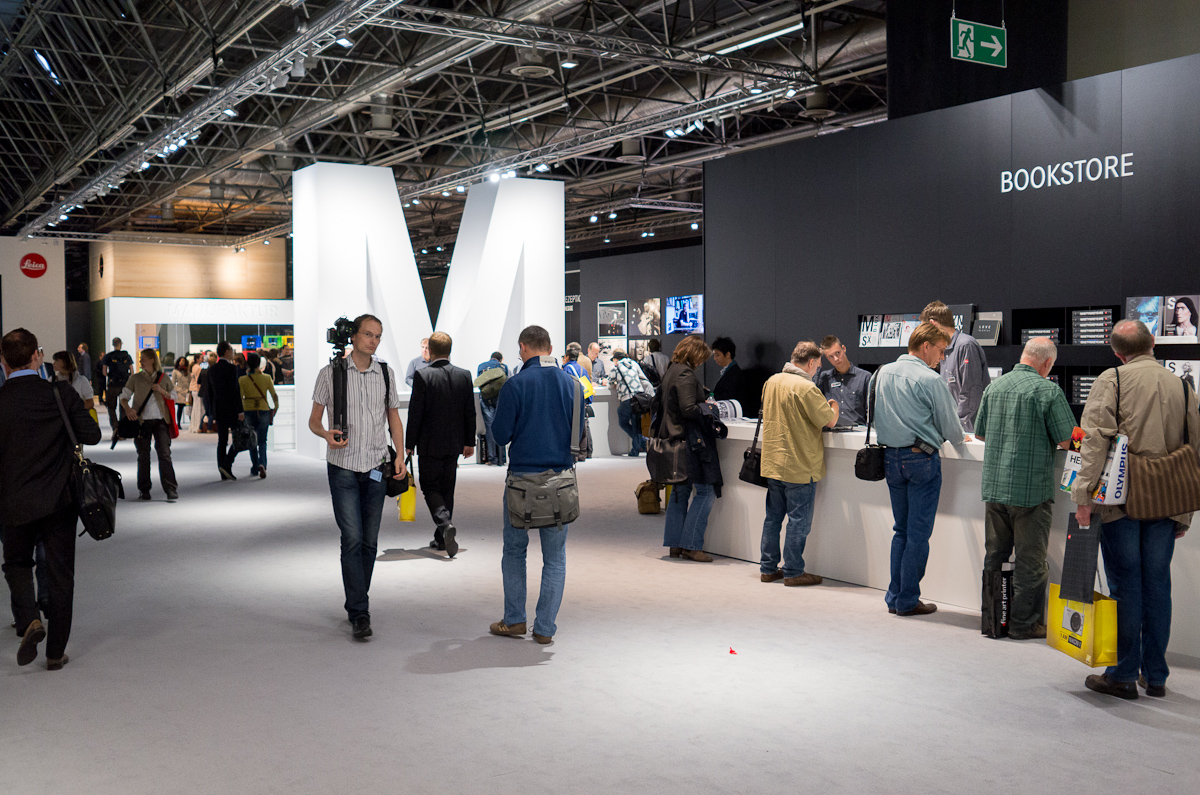
Coming in the South Entrance to the Koelnmesse, I headed straight to Hall 1 for the Leica stand. Hall 1 isn’t in the flow of traffic like Leica’s regular spot of the past in 2.1. In fact, you have to walk through Halls 3 and 2 to get to Hall 1 and there is no other hall connected. In other words, you wouldn’t end up there by accident – you’d have to mean to go see Leica, not just happen upon it meandering through exhibits. Did this keep visitors down? Not from what I saw. The Leica booth was hopping with activity, but avoided feeling crowded due to the sheer scale of it. Different demo tables were set up around the room with letter designations for the different systems.
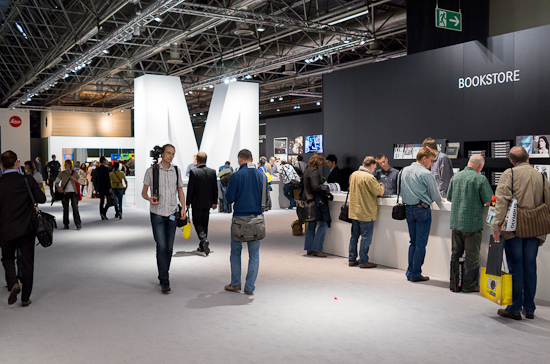
Big booth
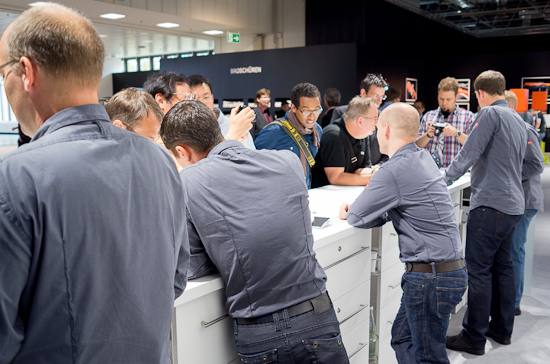
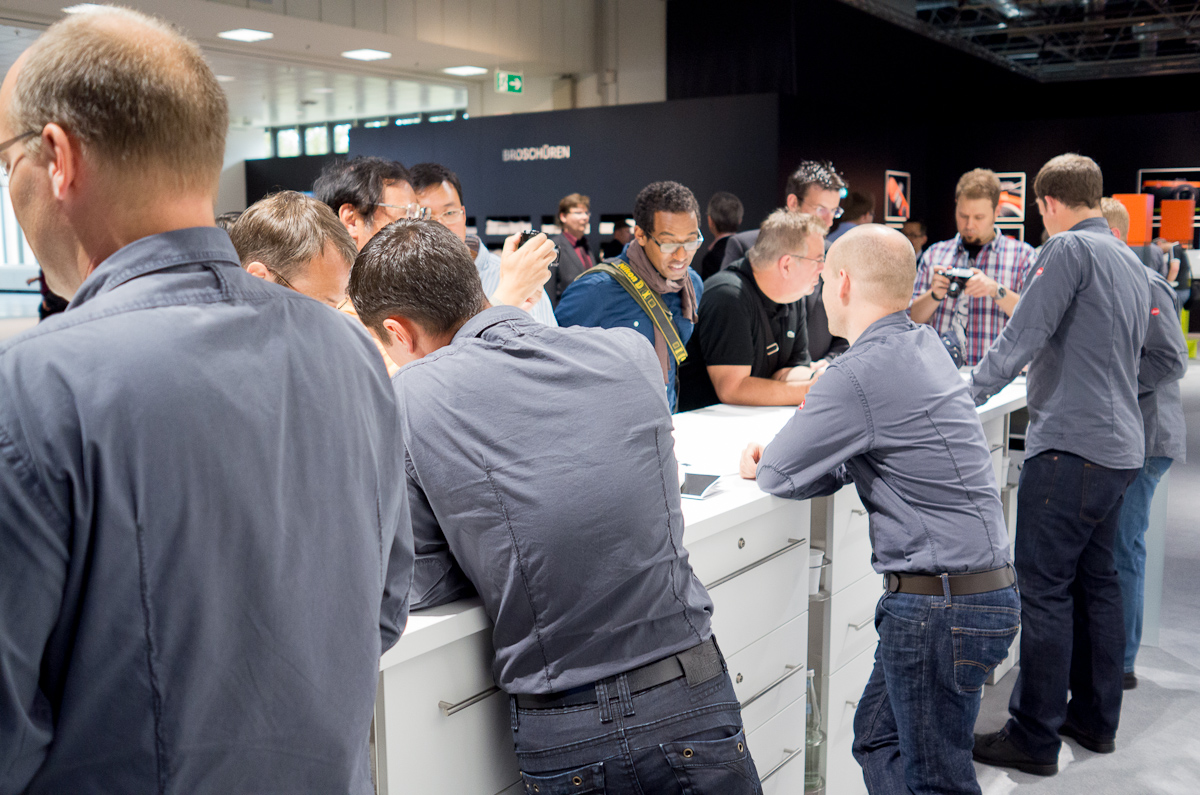
Crowd at the M counter
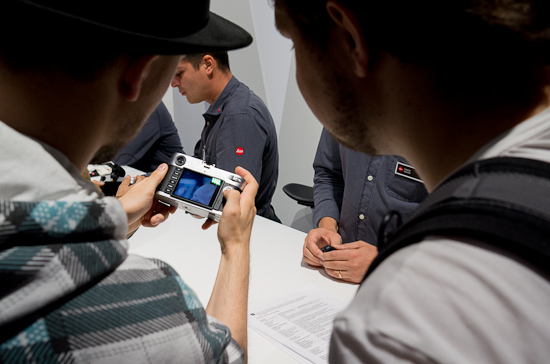
Everyone wanted to check out new M
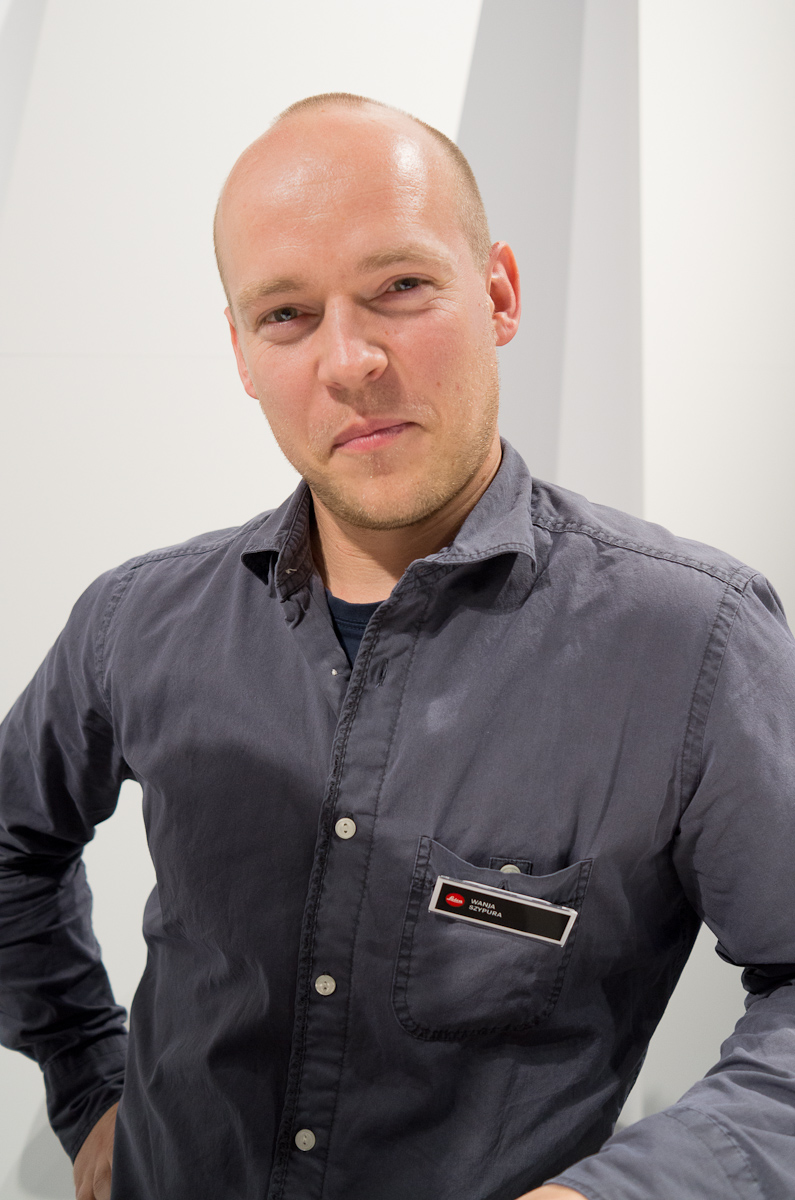
I went right for the M table and was happy to see Wanja Szypura free to help me. He and I were talking last night at the event at some length about the new products. Wanja works with the digital imaging processing of the new M and S cameras in the R&D division under Dr. Volker Zimmer. He understands sensors, demosaicing, noise suppression, dynamic range, bit precision, and is the Leica point person working with Adobe. In other words, he’s my type of guy. I love to know what is going on under the hood, not just what the specs say.
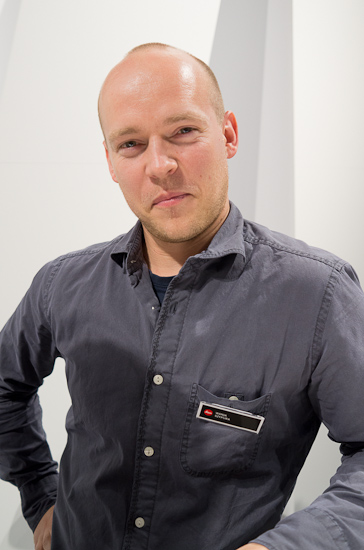
Wanja Szypura
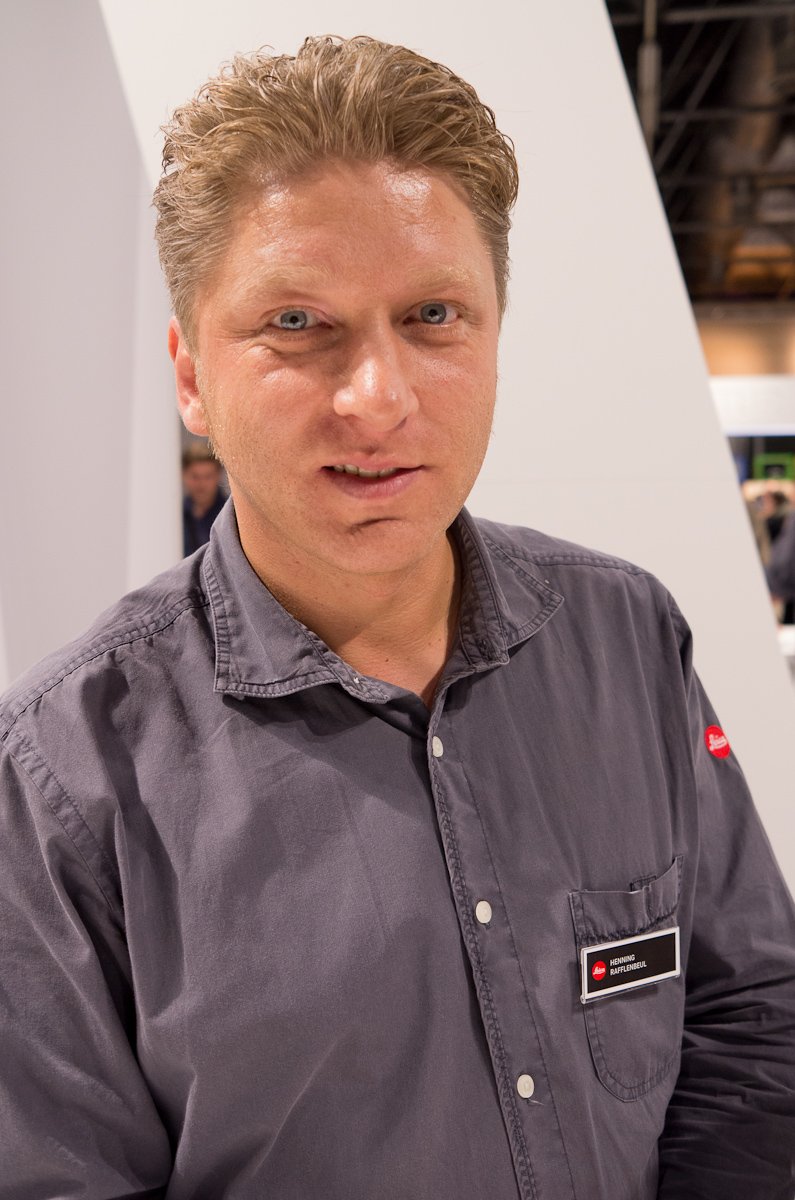
He then introduced me to his colleague, Henning Rafflenbeul, who is the project manager responsible for the development of new M. I’ve said this before, but it bears repeating: coming up to a demo counter at Photokina, you never know who will be showing you the latest viewfinder accessory or lens cap. This person might just be the one who designed your favorite lens or developed the AF system in the X2.
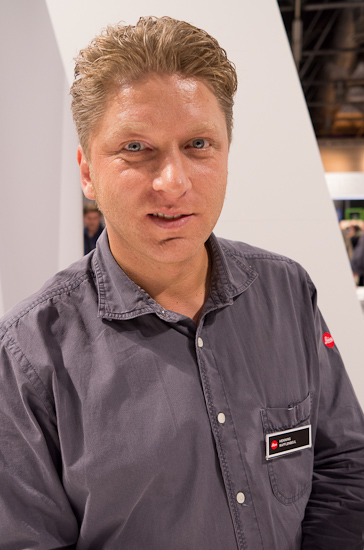
Henning Rafflenbeul, project manager for M
So, we got right down to it.
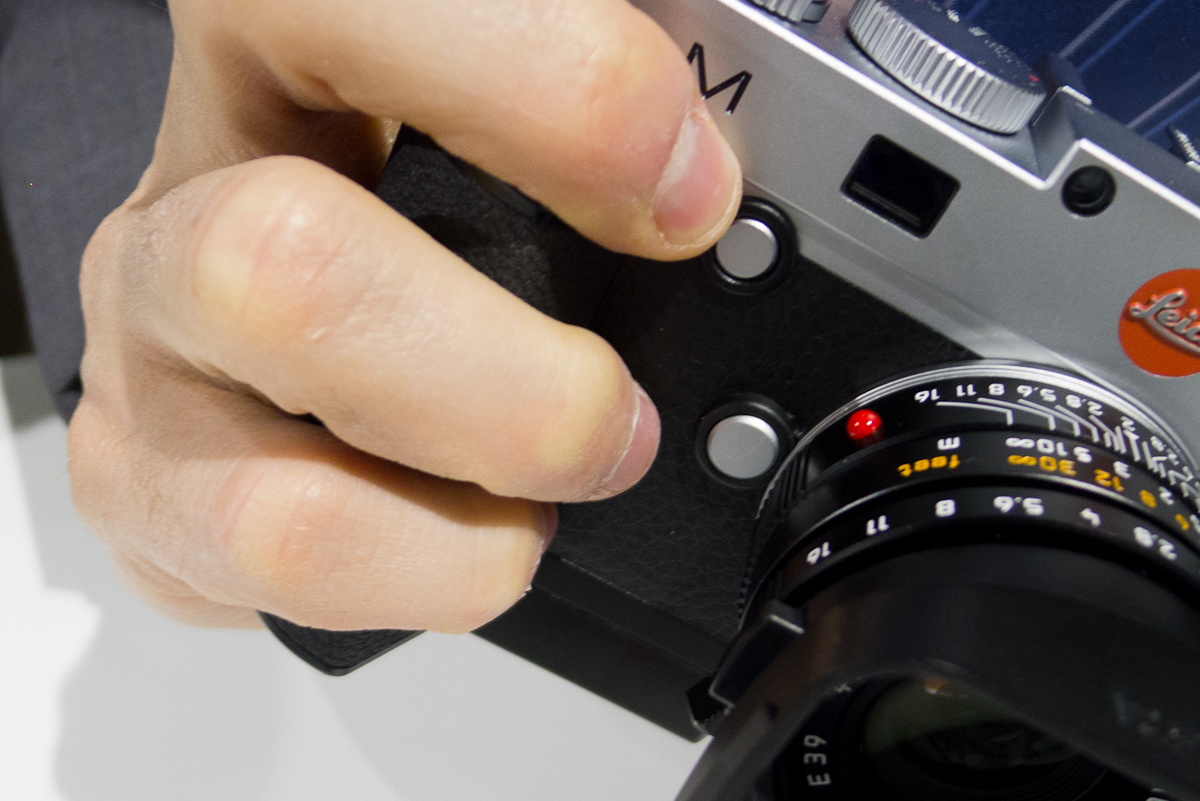
I picked up the M. It felt great. Good heft. Nice leatherette. The thumb rest felt nice, maybe not as perfect as the Thumbs Up on my M9, but certainly better than a stock M9. The new d-pad, now in metal, had just the right amount of clickability. The added thumbwheel, also metal, felt smooth but still had good click stops. I started examining the new buttons. On the front of the camera is the focus peaking activation button, within perfect reach of your middle finger. It’s slightly concave and easy to find and press. I immediately felt comfortable with its placement. The top “M” button next to the shutter release was also easy to get to, and reminds me of the placement of the movie button on the D-Lux 5. When I asked if M stood for movie or motion, my Leica friends replied simply, “No. It’s just M for M, “ and smiled.
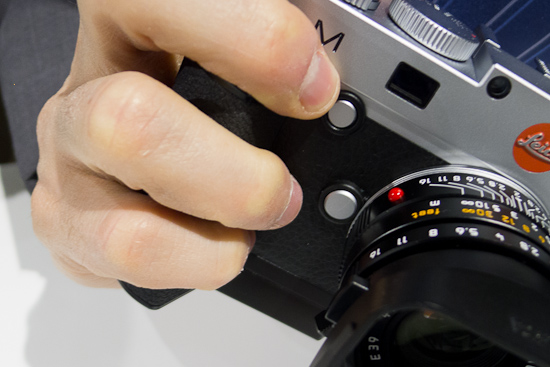
Focus peaking button is in easy reach of middle finger
The M is available in black and silver finish. Personally, while I have tended to prefer silver M cameras when available, I think I’m leaning towards the black.
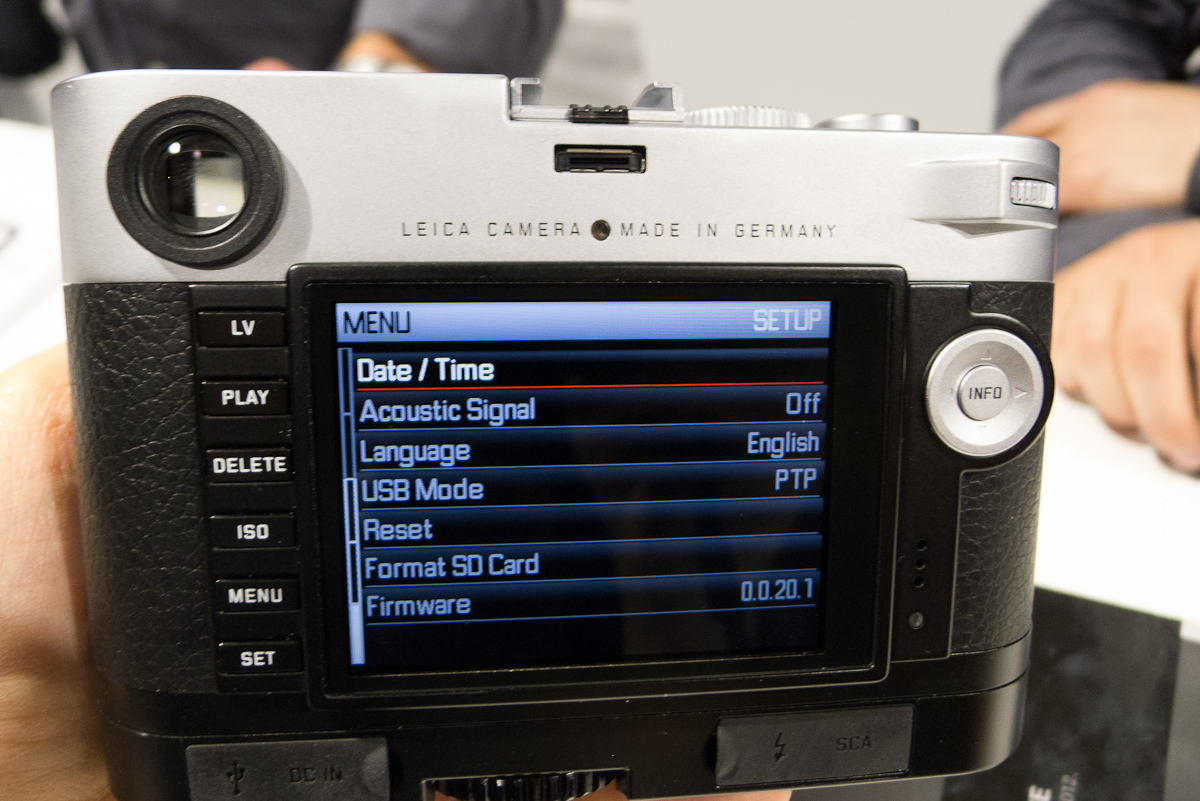
On the backside, the buttons have been rearranged from the M9. The top button on the left hand side of the 3” LCD is now Live View. The Play button has taken a second spot right below, but for good reason. Once you start playing with live view you’ll see why.
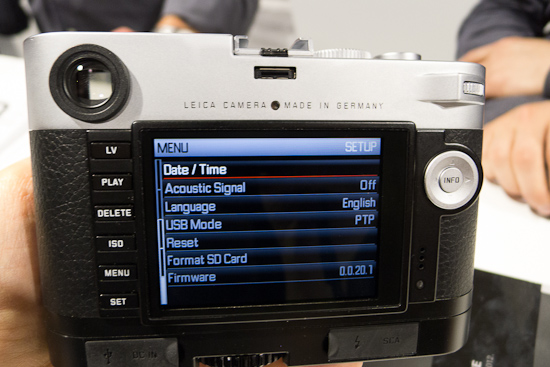
The Info button has been moved to the center of the d-pad and the Menu button has been moved into the left-hand column, right above Set. This makes sense since these are your two areas to manage settings and the Info button is now accessible with your right thumb while shooting. To that end, the D-pad has been raised up. The surrounding dial on the M9’s d-pad has been removed in favor of the thumb dial, which is similar to that found on the S and the X2. I found myself trying to zoom in on an image with the non-existent zoom wheel, but I quickly adjusted to the new handling method of using the thumb wheel.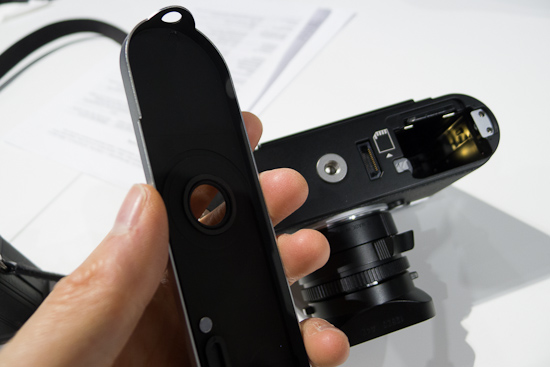
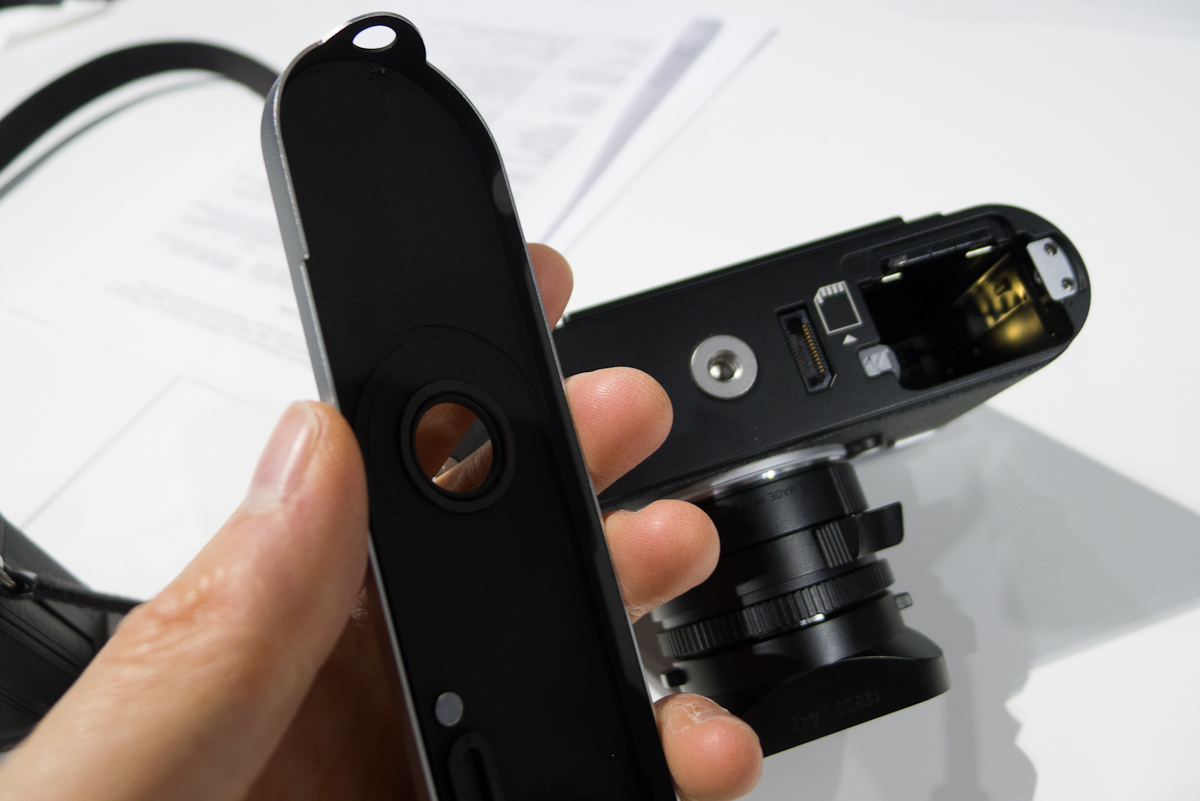
Holy bottom plate!
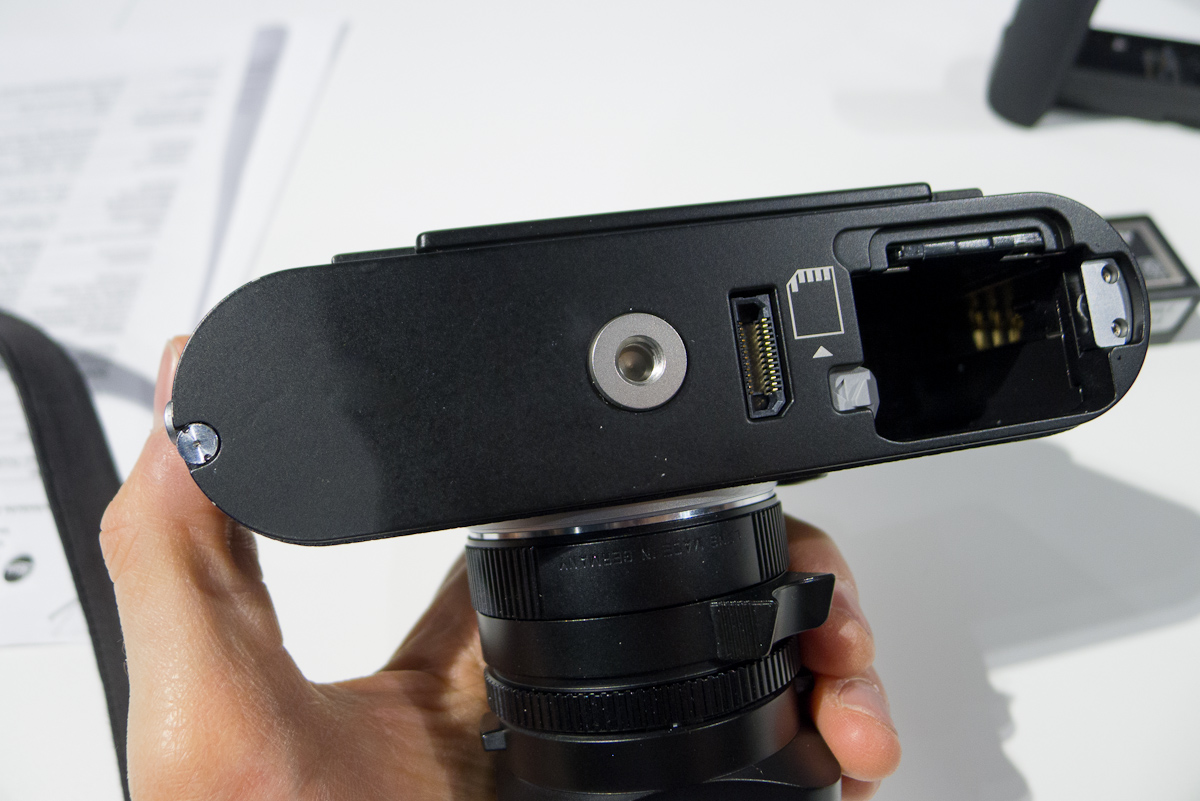
The bottom plate has been redesigned as well. The first thing I noticed was that the tripod mounting hole is not actually on the plate. It’s in the chassis of the camera and there is just a pass-through hole in the plate. This is both a blessing and curse. Say you are out shooting on a tripod and want to change the battery or memory card. You would have to unscrew the camera before being able to remove the base plate. This is the bad news. Quick release plates also become useless for the same reason. The good news is that mounting to a removable plate was never the best solution in the first place as it has far too much flex for really solid mounting. Mounting right to the camera is the most solid possible. Of course, my suggested solution as I was looking at this problem is to use one of the new hand grips.
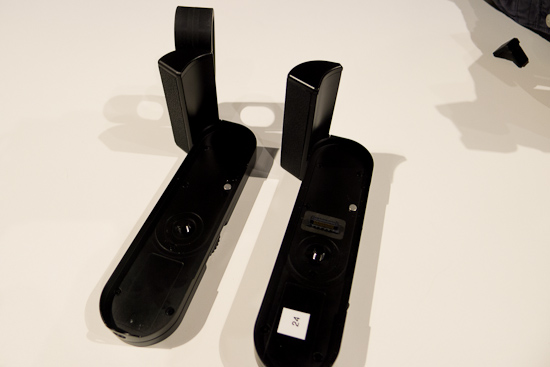
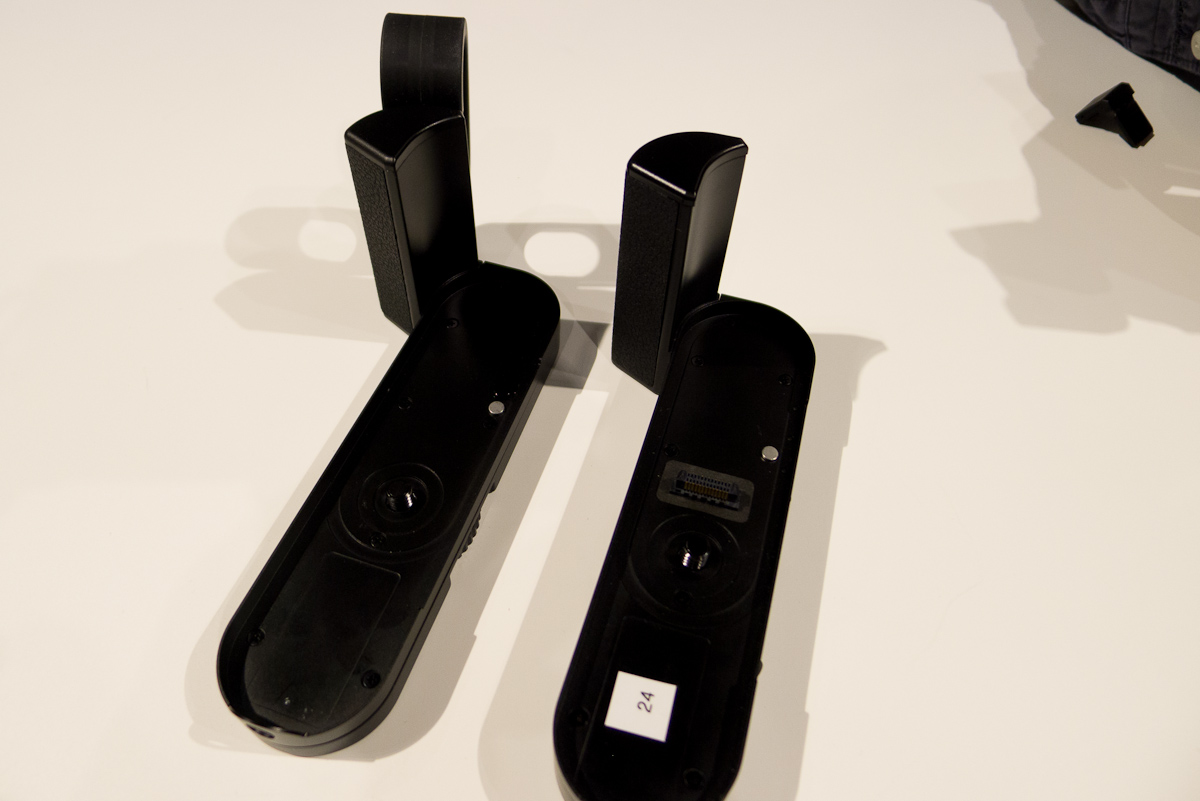
Handgrip M on left, Multifunction Handgrip M on right
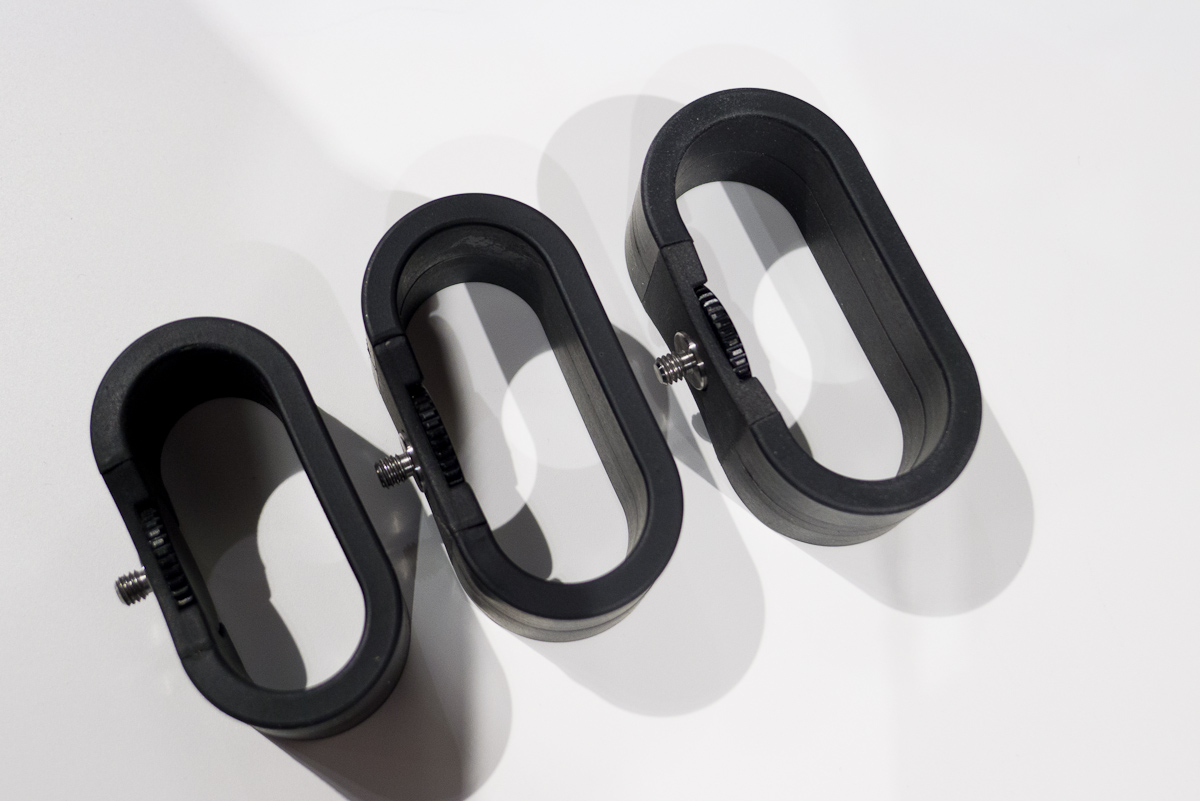
Coming in two flavors, a standard hand grip and a multifunction grip, they both have a really great feel and add a lot to the camera. Both models have the same shape front grip which is eons better than the M9 hand grip. Nice, tacky textured leatherette/rubber covers the perfect shape. It is slightly angular and fit my hand just right. There is a screw hole on the side of the grip section for a finger loop a la M9 Titan. I never gave too much credence to these oddities, but after trying it on the M, I really like it. In case anyone wants to get me one as a present, I prefer the medium size. Thanks. The loop is rubber, but has a metal band inside for strength. It also comes in small and large.
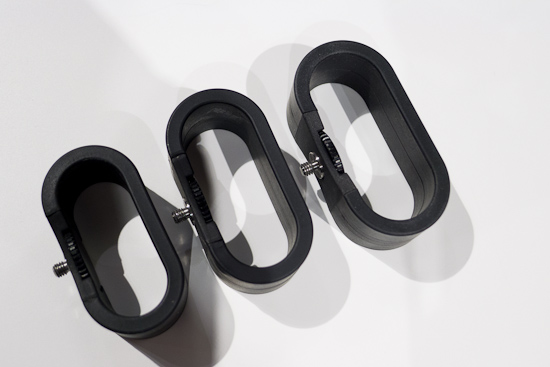
Three different sizes of finger loops
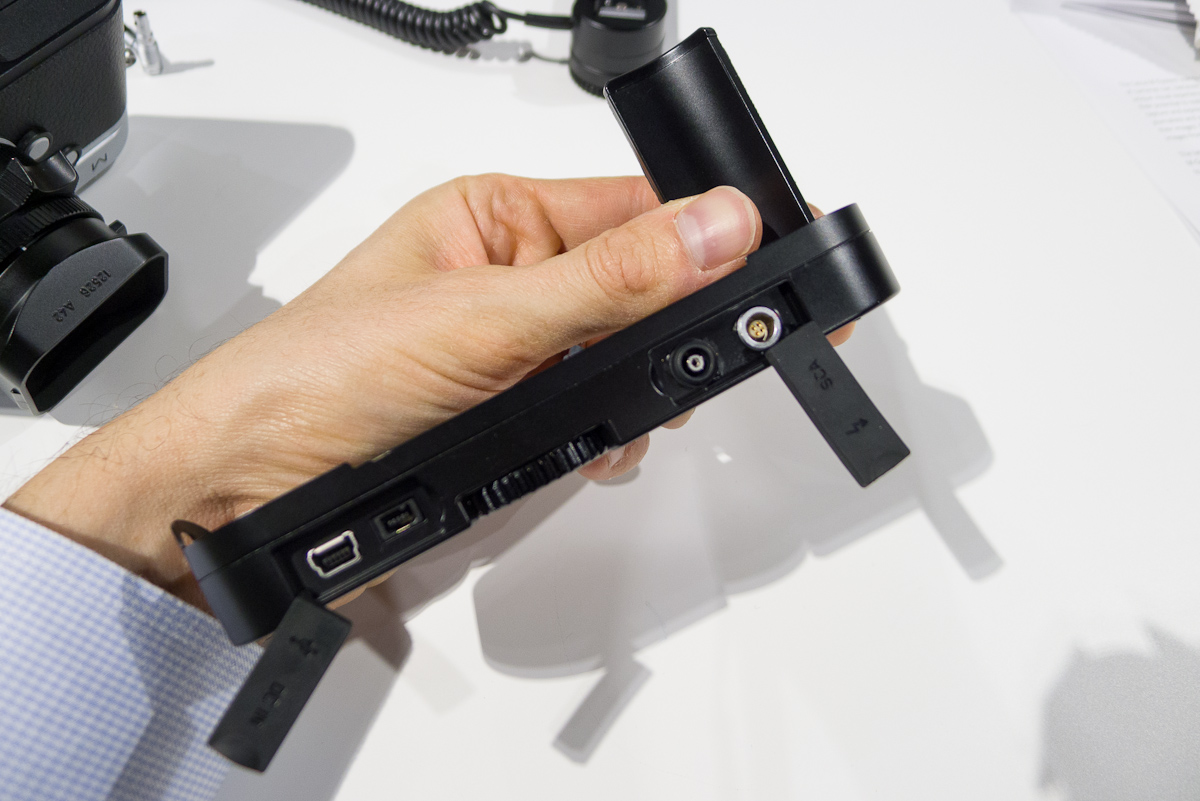
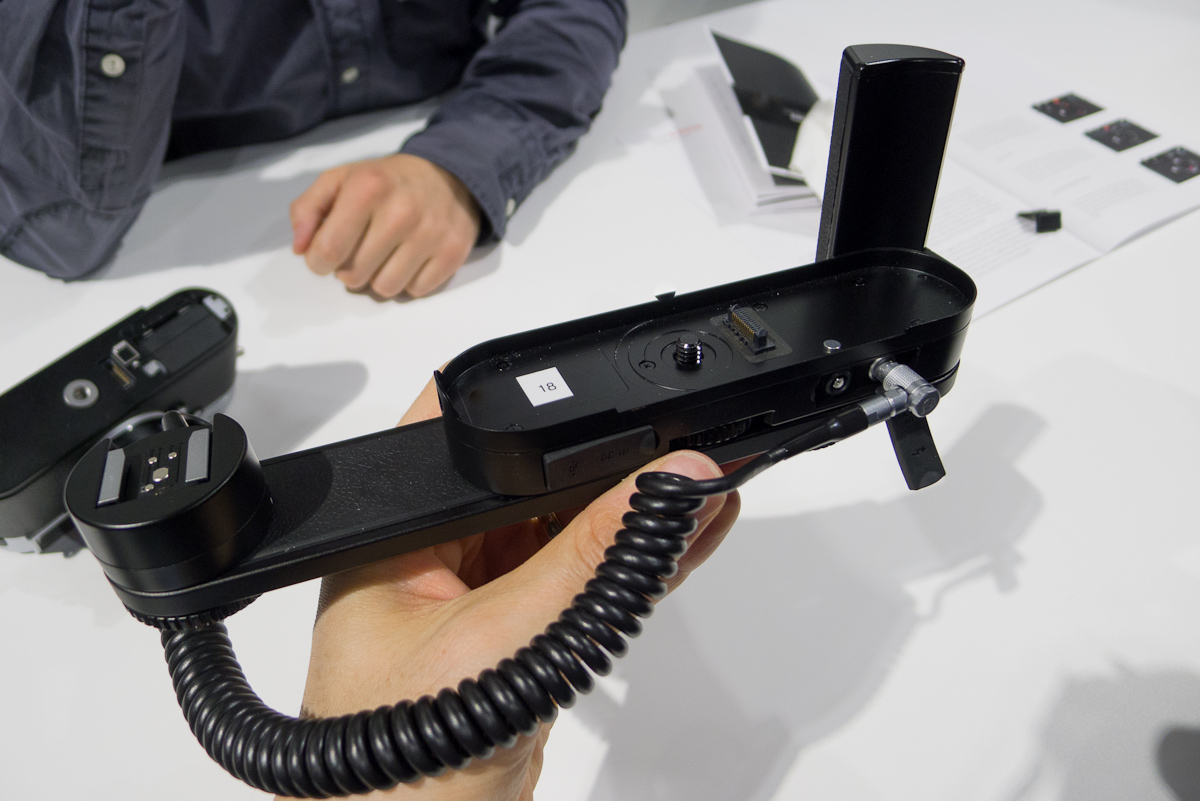
The Multifunction Handgrip is slightly taller at the base than the Handgrip M to allow for electronics. There are four ports on the backside under two weather-sealed rubber caps. On the left side are a USB port for tethering to a computer and a power input for powering the camera externally. On the right is a PC sycnc socket and a new LEMO-style SCA connector for the TTL flash bracket accessory.
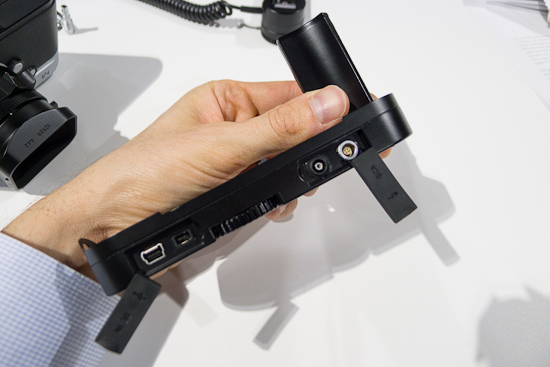
Connectors on Multifunction Handgrip M
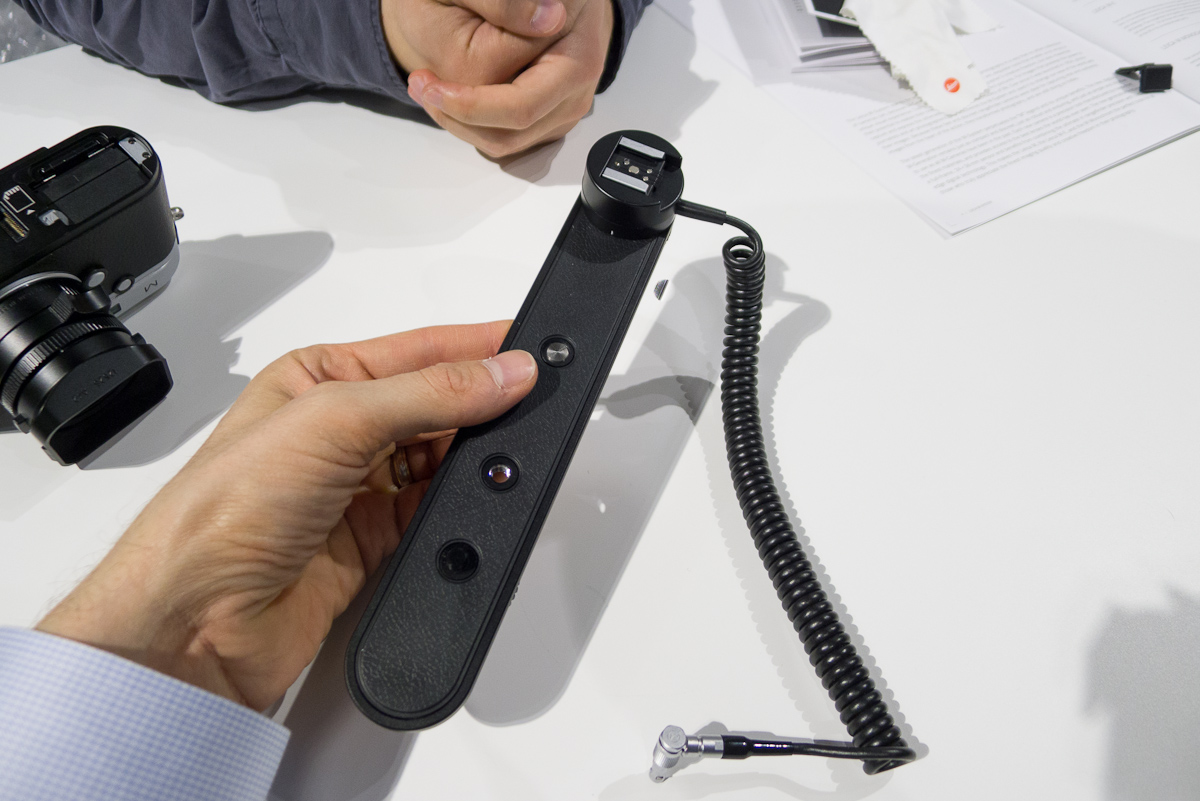
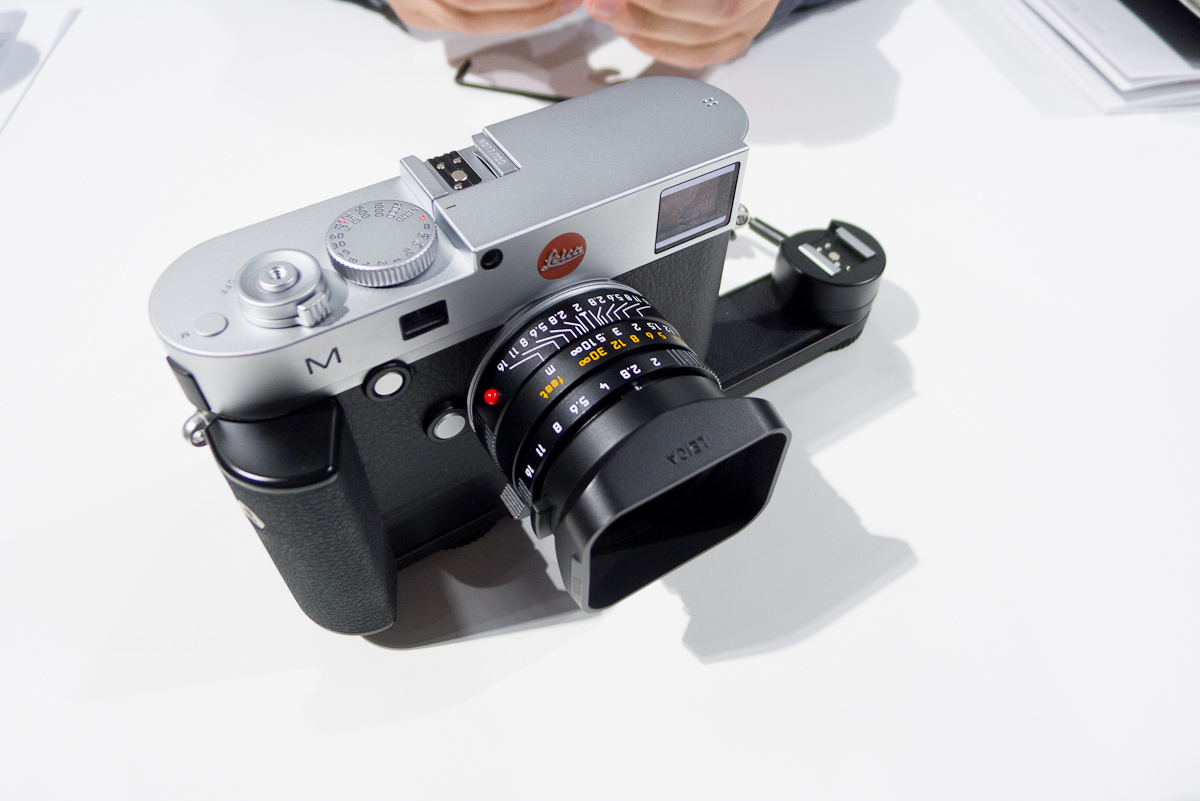
While on the big side and reminiscent of Leica, Hasselblad and Contax accessories from the 80’s, I’m sure wedding photographers will be very happy. The bracket screws into the bottom of the Multifunction Handgrip and allows you to use a TTL flash like the Leica SF 58 in full TTL off camera while also using the hot shoe for an EVF.
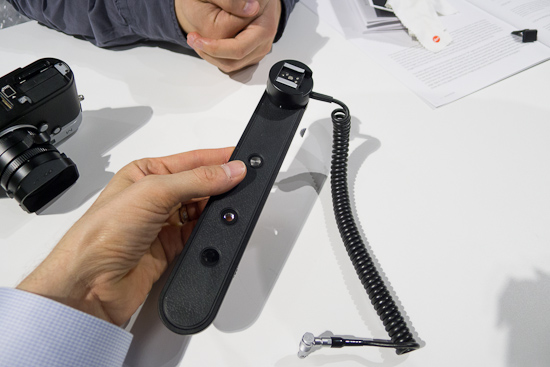
SCA flash bracket
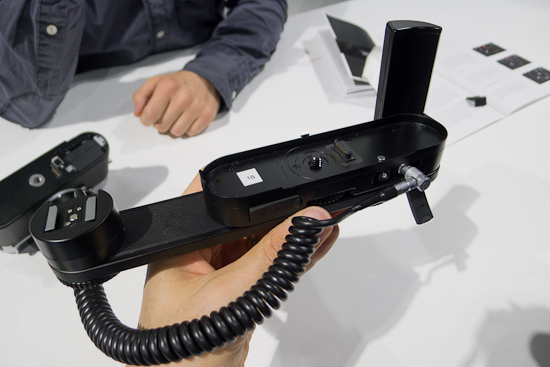
SCA flash bracket mounted on hand grip
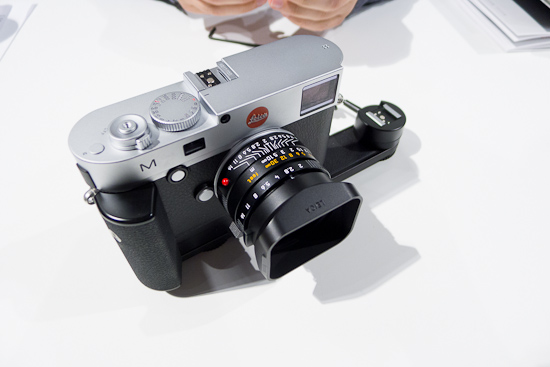
The whole rig together without the SF58 – didn't have one for demo
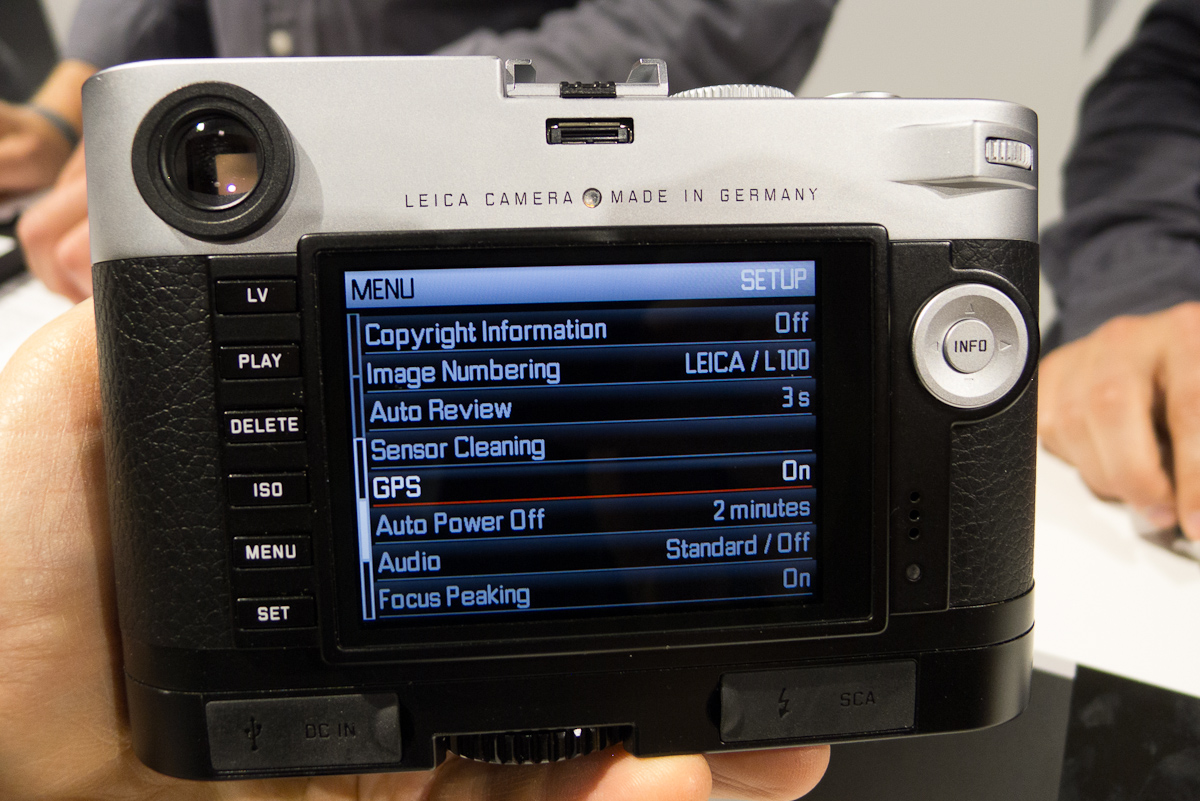
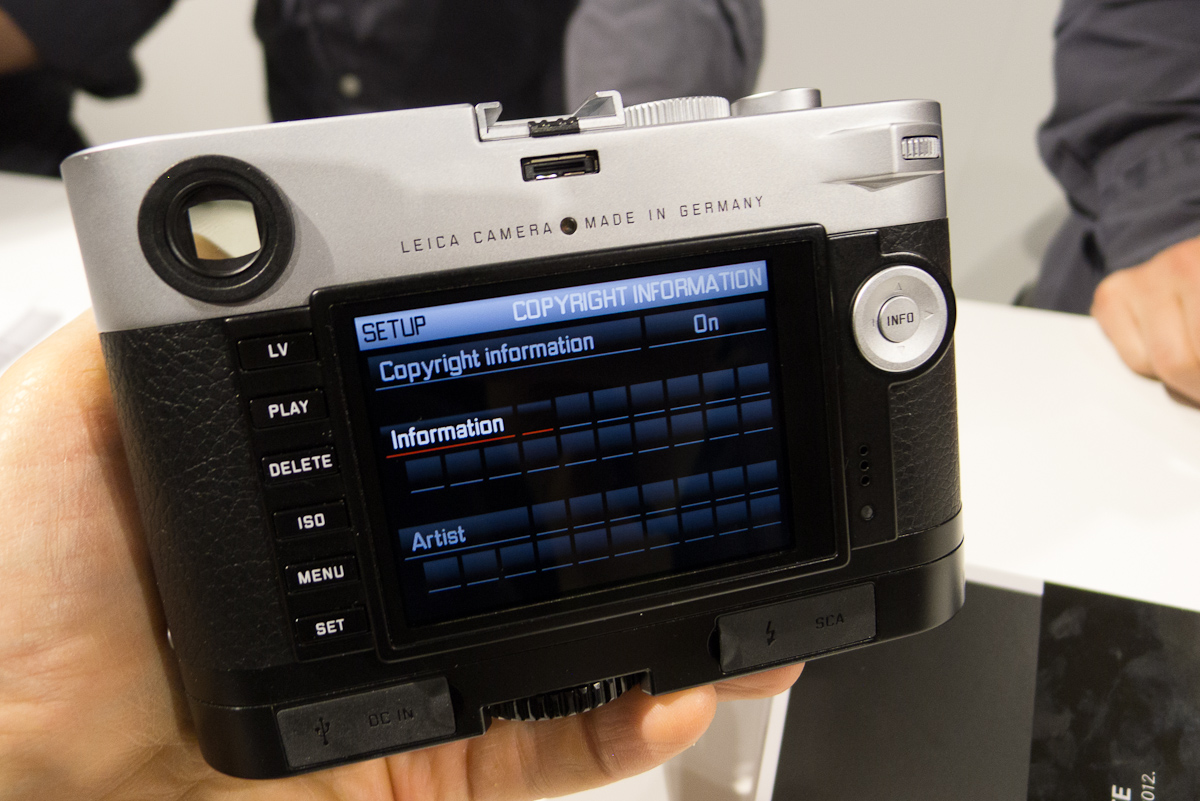
For tethering, the M will work with Leica Image Shuttle software and directly into Lightroom. Pretty sweet. I can see that Leica has plans for a wider adoption base than for previous M cameras. Oh, and a very cool trick of the Multifunction Handgrip is that it has a built-in GPS in the handle that automatically embeds GPS information into the file metadata. Awesome for travel and landscape photography as well as photojournalism. There's also a copyright entry menu to embed this data. Even better for PJs.
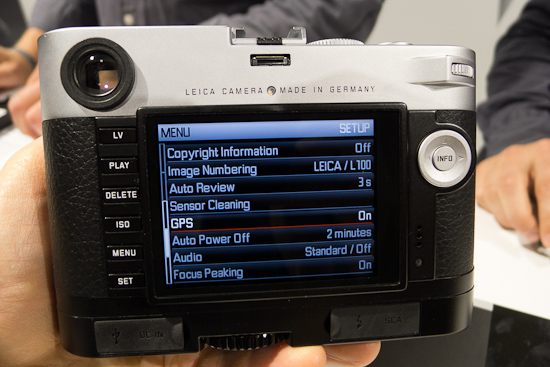
GPS in an M camera? Yes, please.
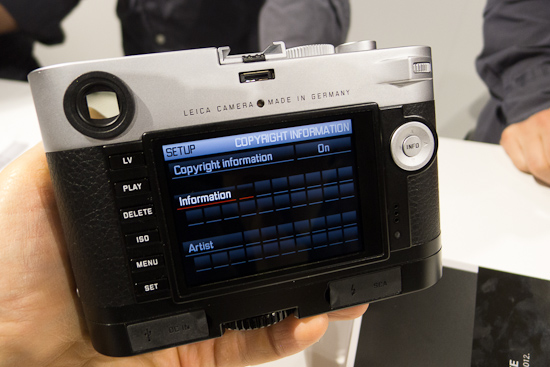
Copyright info can be added to metadata
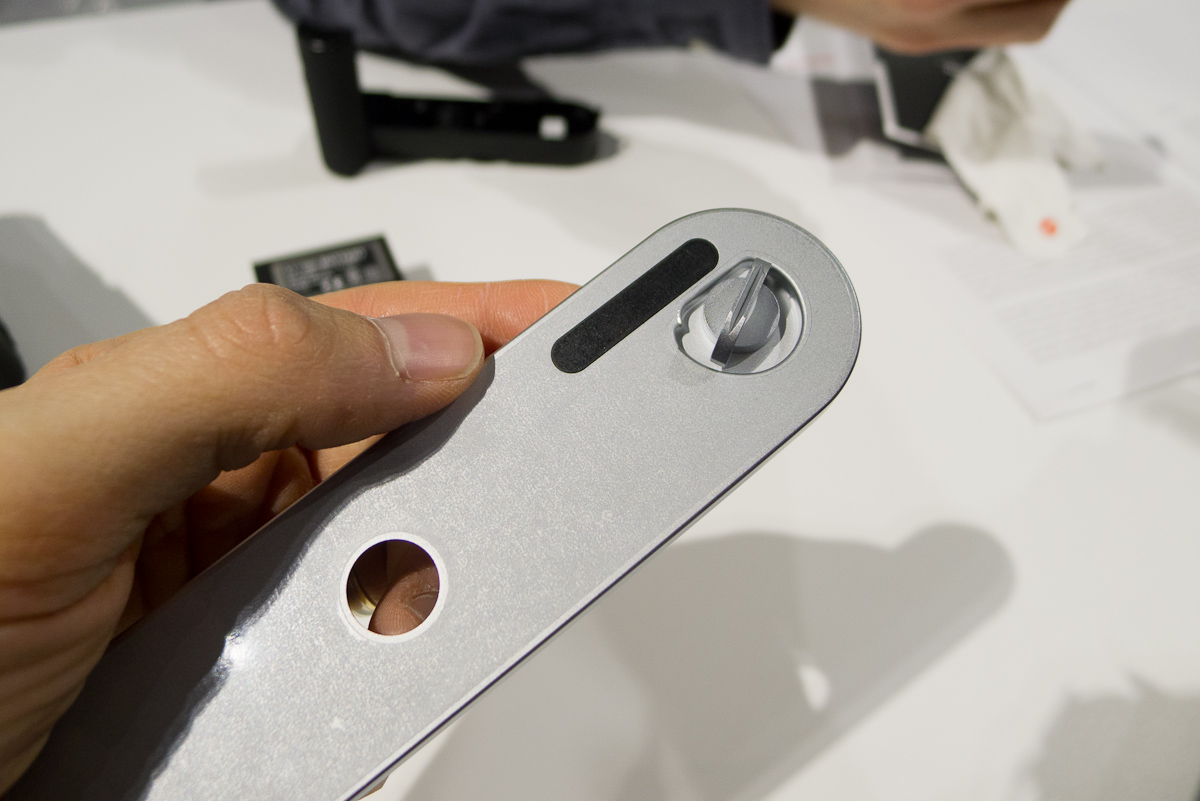
Coming back to the base plate, there is a sliver of the metal plate that is cut away and filled with plastic. This was done to eliminate signal interference with Wi-Fi SD cards. These guys think of everything it seems. Also changed from the M9 is that the interior is now all metal instead of a plastic lining. The plastic never really bothered me – it was hidden under the plate, after all – but the new design oozes quality through and through.
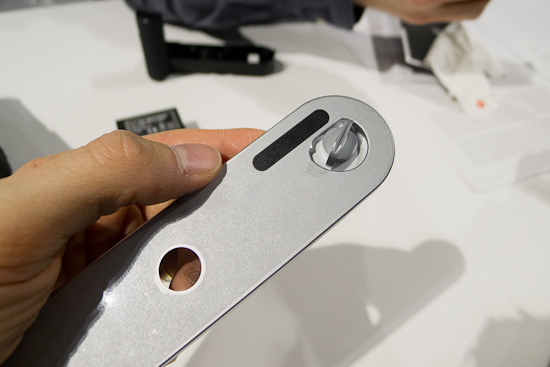
Plastic area to allow WiFi signal through
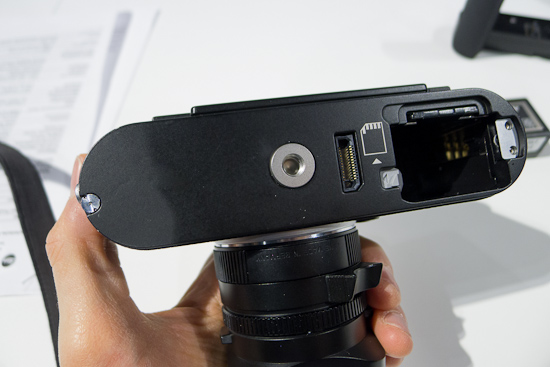
Metal inside bottom plate with very robust tripod socket and electronic connection for handgrip
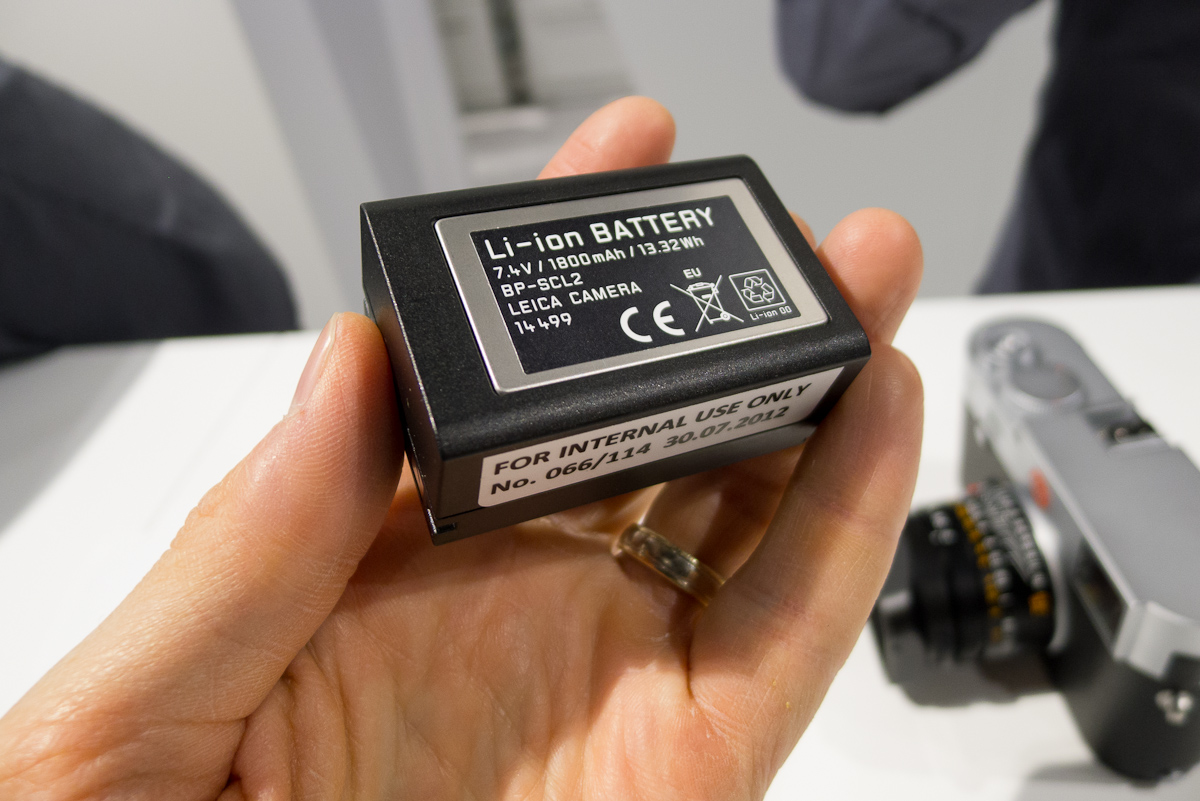
I also had a look at the battery. Yes, it is different, and bigger. The new battery has almost the same power rating (1800 vs 1860mAh) but features a much higher voltage of 7.4V (vs. 3.6 V). This is due to the need to drive the 3” screen for live view, both in terms of display power and sensor/processing power to capture info. The new battery, combined with more efficient (Maestro ASIC vs. generic DSPs in the M9) electronics allow the M to get around 400-500 shots in LV, which translates to about 5 hours continuous usage, or around 800-1000 shots using the optical finder. My suggestion is to carry an extra battery because you are going to want to use live. Yes, really.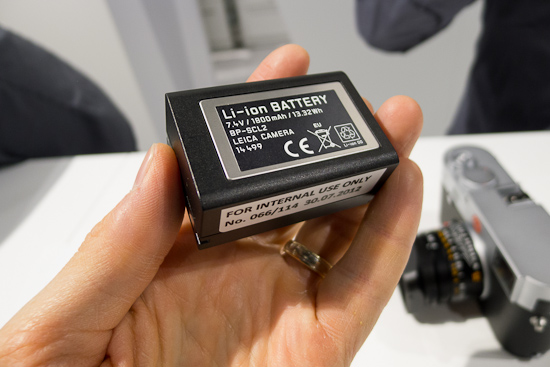
New high capacity battery
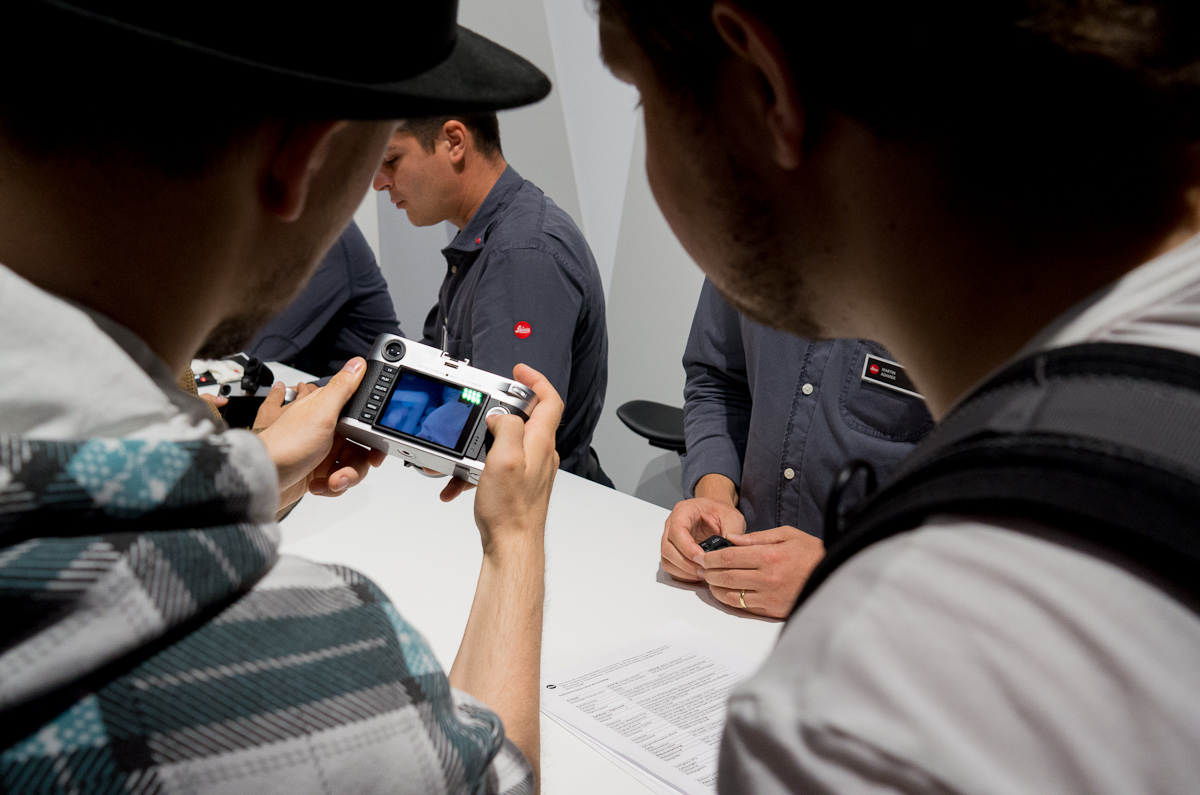
After a good once over of the new controls and the grips, I wanted to give the live view focusing a try and see how focus peaking was implemented. Wow. Live view just worked perfectly and the ability to quickly press the focus button on the front to bring up the focus peaking mask made it extremely useful. The focus peaking is very subtle, but very accurate, non-invasive, and ultimately successfully implemented. Areas of highest contrast are highlighted at the edges with a very thin red outline. It’s a bit difficult to describe and if you weren’t looking for it on the LCD, you might miss it. It’s very subtle, which is a good thing. Clearly, Leica understands that photographers don’t want added distractions.
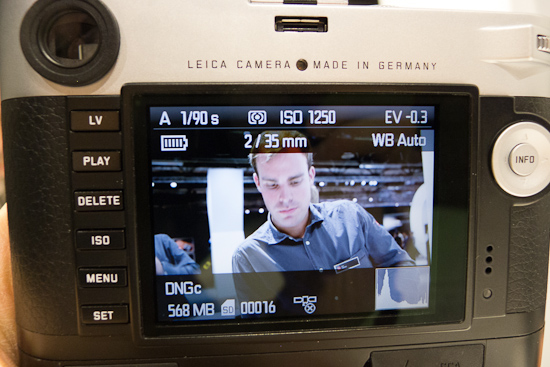
Live view on the LCD
Also, when in the focus peaking mode, you can turn the thumb dial which creates a magnified view on screen, adjustable all the way up to 10x magnification. I think the f/0.95 Noctiliux just got infinitely easier to master for an entire user base. This mode is useful to achieve rapid and very precise focus. To get back to the main view, just tap the shutter button lightly and it snaps back to the full image. The camera is extremely responsive, changing modes and playing back images with just about no delay.
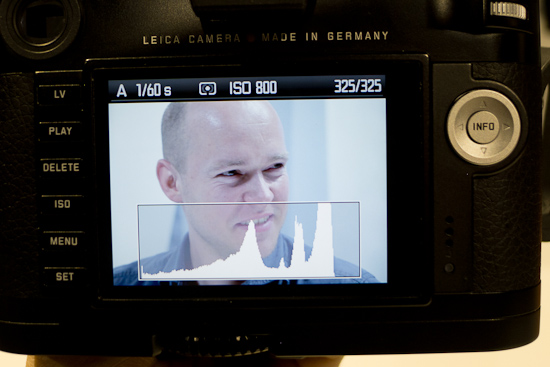
Playback with overlay histogram
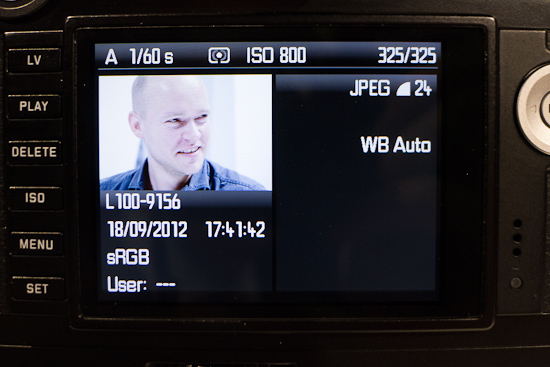
Playback info screen
Shooting is also faster. The M has a brand new shutter, made specifically for the camera by Copal. It is quicker in order to facilitate LV shooting. When you press the LV button, the shutter opens. When you depress the shutter to take a photo, the shutter must close, then open again to initiate exposure. While there was a slight delay, it was nothing like the delay experienced on DSLRs that I’ve used in live view. This should be fairly obvious as the M has no mirror that needs to move in addition to the shutter. When shooting continuously, even in LV mode, the frame rate has been increased to 3 fps. With a Maestro image processor and a 1GB buffer inside, the M churns through images even faster than the S2, which makes a lot of sense as the files are 50% smaller.
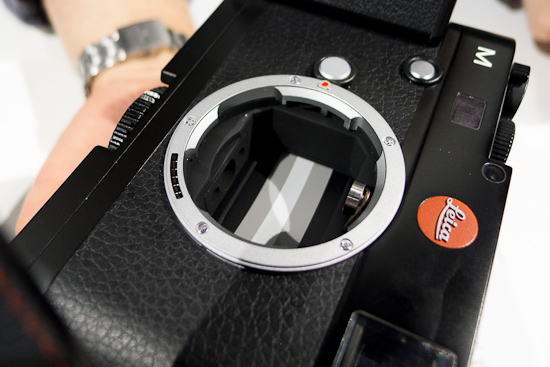
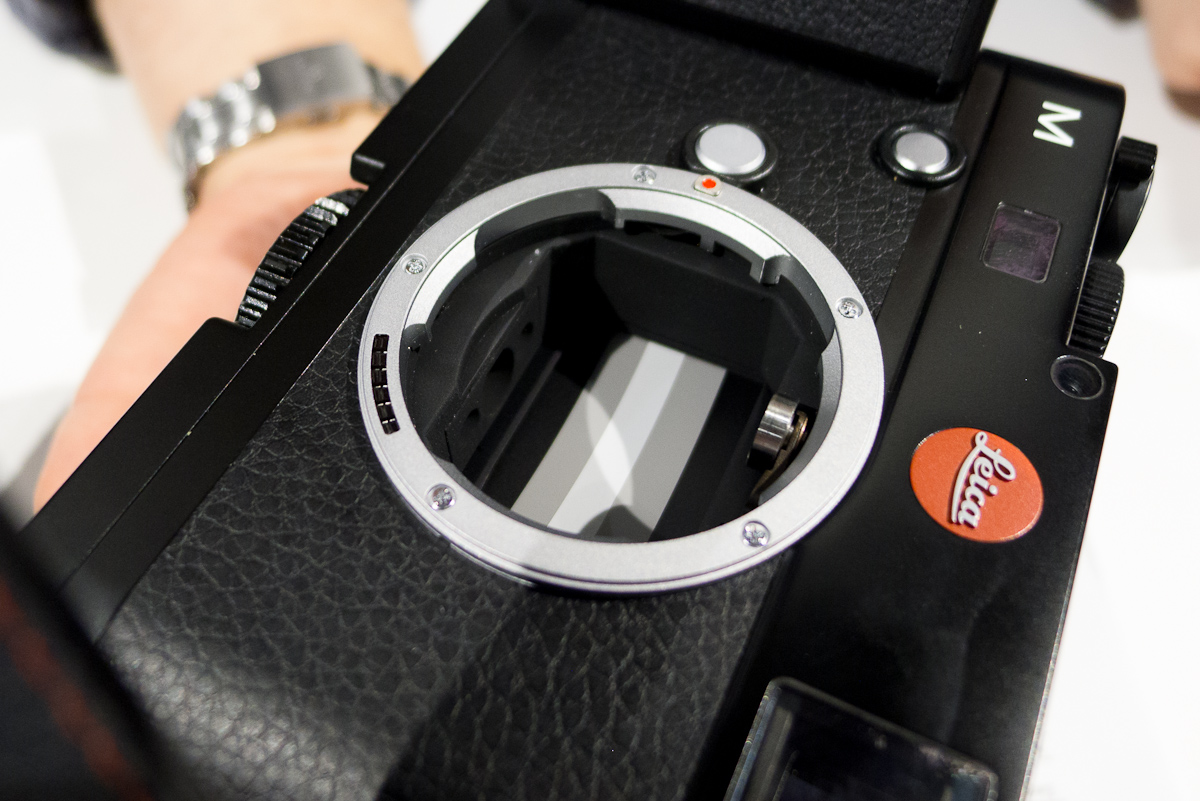
New shutter with slightly curved blades. Also notice new, curved 6-bit optical sensor.
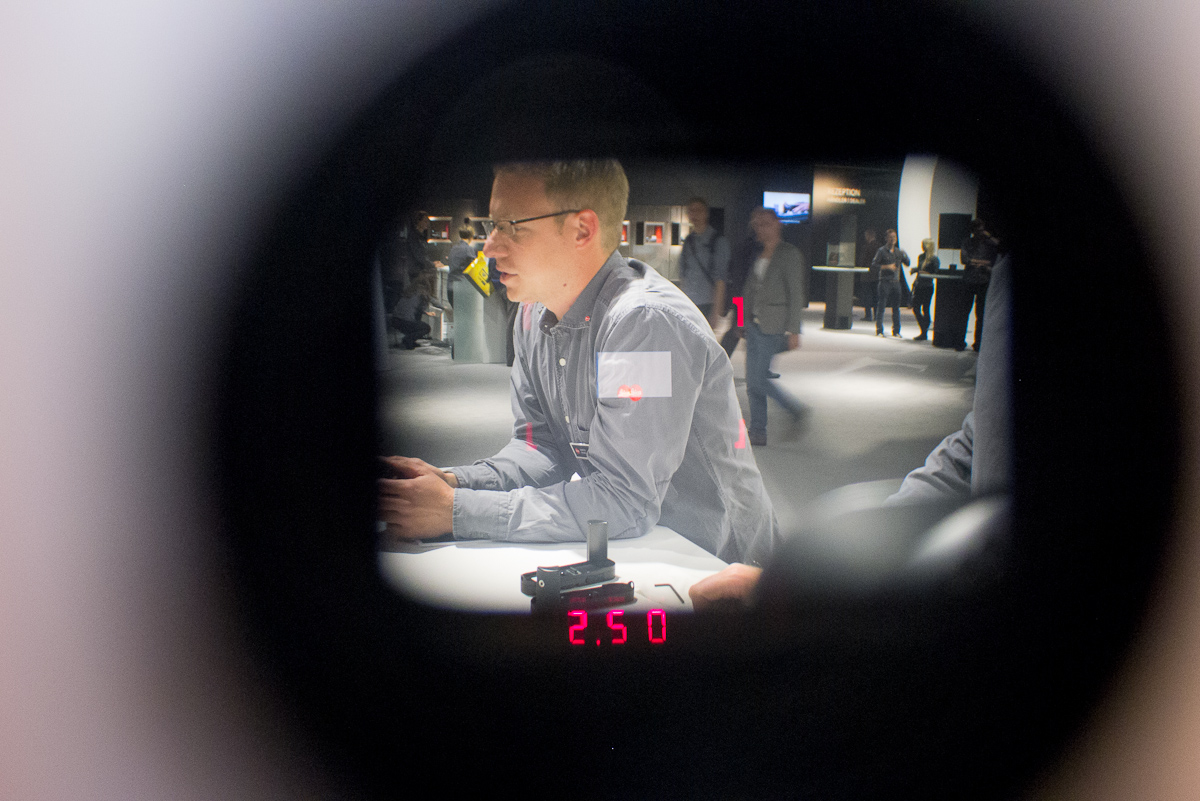
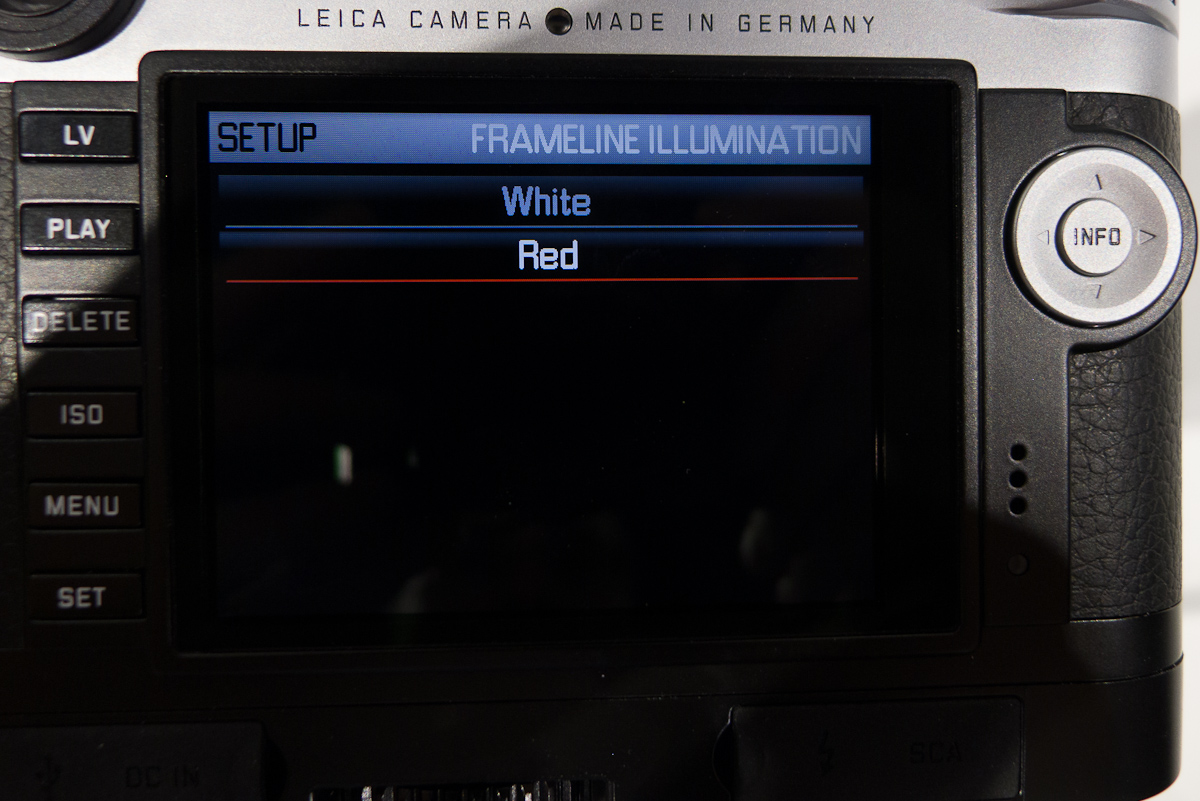
I also took a peak through the optical viewfinder to find that 1) it was still there and 2) the LED-illuminated frame lines look identical to those in the M9 Titanium. The frame lines are still in three sets: 28/90, 35/135 and 50/75. My guess is that the mechanical cam is still employed to move the traditional frame mask, but the illumination is now all internal. The frame lines change illumination based on ambient light and can be user set to either red or white. The red looks more high-tech, but the white is classic.
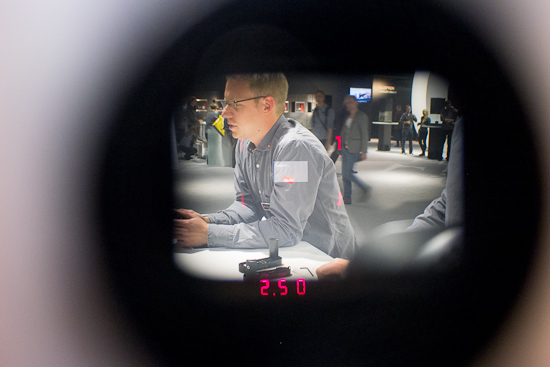
Why yes Virginia, there is an optical rangefinder on the M
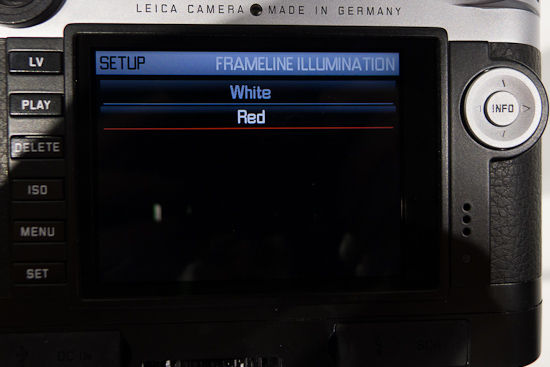
Selectable illumination color
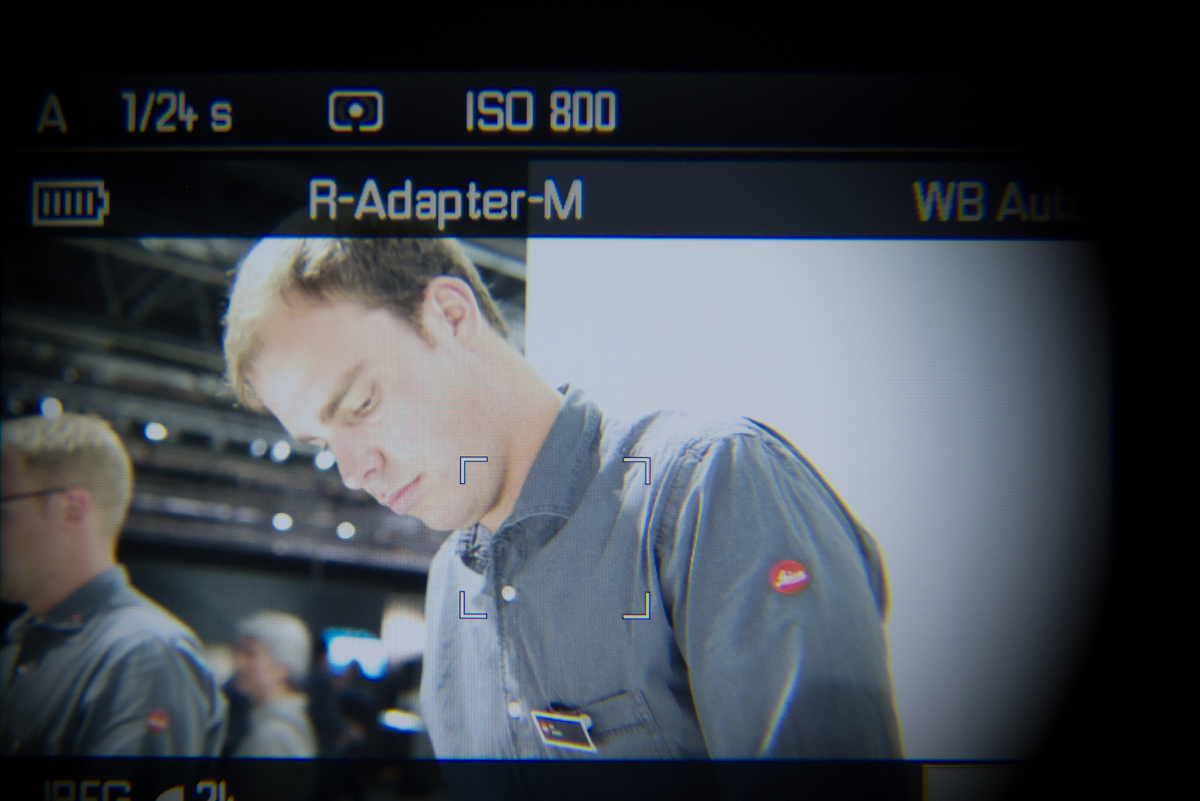
Having said all that, I barely used the optical finder in my test. Live view, either on the gorgeous 3” 920,000 pixel LCD screen with Gorilla Glass or through the 1.4 MP EVF 2 is really that good.
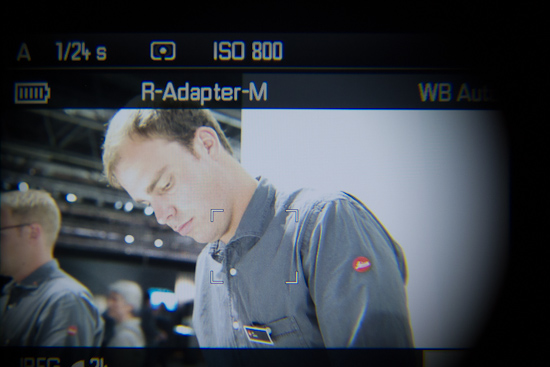
Live view through EVF 2
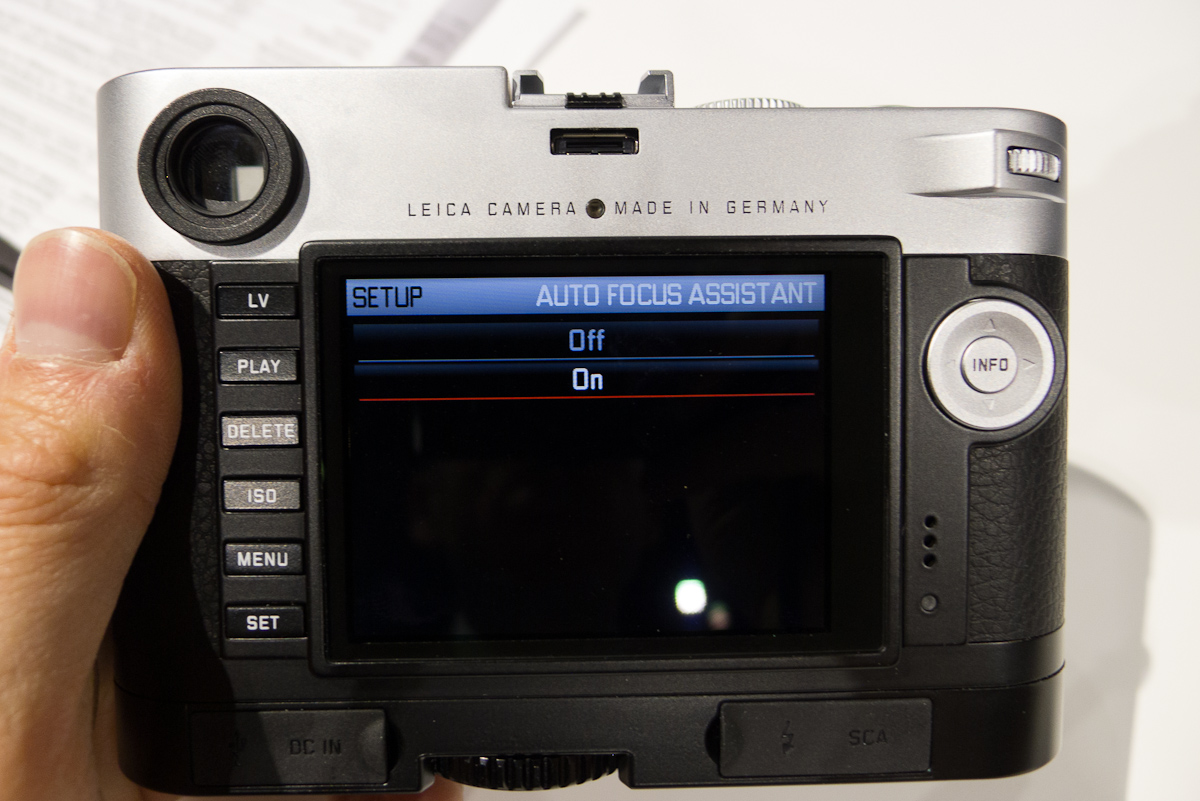
Another cool feature was shown to me in the menu. If you turn on Auto Focus Assist, the camera will switch to focus peaking anytime you move the focus ring to refocus without having to press the focus button on the front of the camera. How does this work? Well, those Leica engineers are very clever. They have a sensor on the old rangefinder focus arm to tell when it’s been moved. Cool. And, it worked as advertised, making focus peaking that much more useful without having to fiddle with the camera.
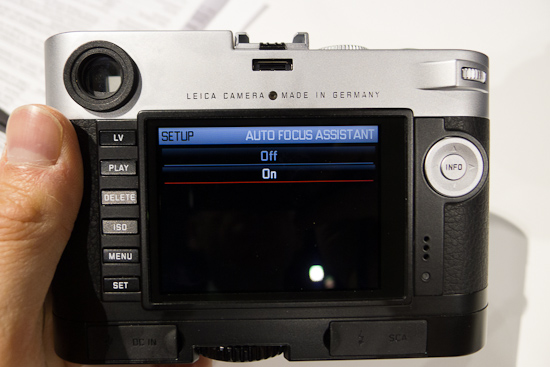
Even easier: focus peaking is automatically enabled when adjusting focus on lens
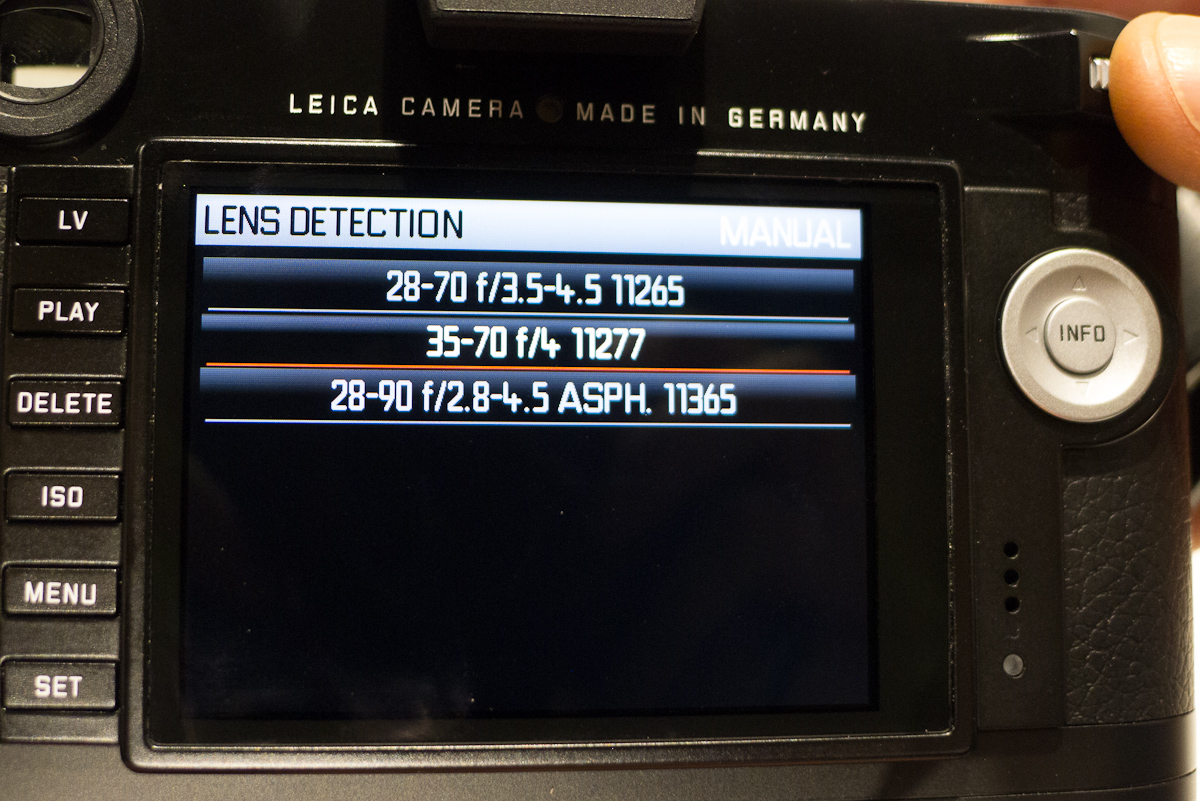
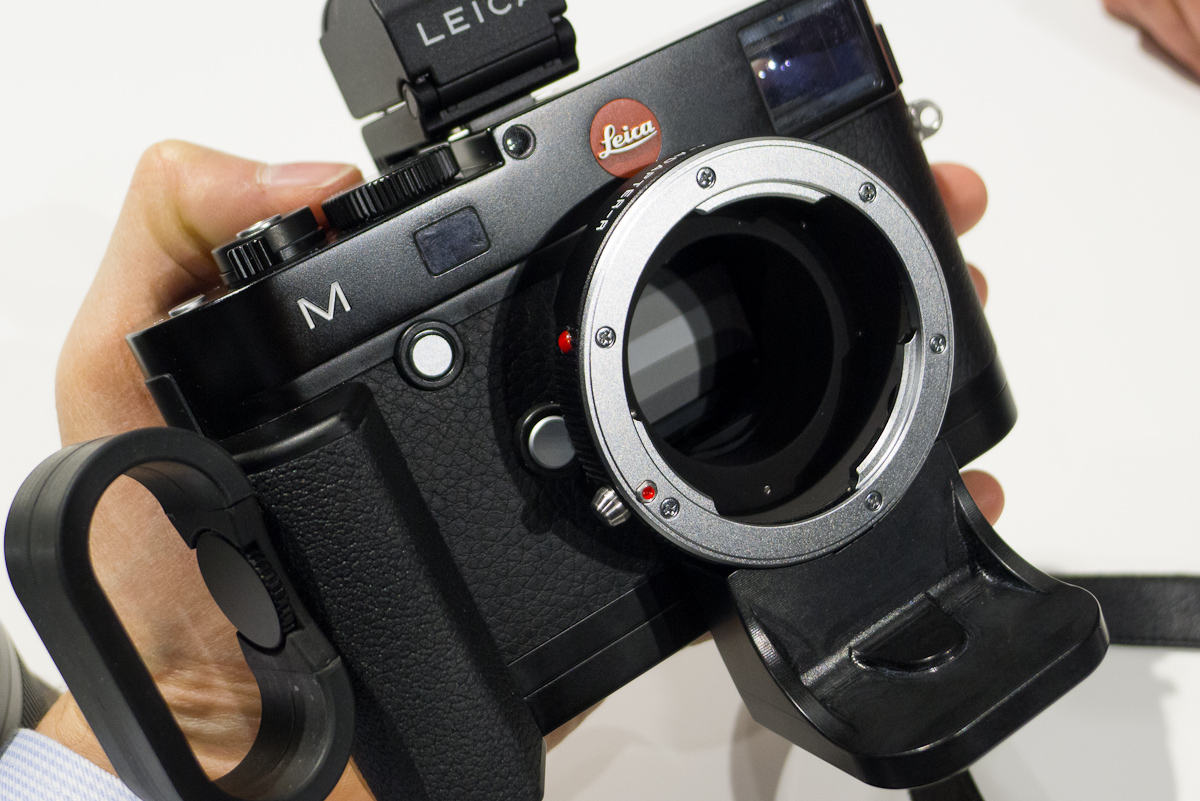
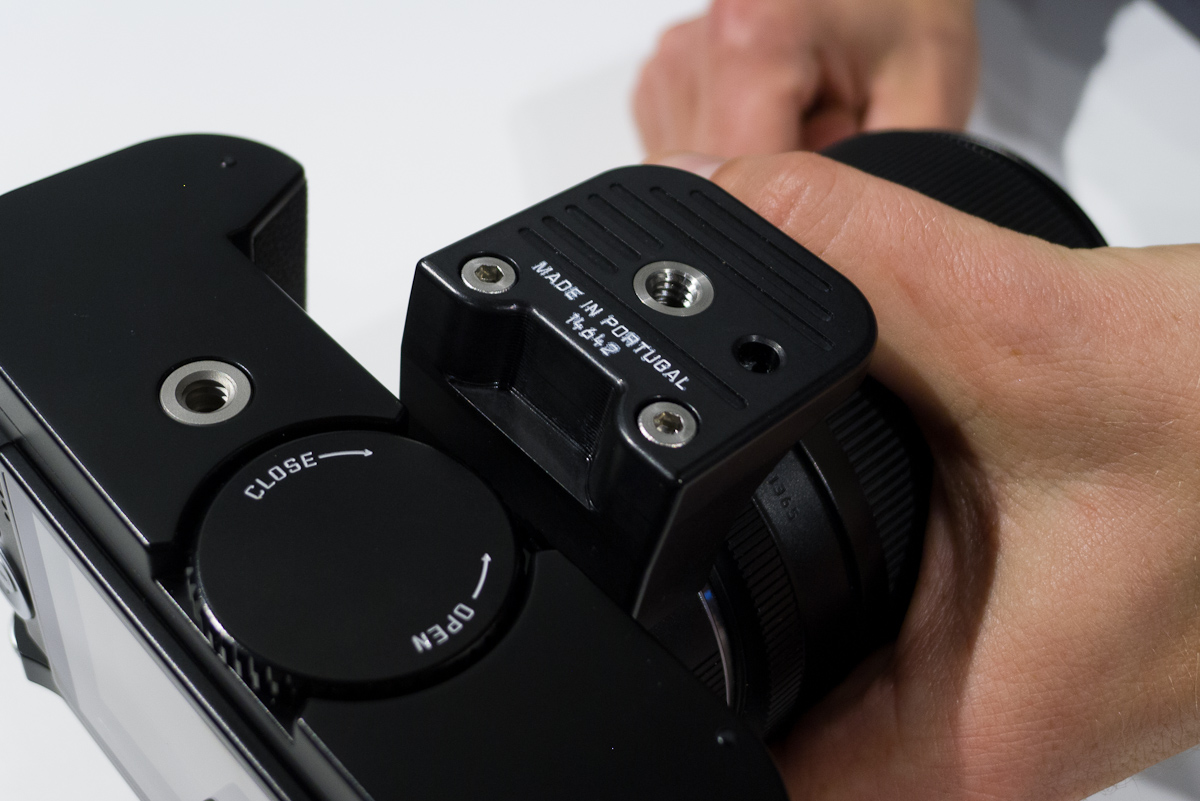
So, the camera worked well with the few M lenses I tried. C’mon, it’s an M camera after all. What about some beefy R lenses? Henning brought out the R Adapter M and a 28-90mm zoom. The adapter is fairly small and features a tripod foot, which the camera will balance on without toppling over. It is also 6-bit coded and the M brings up a corresponding selection of 20 or so R lenses on the LCD.
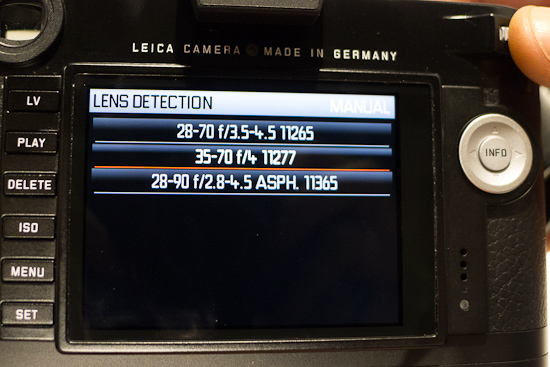
R lens selection
This is for metadata as well as for correcting any optical vignetting. For what’s it worth, I was told that the corrections are extremely minor and mostly unnecessary. But, if the metadata is embedded, this means that the upcoming R lens profiles in Lightroom will be much easier to apply. And these, with corrections for distortion, will be very useful, indeed.
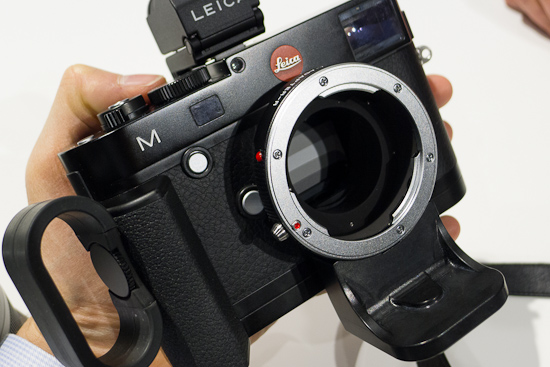
R Adapter M
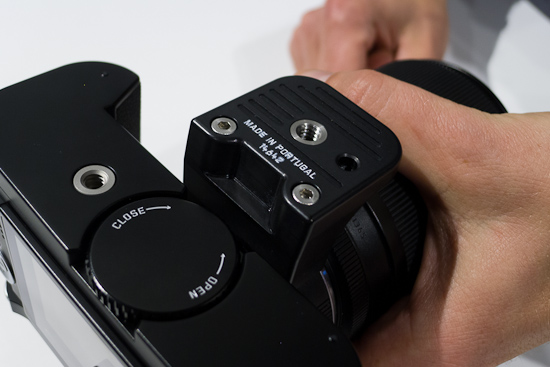
Tripod foot on bottom of R Adapter M
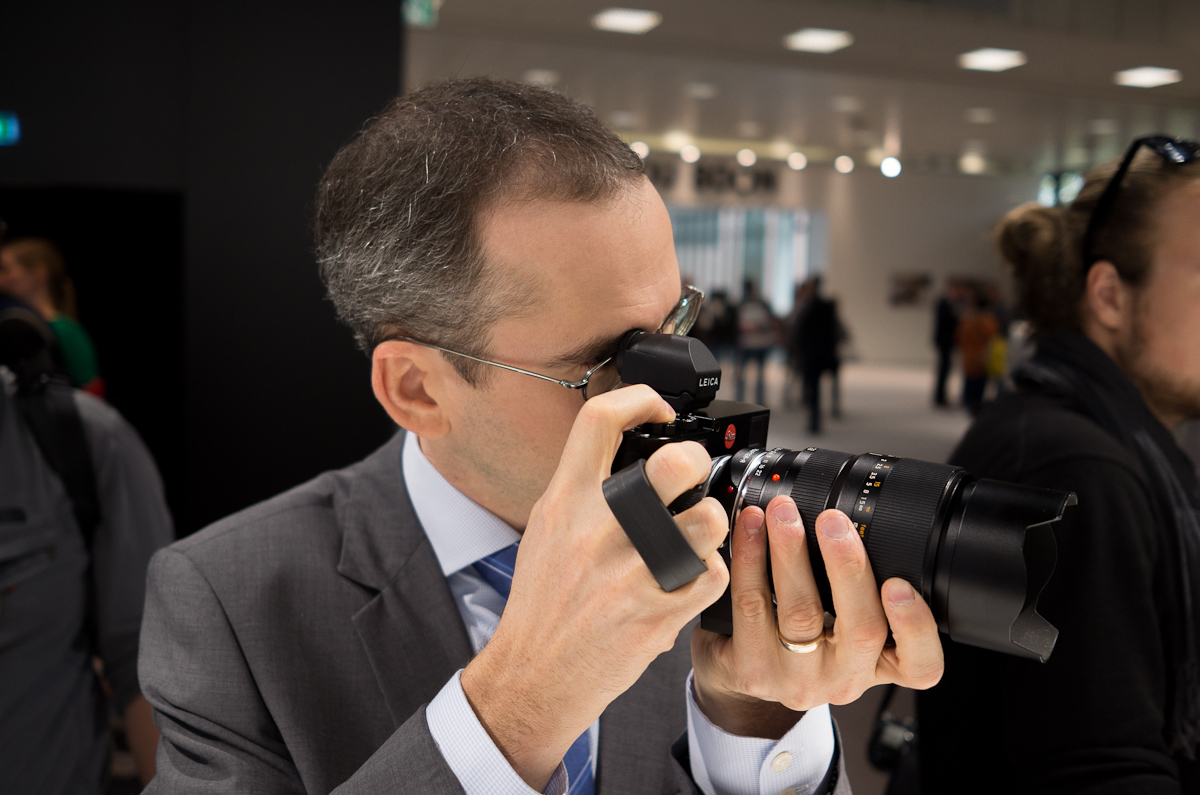
With the handgrip and EVF attached the camera balanced beautifully with the largish 28-90 mounted. It didn’t feel front-heavy the way I expected it to. In fact, the camera didn’t feel like an M at all. It somehow morphed into a small DSLR with a perfect balance and grip. The 28-90 zoom felt great on the camera. It was just a great focal length range and focus with the magnification and peaking was spot-on. I had to ask if Leica had considered manufacturing this lens again. Of course, this wasn’t something anyone wants to comment on and I highly doubt the prospect. But, if we leave reality for just a moment, I think R zooms would do extremely well in the marketplace, better than they ever did on the R system in later years. If you use the 28-90 on the M, you’ll want one immediately. I propose a petition. Who’s with me?
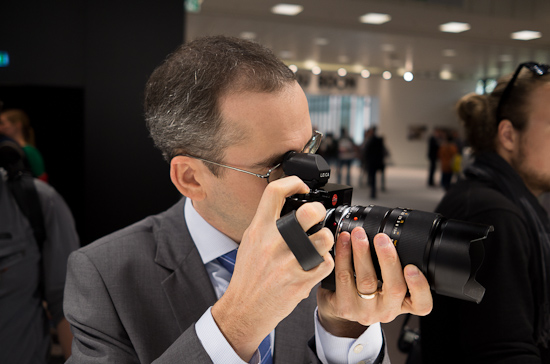
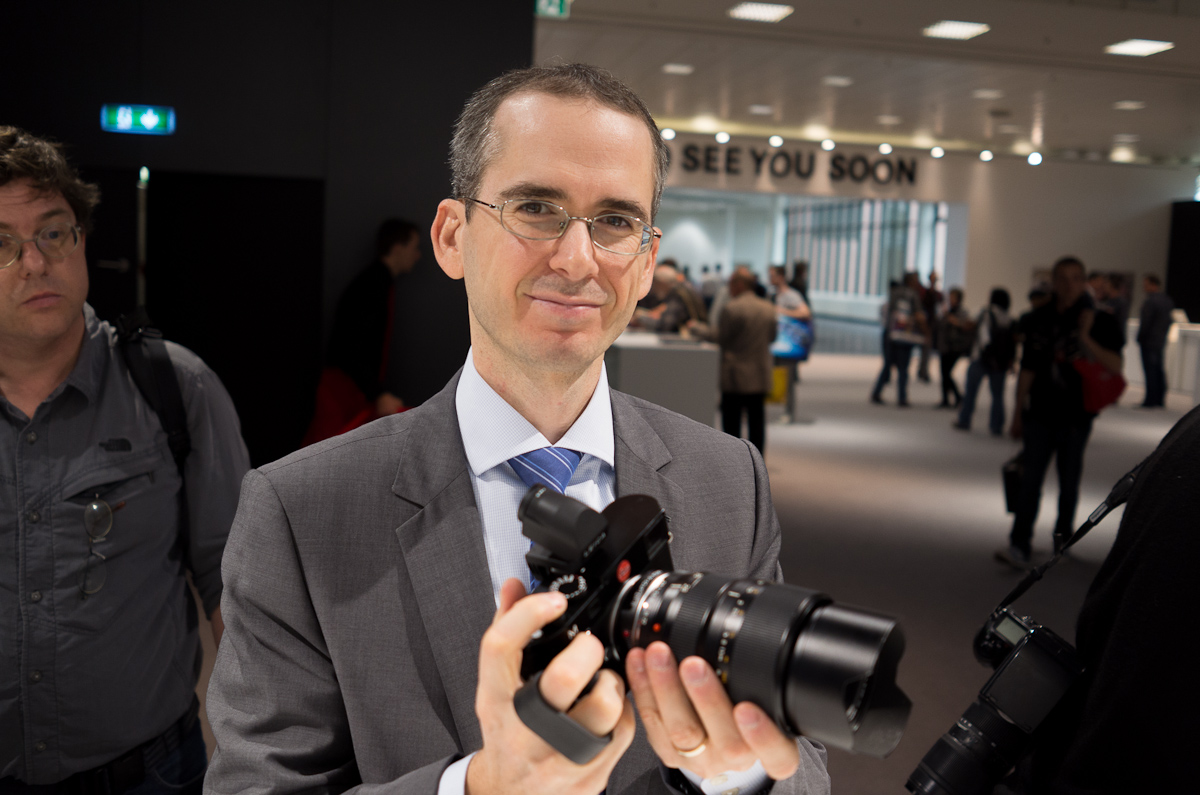
Me, holding the M with a 28-90mm R lens
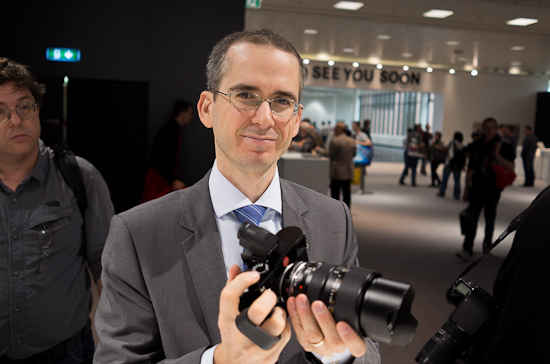
Me, holding the M with a 28-90mm R lens. I'll take it!
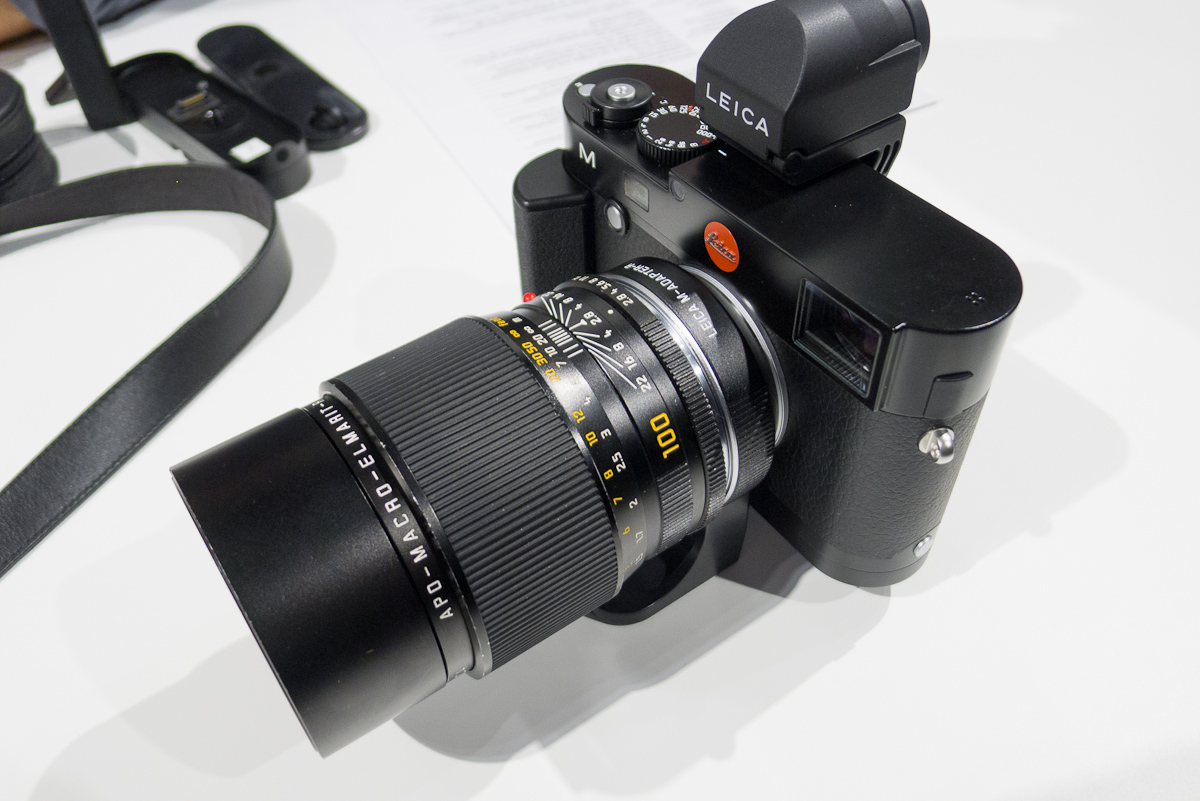
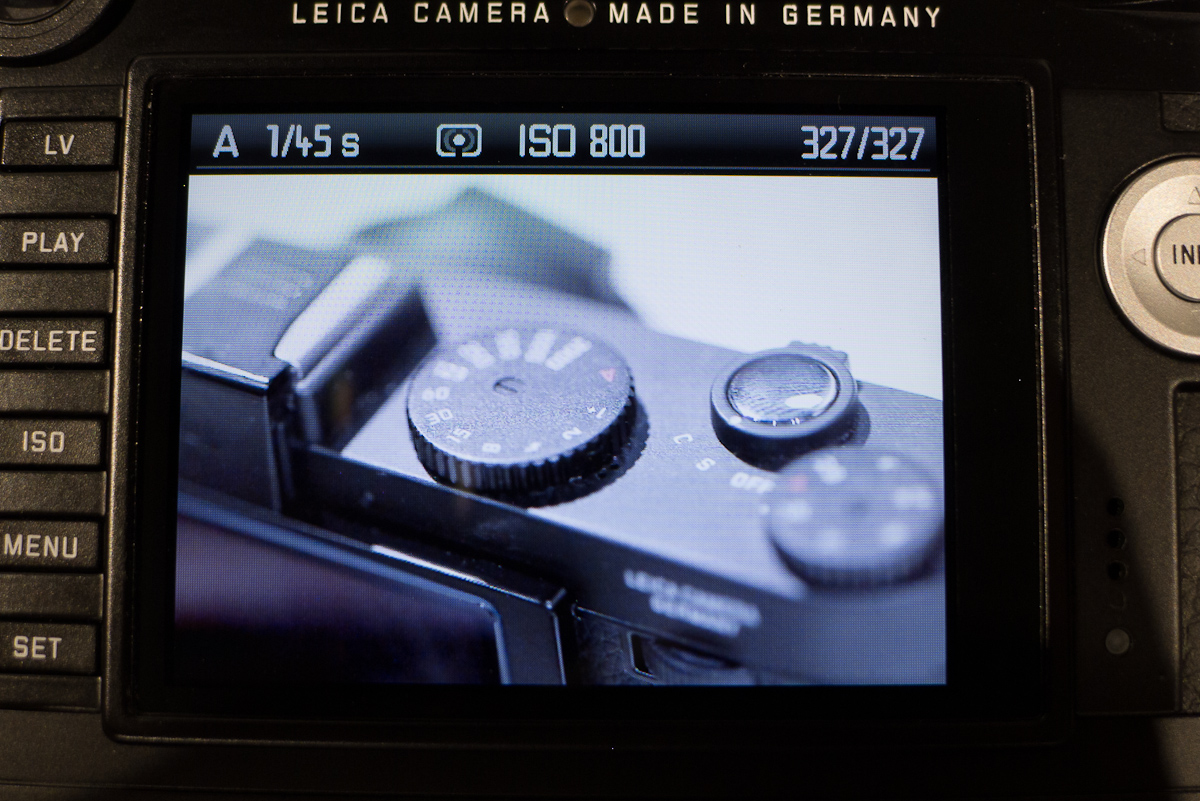
I switched lenses and put the 100 APO-Macro on. Yes! A real macro lens on the M. I racked that baby out to minimum distance and moved my body until the top dial of my X2 snapped into focus (using peaking, of course). Bam. Easy. I then pulled it up for a portrait of one of the Leica guys. Easy. I was falling more and more in love with the idea of this M being one of the best R cameras ever made. And this is coming from a die-hard R9/DMR user. Many R users have expressed concerns of an EVIL R solution. Rest assured that the M is not a kluge. I have a few choice R lenses in storage that will find a very happy home on the new M.
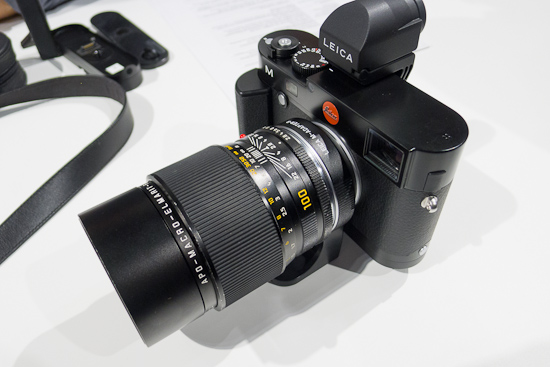
Nice to have true macro, and the 100 APO really isn't that big on the M.
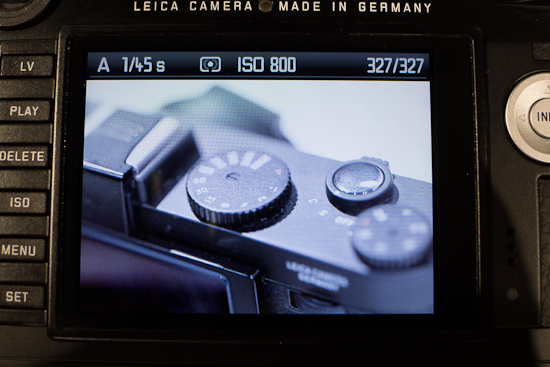
Quick macro shot of my X2 with 100 APO
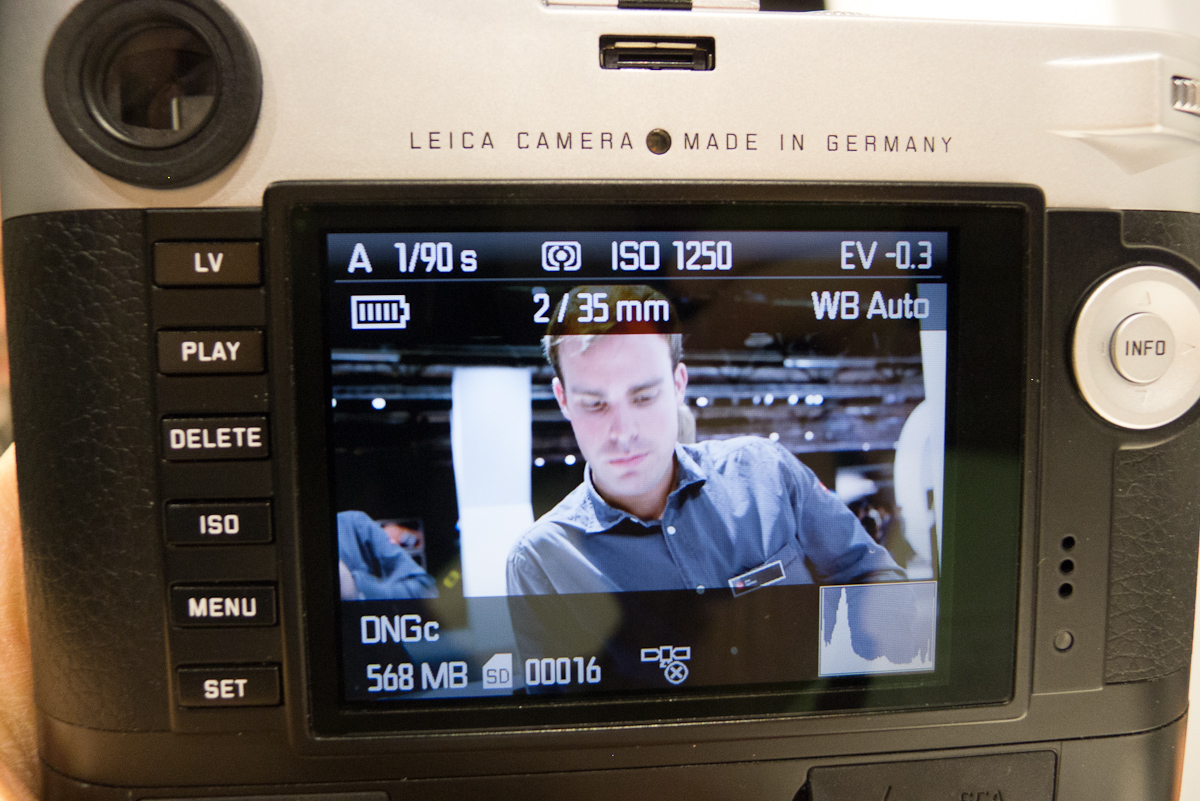
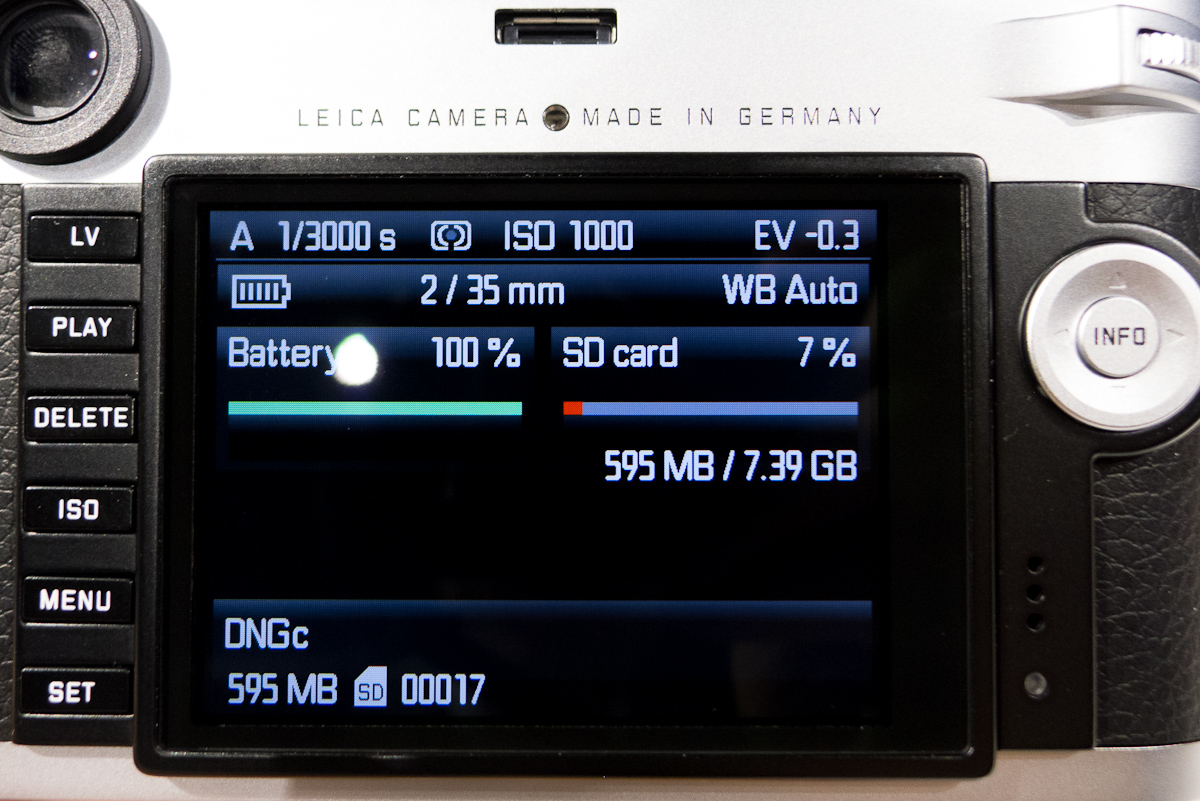
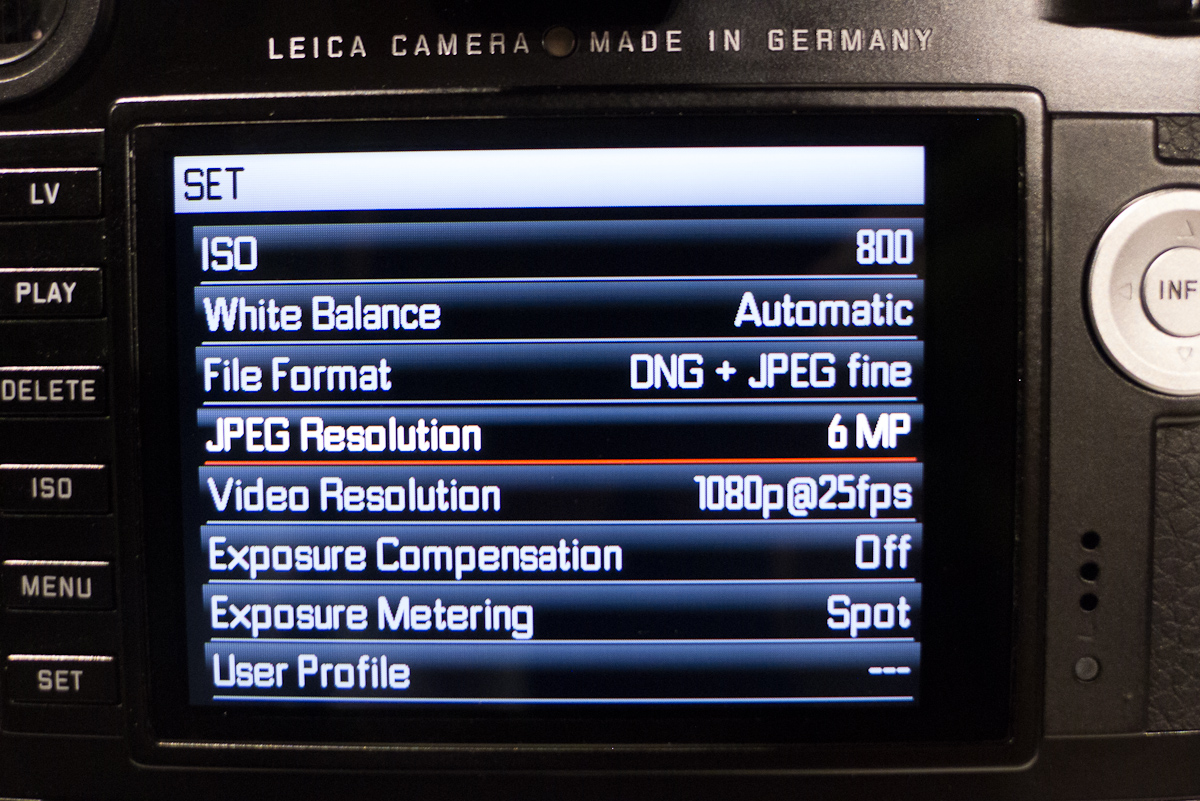
The entire menu interface of the camera has been redesigned to be more modern and to take advantage of the additional screen real estate. The Info display shows more information at a glance.
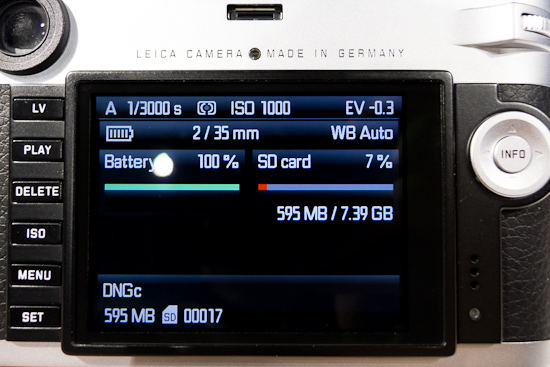
New info display
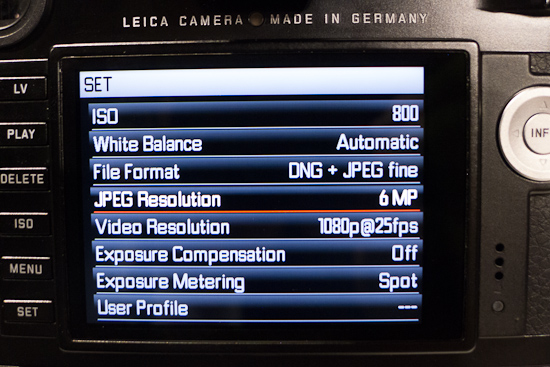
New Set menu
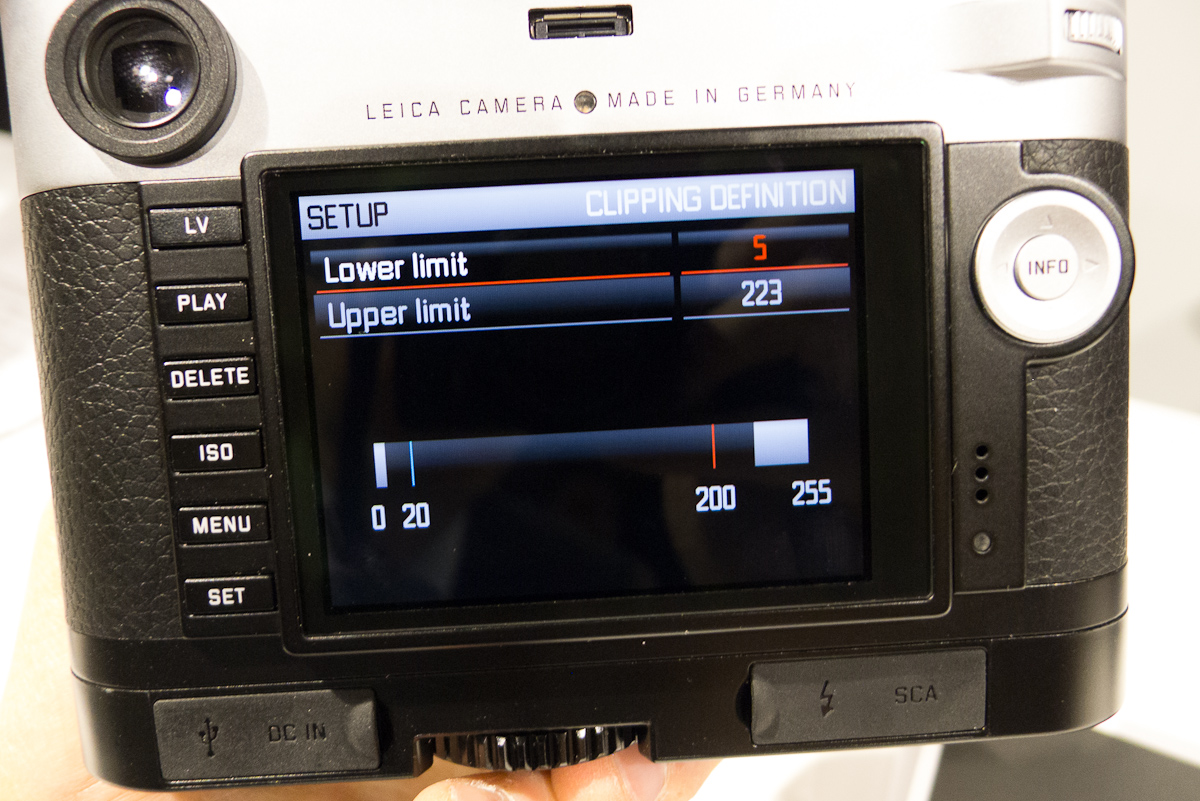
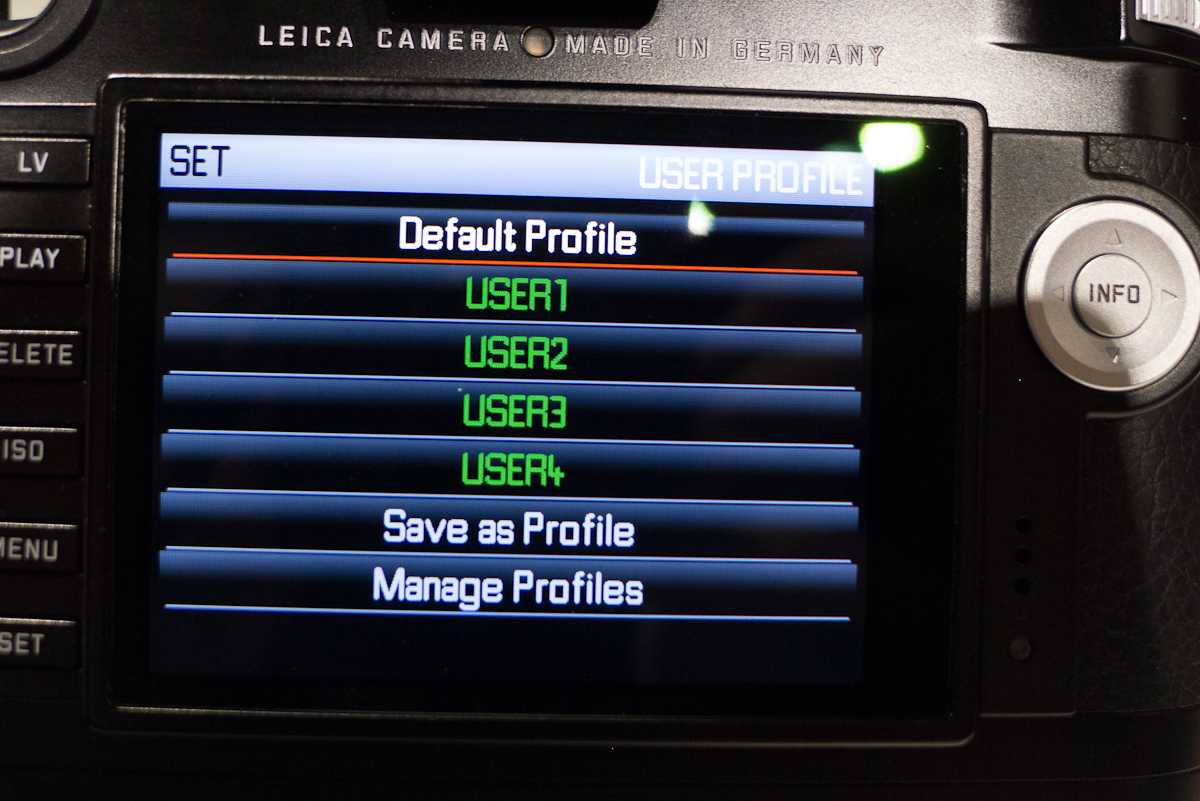
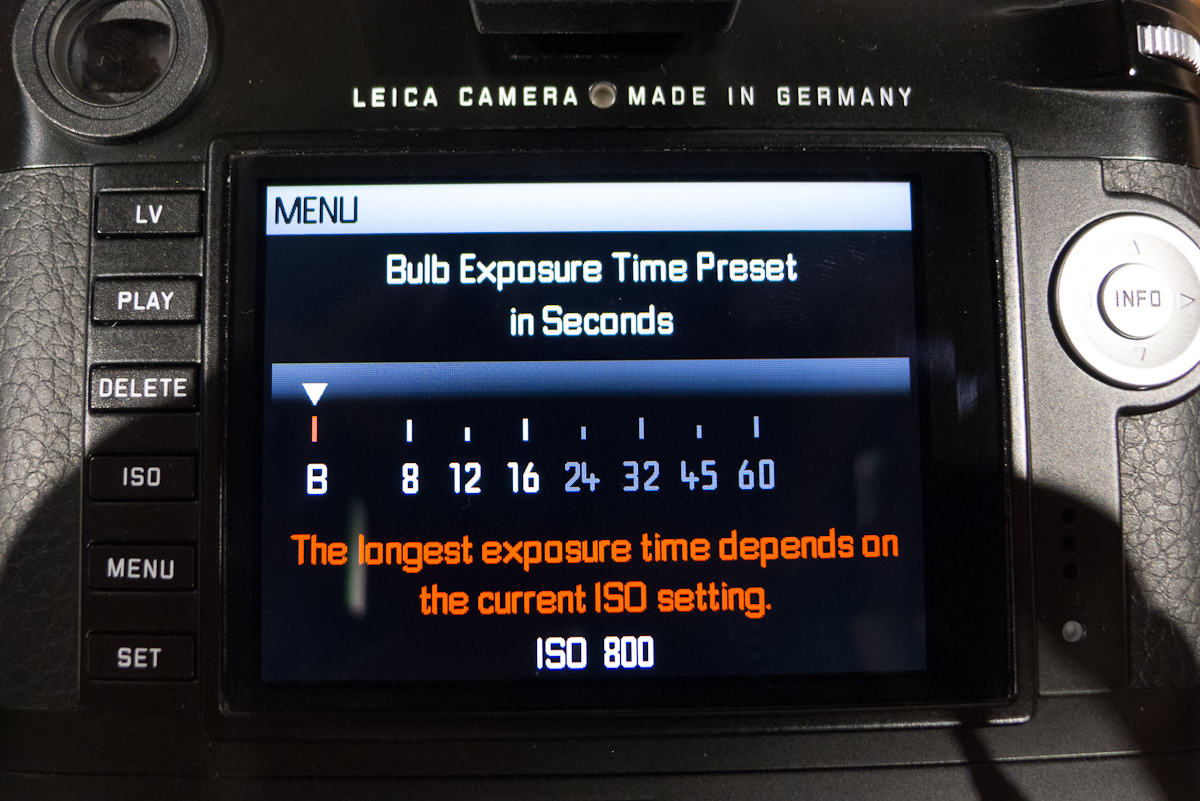
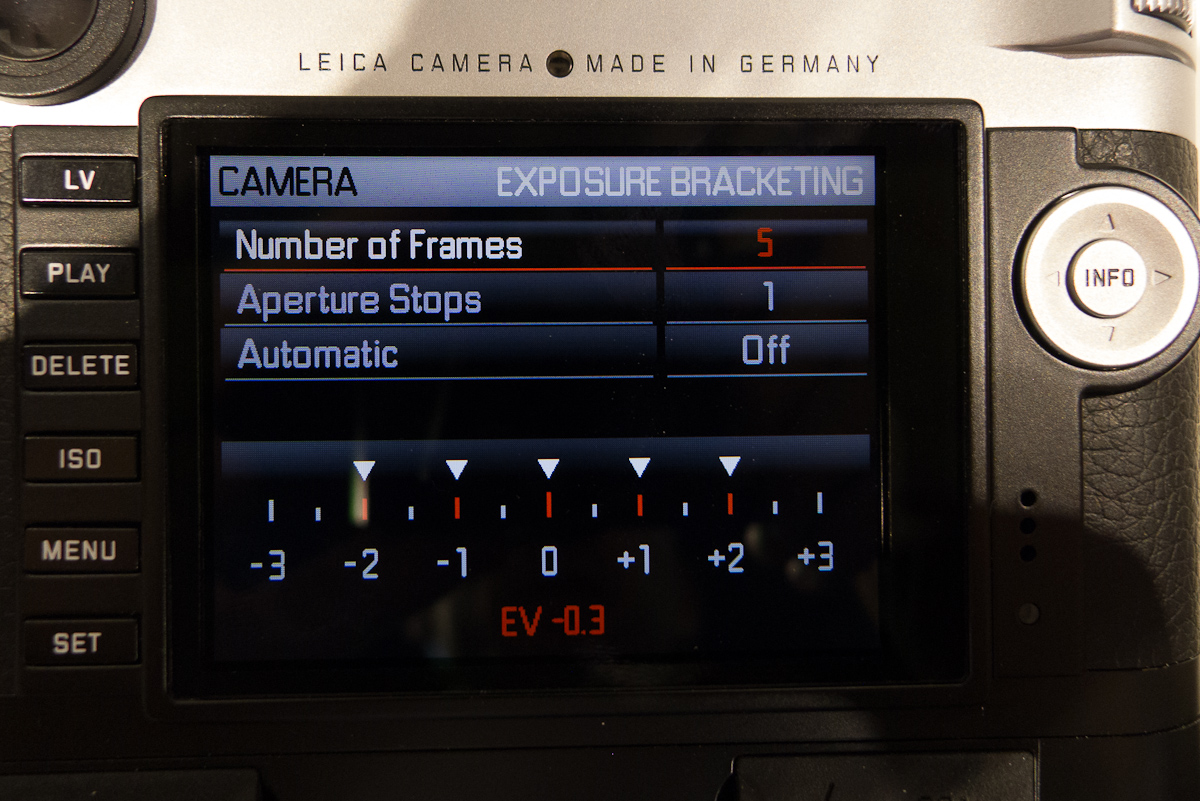
The menu, while still a long, scrollable list, is very easy to read and navigate. I discovered that if you go into a menu option but want to back out, you can just press the Menu button to return to where you were. This is a big improvement over the M9. Also, with a unified firmware kernel many features previously only found on the S are now available for M shooters. Clipping definition, long exposure time selection, selectable and manageable user profiles, as well as lossless DNG compression all make their way from the S2 and look awfully familiar to an S user like me. I think this is great, and so do the Leica guys. Unified control structures, shared code and the same processing methods can now be shared across product ranges. This speeds and simplifies development and allows users of both systems to benefit from common advances. Hopefully, a future X camera will join the fold too.
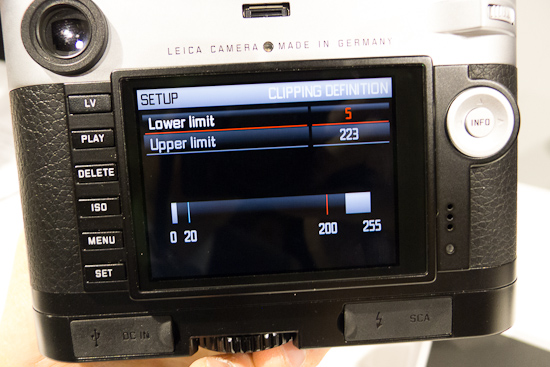
Clipping definition
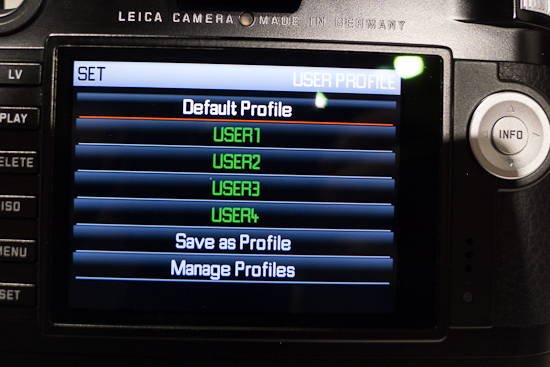
User profile management same as on S
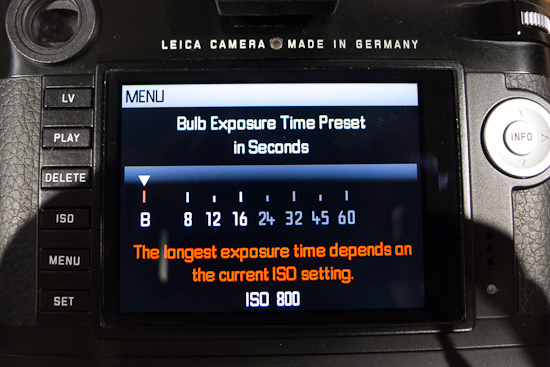
Time exposure same as on S
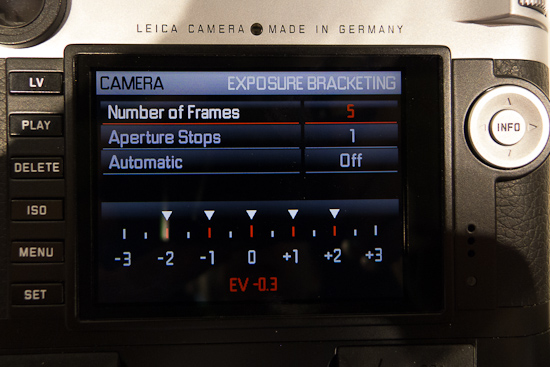
Exposure bracketing also from S
Some features are entirely new to Leica in general, like focus peaking, virtual horizon, and video recording. All work great, even on these early models. I tested out the video, and while I have always shunned video for still images, the idea of capturing Leica-like images in full 1080p with Leica R and M glass is scarily alluring. Clearly, video power users are in search of great optics and options from Canon and Nikon aren’t ideal. This is why Zeiss ZF, ZE and CP2 lenses are in such high demand. Imagine when videographers have the potential to use legendary Leica optics like the Noctilux, 90 APO, 21 Lux, 35 Lux, etc. on the M. I have a feeling we’ll be seeing a lot of video shot at f/0.95 in the near future.
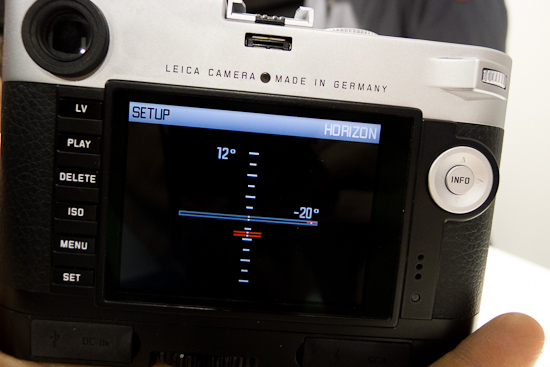
Virtual horizon showing pitch and roll
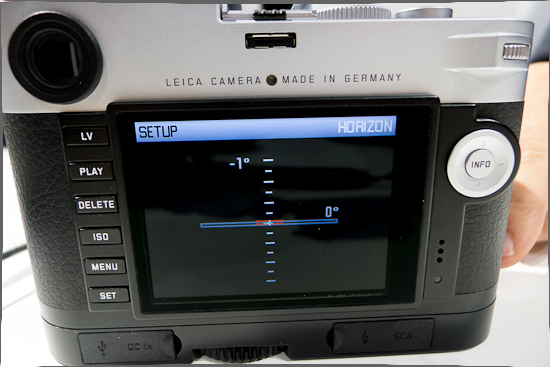
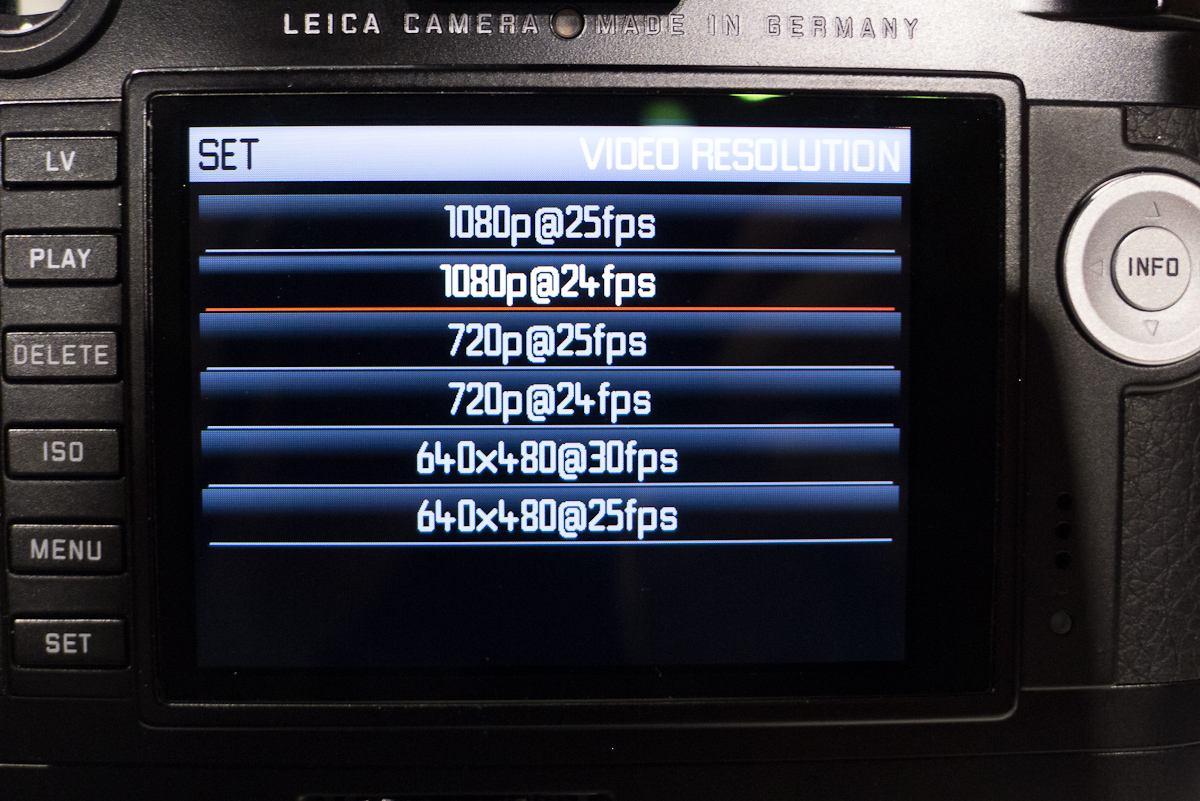
…on a more level surface.The video files are stored as single frame captures and put into either MotionJPG or MOV containers. This allows very clean, frame-by-frame editing with no bleeding between frames. Given the reduction in capture size of 1920×1080, ISO performance is even better for video that it is for stills. Essentially, pixel binning is being employed to scale down the captured image from the sensor. Currently, video capture is limited to 4GB per clip, which translates to around 30 minutes of full HD video. One potential pitfall for American users is that the default video setting is 1080/25p, which is standard in Europe, but not in the States. The second option is for 1080/24p. Just be aware of changing this when you get the camera and shoot video.
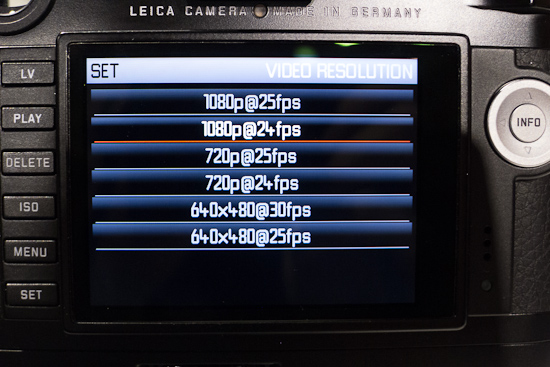
Video settings
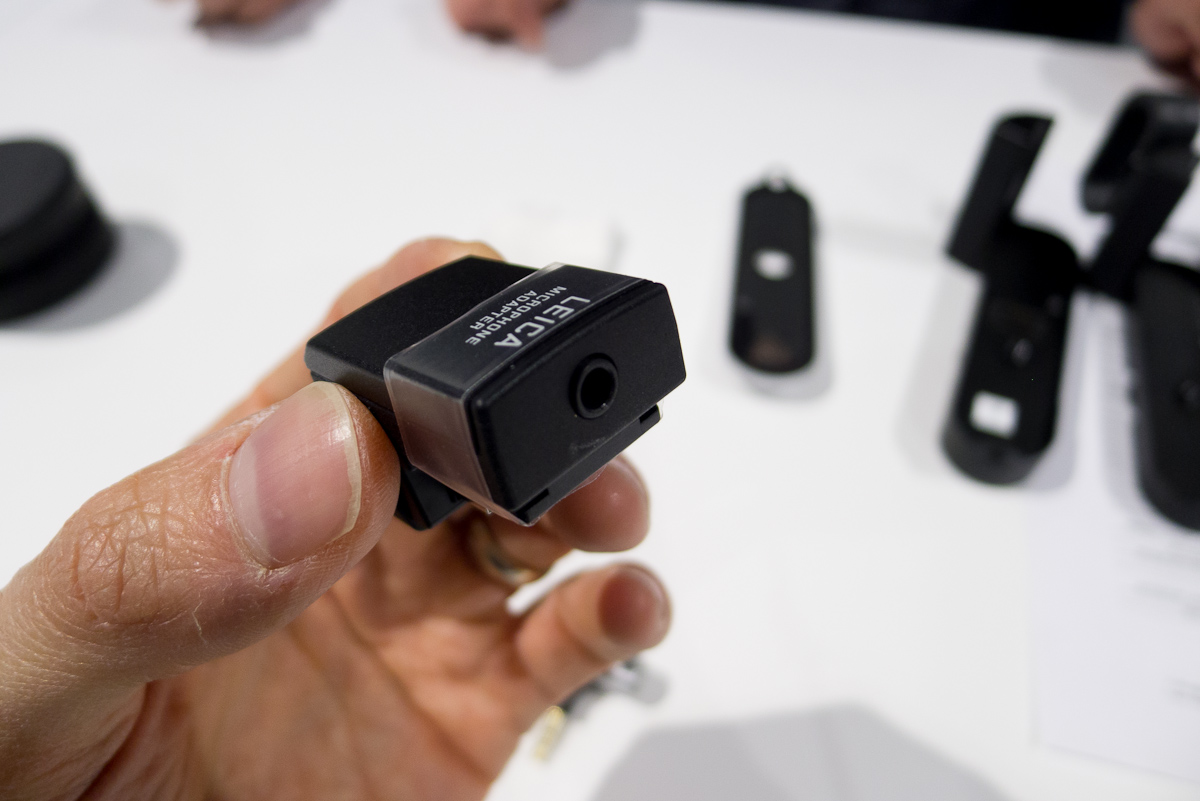
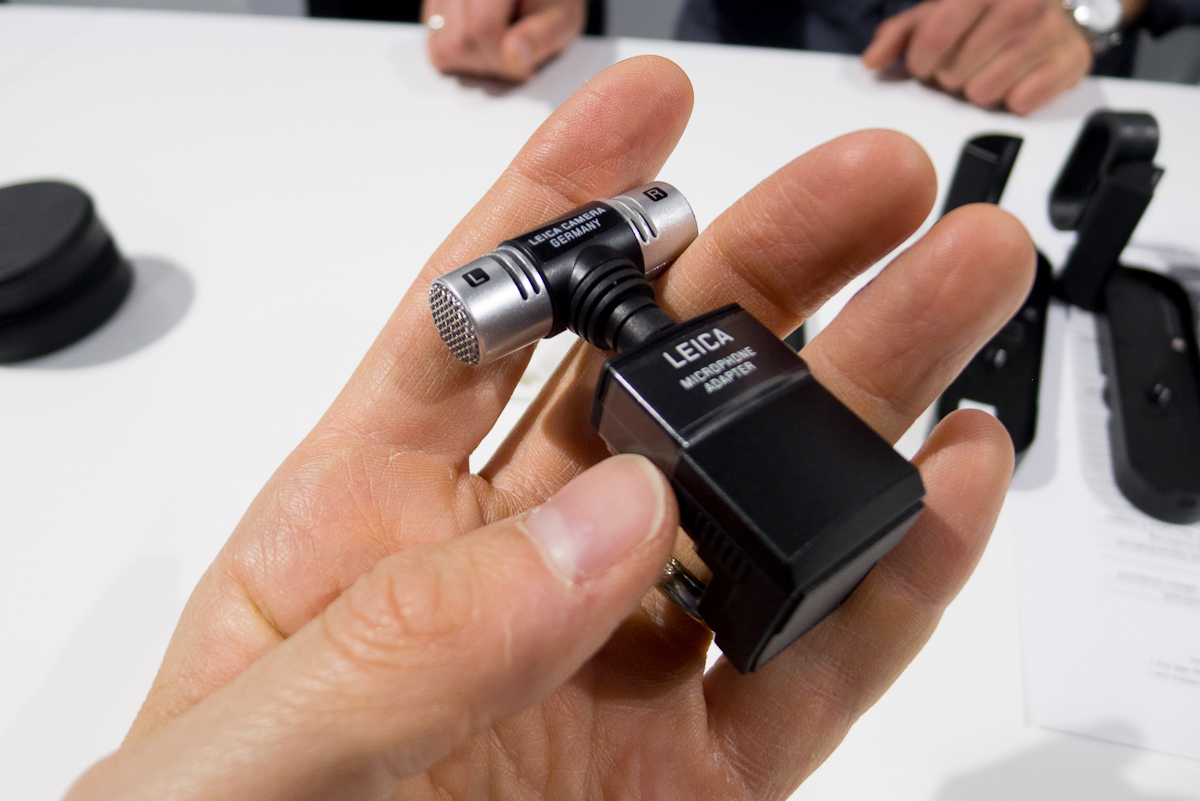
For audio capture to go along with the video, there is a mono mic on the top deck, which will be fine for quick captures but not anything serious. For better audio fidelity, Leica will offer a Stereo Mic adapter, which is slid into the hot shoe just like an EVF. The downside is that you can’t use the EVF2, but I suspect most video producers prefer the LCD for composition. The stereo mic can also be unplugged and you can plug in a standard 3.5mm stereo mic jack. This will allow the use of lavaliere, boom and shotgun mics. I was warned, though, that not all microphones will work even if the plug fits. Voltages can vary and only compatible microphones will work. I do wish that a video grip is offered in the future which has stereo mini-XLR and 3.5mm input in addition to external power. This would free up the hot shoe for an EVF and allow more professional audio options.
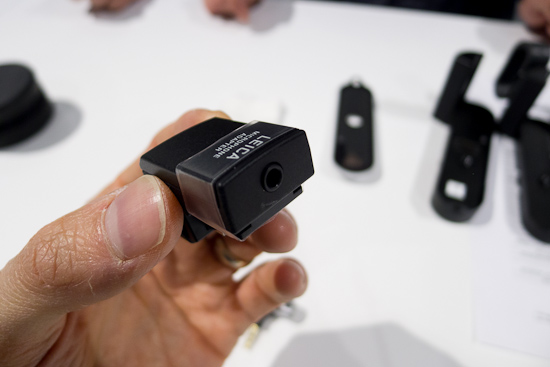
3.5mm stereo mic jack
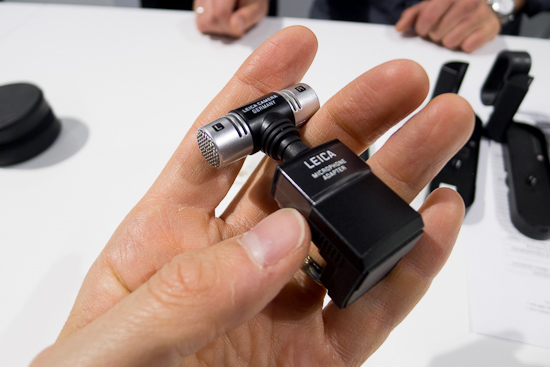
Leica stereo mic installed in adapter
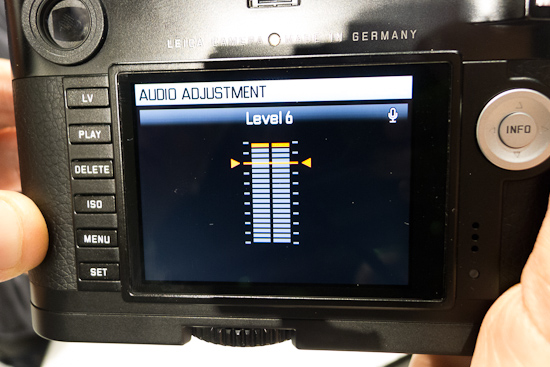
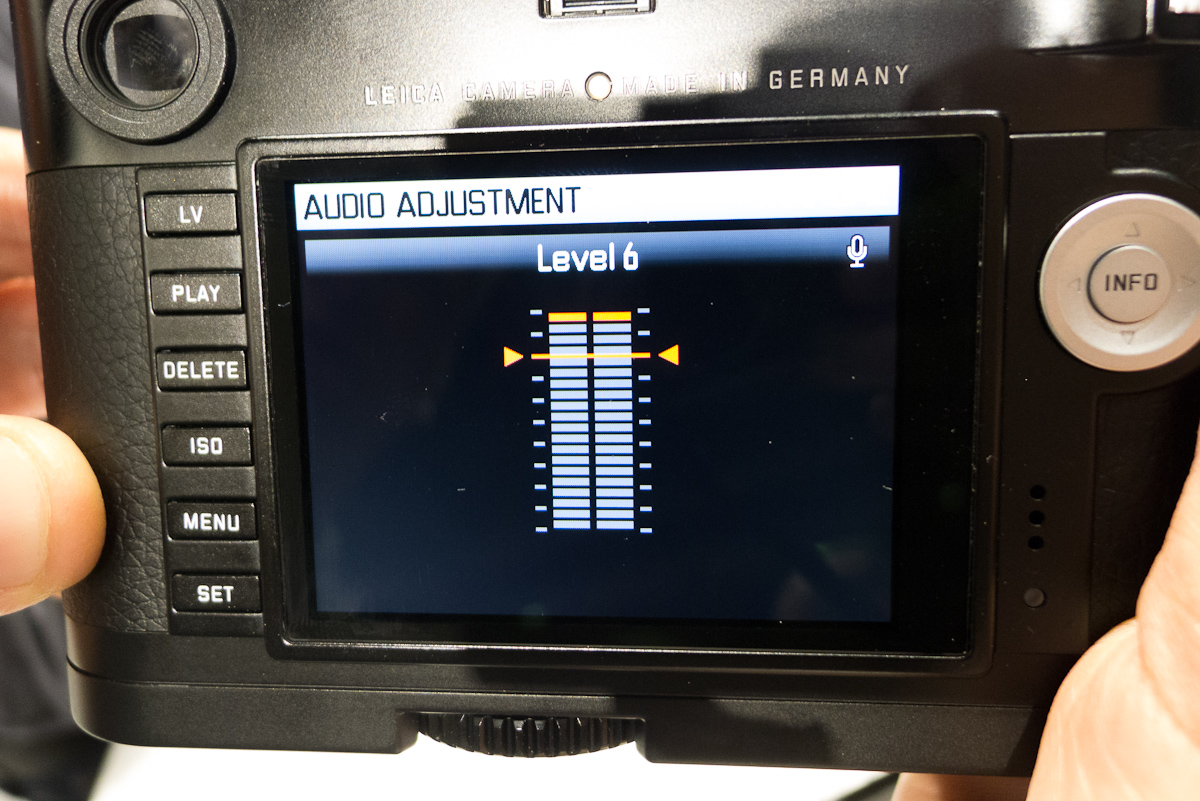
You can set the mic level while evaluating a live readout. There is also an option for wind-cut.
The one thing I haven’t written about is the image quality. Well, I haven’t been able to evaluate any files from the camera, so this will have to wait for another day. If I went purely from what I saw on the LCD, then I think we are in for a real treat. Leica worked very diligently to produce Leica-like image quality from the Leica-exclusive 24MP CMOS sensor . Leica also designed the processing board and sensor board to exacting specs. There isn’t a single piece of off-the-shelf hardware in the M and the R&D team controls the entire imaging pathway from lens to file. Let’s just say I have faith that the M will more than deliver the goods.
Keep in the mind that what I’ve written so far isn’t even all the information I gleaned from my time with the new M. But, I do think we are approaching the point of information overload and I need to get some rest for Day 2. If you have any questions, please send them my way by way of comment and I’ll do my best to answer.
If you’d like to pre-order the M, please do so at Leica Store Miami. The camera and accessories are available for order online or on the phone at 305-921-4433. Your credit card will not be charged until the camera is shipped to you.
-
Mark Gowin replied to the topic 30 mm or 35 mm (or waiting for the 24 mm and the 30-90 zoom) in the forum S Lenses 13 years, 10 months ago
Sadly, the 30-90mm zoom price is about where I expected, but held out hope for a lower price. There are definitely trade-offs in the design of this lens. While I would have preferred a constant aperture, keeping the lens a reasonable size is more important to me. I plan to use the lens primarily for landscape so the slow aperture won't be an…[Read more]
-
Al Tanabe replied to the topic And here we go. The NEW S2! in the forum Leica S (Typ 006) 13 years, 10 months ago
Pete,
Thanks for the report, great job! -
Cira Crowell replied to the topic And here we go. The NEW S2! in the forum Leica S (Typ 006) 13 years, 10 months ago
Thanks SO much for your detailed report Pete. Very helpful for this S-Girl!
-
Cira Crowell replied to the topic And here we go. The NEW S2! in the forum Leica S (Typ 006) 13 years, 10 months ago
Thanks SO much for your report Pete. Very helpful for this S-Girl!
- Load More